Desert Online General Trading LLC
Dubai, United Arab Emirates
Desert Online General Trading LLC
Dubai, United Arab Emirates


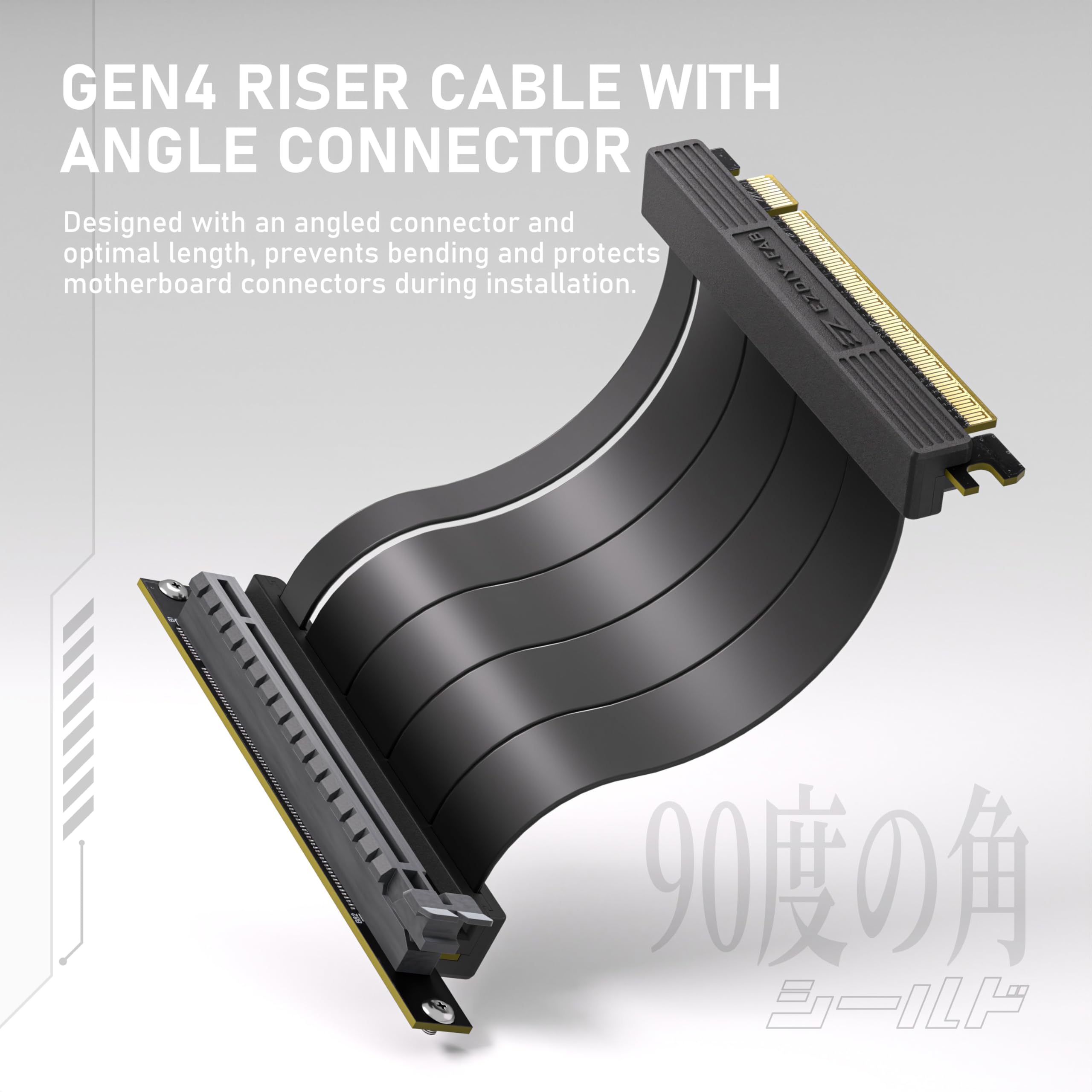


🎮 Elevate Your Gaming Aesthetic!
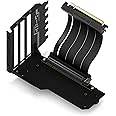
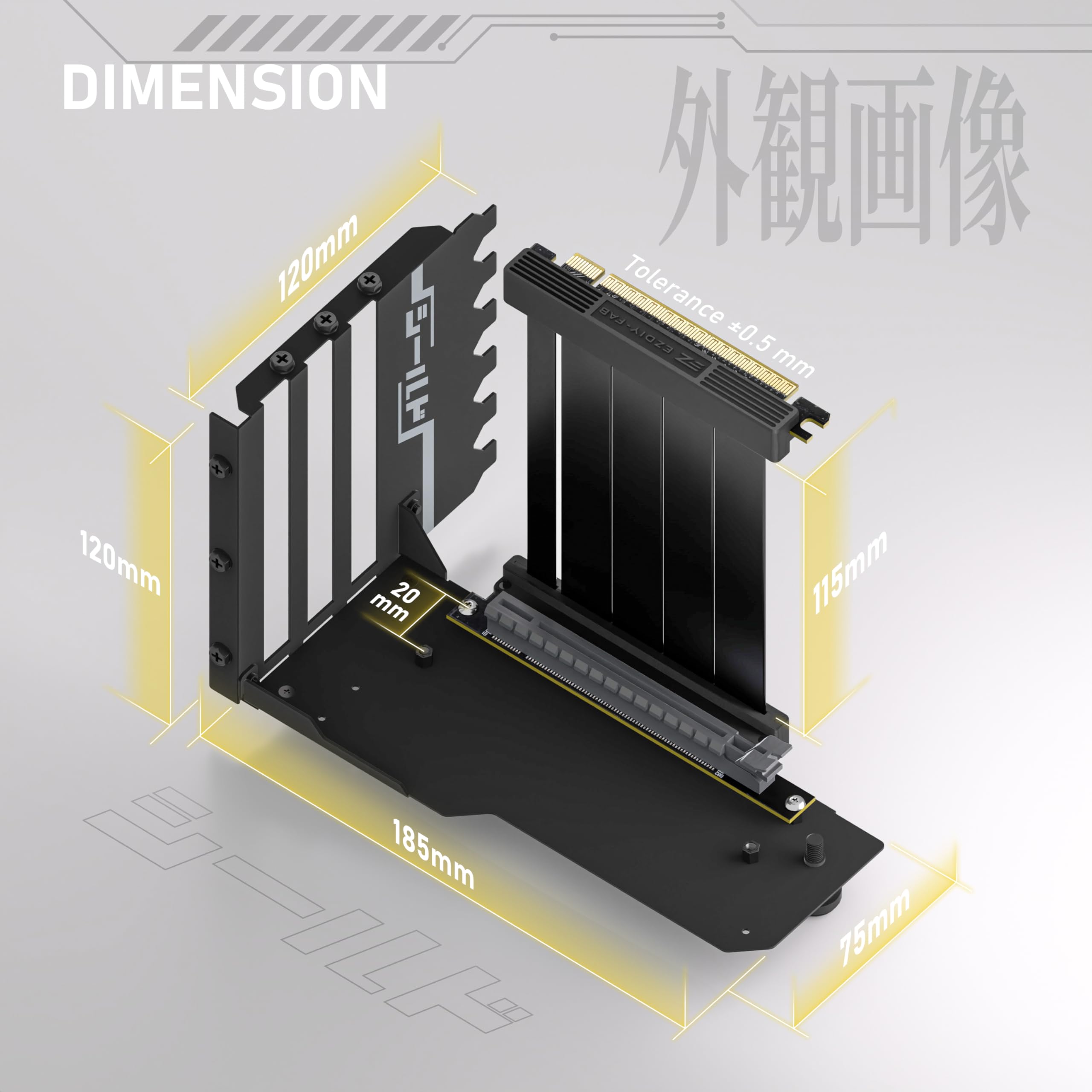
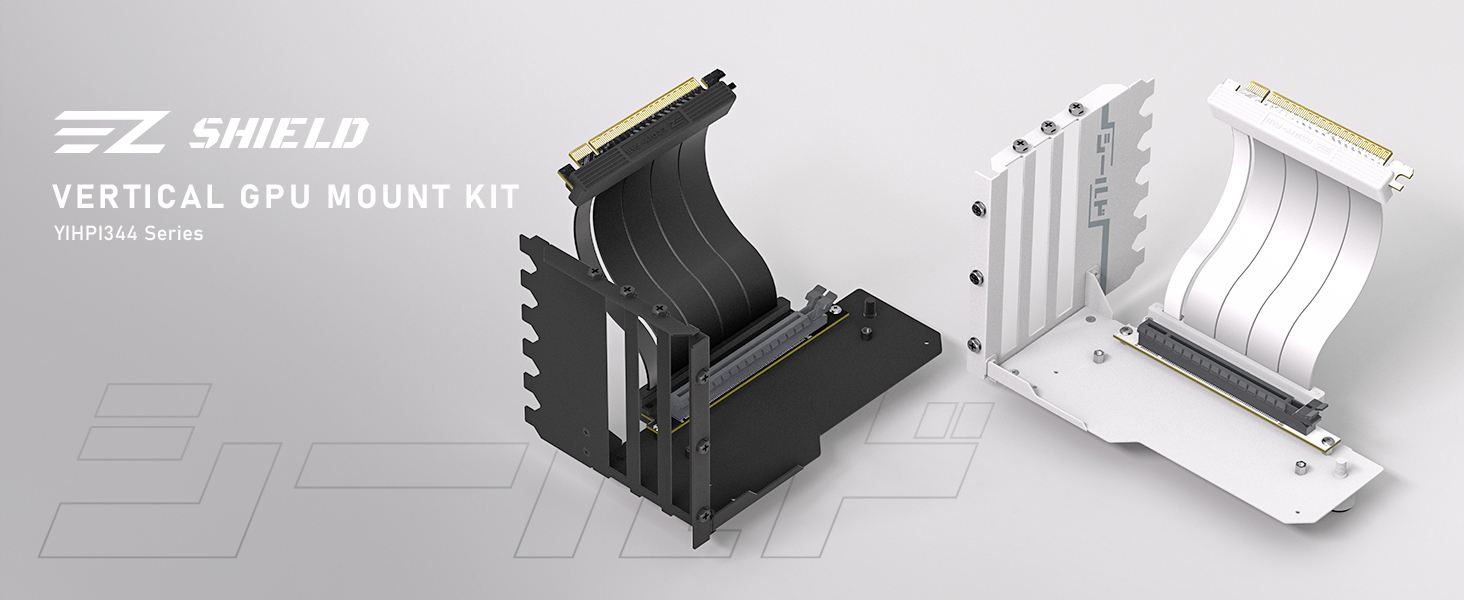
The EZDIY-FAB Vertical GPU Mount is engineered for optimal performance and aesthetics, featuring a PCIe 4.0 riser cable, adjustable support, and a robust locking structure, making it the perfect choice for gamers looking to showcase their high-end graphics cards.



| Manufacturer | EZDIY-FAB |
| Item model number | YIHPI344 |
| Item Weight | 13.7 ounces |
| Package Dimensions | 8.62 x 6.06 x 2.05 inches |
| ASIN | B0CP3LHDZJ |
| Date First Available | November 28, 2023 |
M**S
Works great, RTX 4070 ProArt
Works flawlessly with the Fractal North.
J**N
it works, it looks good but its fragile.
mounting video card vertically instead of horizontal if you need to mover it for cable management be careful with the front clip. mine broke
R**.
Great GPU mount
The GPU mount fit into my Cooler Master TD500 Mesh case without any issues
A**R
Sent previously used and damaged product as new
The pcie bracket arrived in a resealed box. Upon opening it I found it to be scratched up and bent. The bracket was very low quality. The pcie connector was extremely low quality, dirty looking plastic. If you’re aiming for a high end build, this is low end trash. Avoid.
C**N
EZDIY-FAB Vertical GPU Mount Review
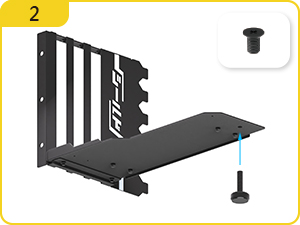
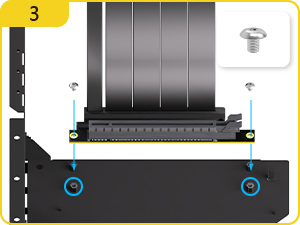
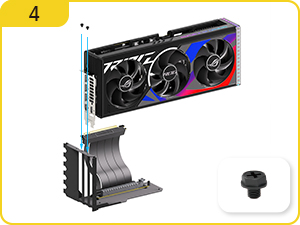
The EZDIY-FAB Vertical GPU Mount is legit. It’s one of those upgrades that instantly makes your build look better, especially if you’ve got a flashy GPU.The PCIe 4.0 riser cable works perfectly. No performance drops, no weird connection issues, just fast and reliable. Exactly what you’d expect from a decent riser cable.Installation is straightforward enough if you know your way around a PC, but the instructions could be clearer. Once it’s in, though, the mount feels solid. Your GPU isn’t going anywhere, and it gives you that peace of mind when the fans spin up.Aesthetically, it’s a game changer. The vertical position shows off your GPU like it’s the star of the show. If you’ve got RGB, it’s on full display. Even without, it just looks cleaner and more intentional.Bottom line, it’s a great choice for anyone wanting a vertical setup. Good build quality, easy to work with, and it makes your rig stand out.
I**T
Really low quality.
A screw broke at the head hand tightening it to the case, was difficult to remove without damaging the frame on my brand new Antec performance 1.
N**M
Easy install in my CoolerMaster H500 RGB case with RTX 3090 - RETIRED AFTER A YEAR
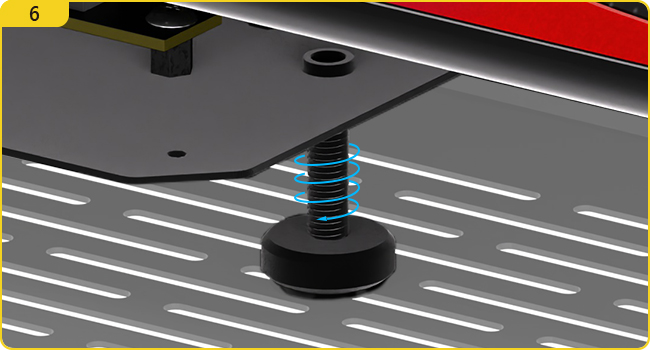
The bracket fit easily into the lower 6 of the 7 slots on my case. It wouldn't fit into the top slot as there's a protruding ridge of metal on the inside of the case. I had to screw the GPU and blanking plate into the frame before assembly because the screws would otherwise be inaccessible.The only real problem I encountered was with the PSU cover at the bottom of my case. It has a rectangular cut-out to pass wires which is directly under the adjustable foot on the GPU bracket. For now, I've just used some rubber blocks to support the bracket. I may 3D print something fancier some day.I mounted the GPU as far forward as possible to provide some breathing room for the very hot RTX 3090 backplate. (The PCIe adapter can be attached to the bracket in two positions.)Benchmark scores are now slightly higher (within margin of error), while peak GPU temperature is maybe 1oC higher. So mounting vertically hasn't done much for thermals, but I may stick a ridged heatsink to the backplate as it's now hidden from view.Overall, very happy with the product.UPDATE: I switched back to mounting my PNY 3090 horizontally after about a year of use. I found that I was getting thermal shutdowns in both Ubuntu, running local LLMs, and in Windows 11 running "Oblivion Remastered". Not sure if I could have solved the problem with changes to the GPU fan curve in BIOS, but the horizontal mounting "just works" so I didn't try too hard. No thermal issues in several months of horizontal use so not the card or the OS/drivers.The vertical mount would probably be fine for newer GPUs, and more enthusiastic gamers/tinkerers, but was more trouble than it was worth for me.
C**Y
NO POST WITH 4090 x570 Motherboard
As with most of these things ive tried, I get a hang on the white gpu post light even though its a 4.0 pcie . My 4090 and my 7900 xtx had this issue . I have tried about 4 different kinds ..same issue. My conclusion is x570's are not meant to have cables plugged in. It has to be direct gpu regular upside down mount and everything is fine.
Trustpilot
1 day ago
2 days ago