
DOWNLOAD THE APP


Customer Services
Copyright © 2025 Desertcart Holdings Limited
DOWNLOAD THE APP

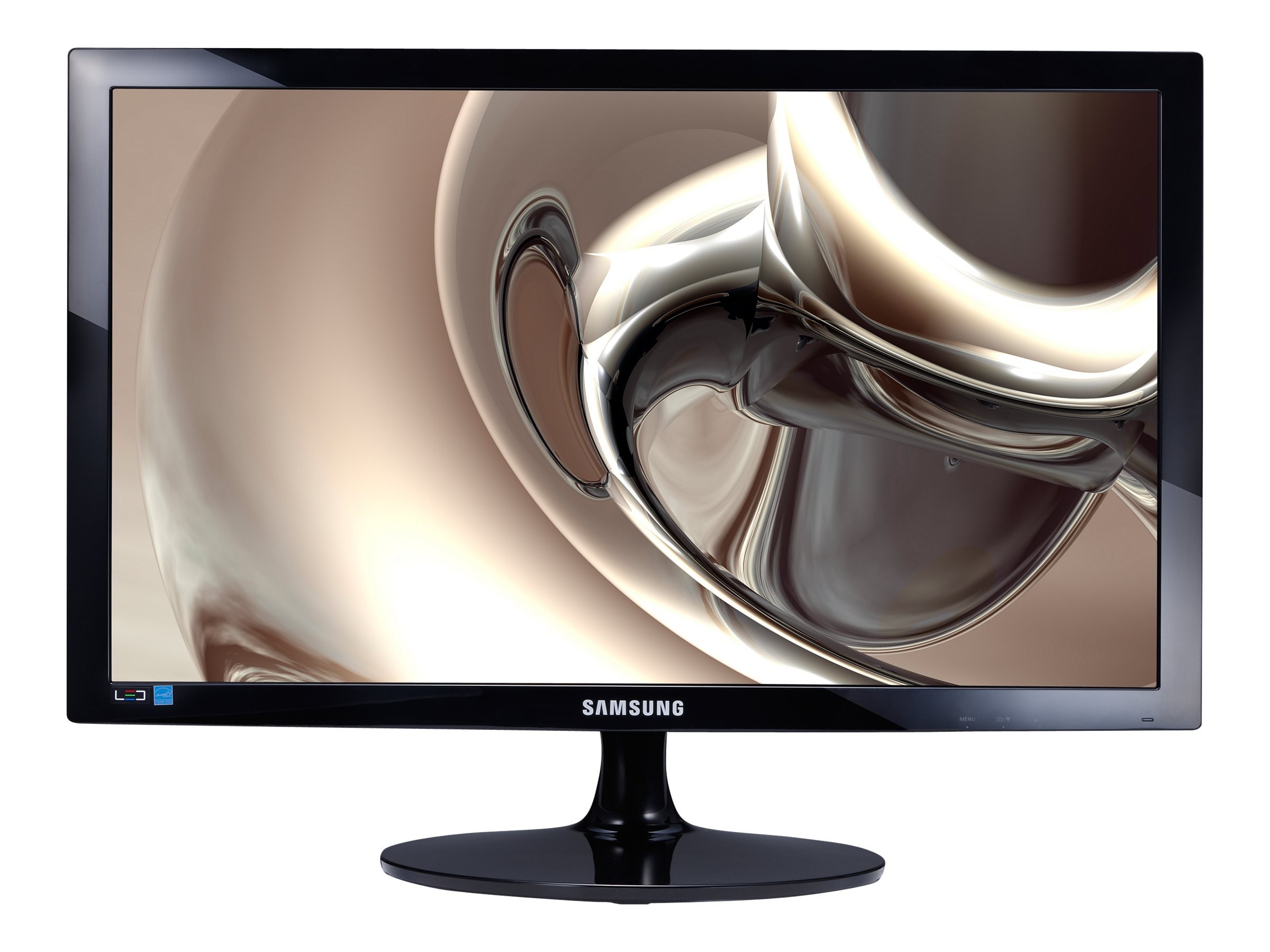
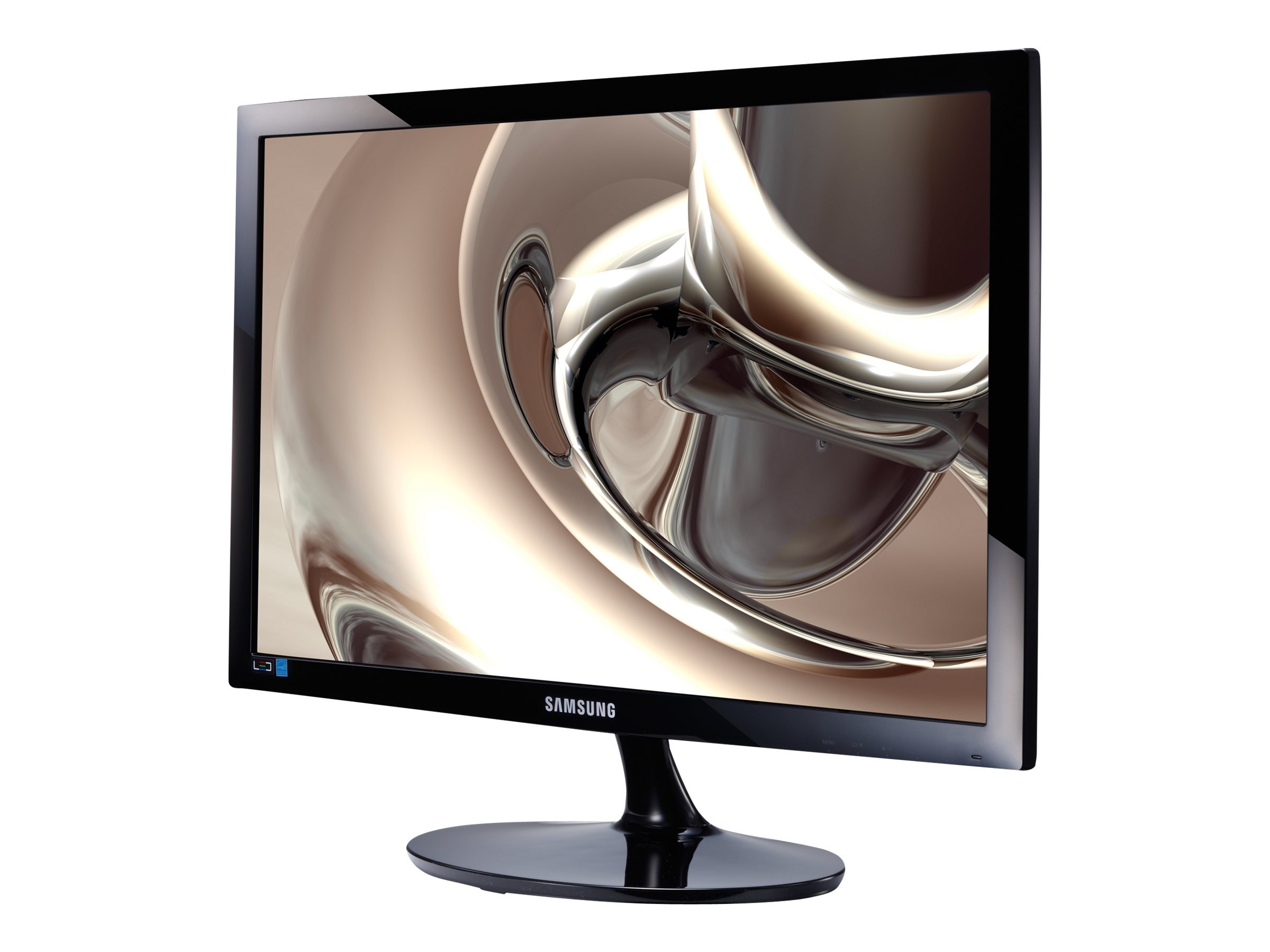
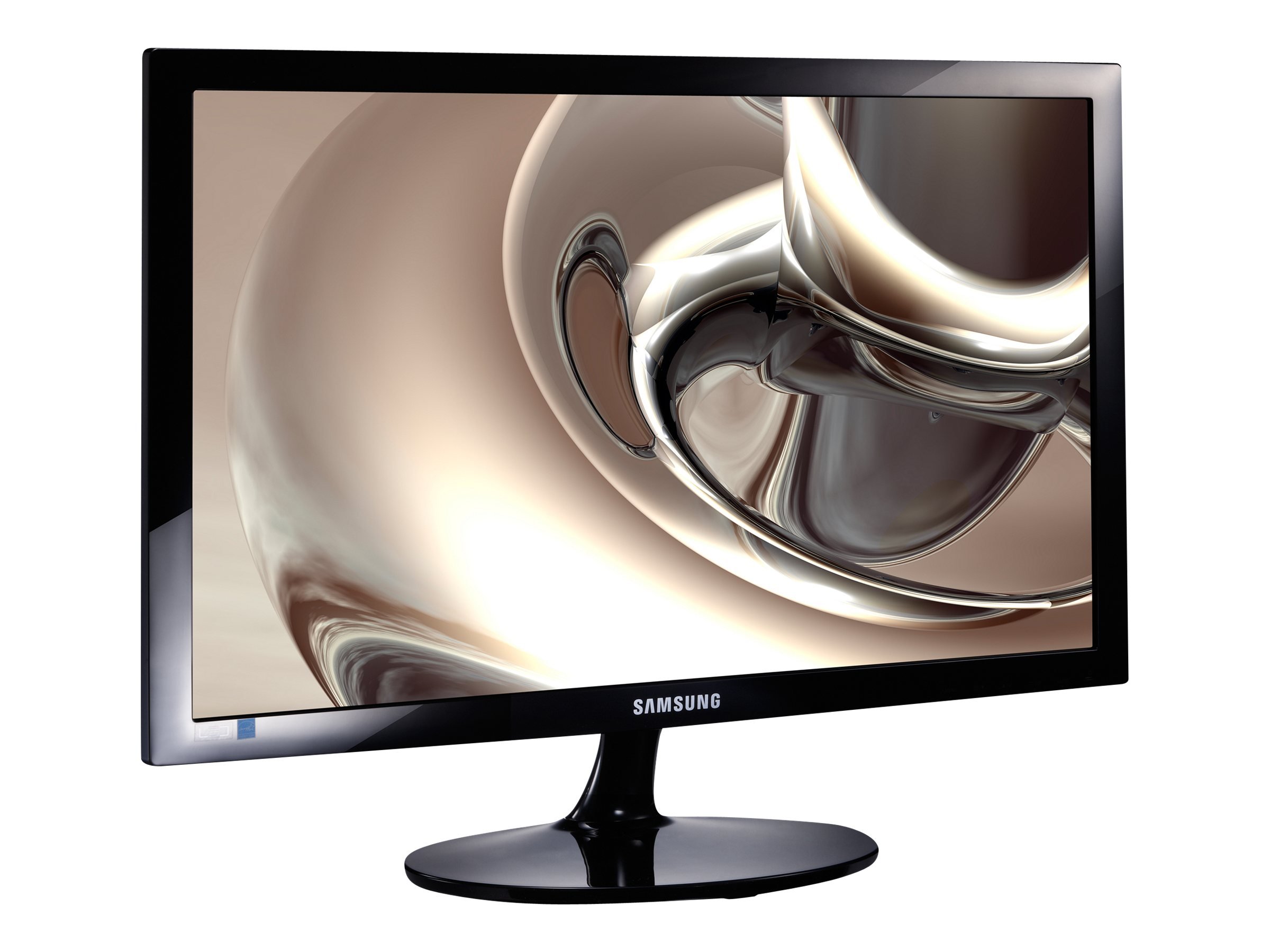
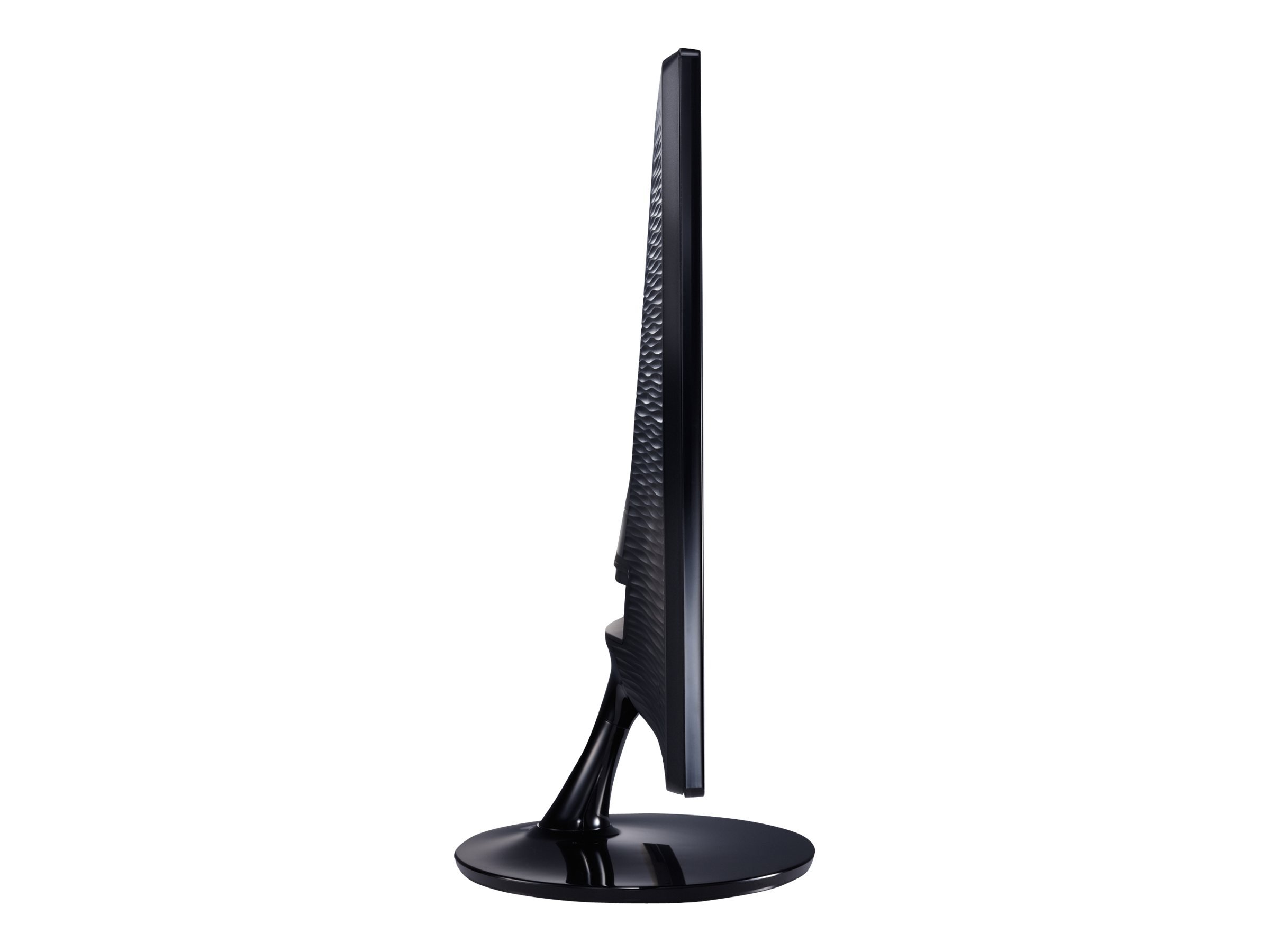
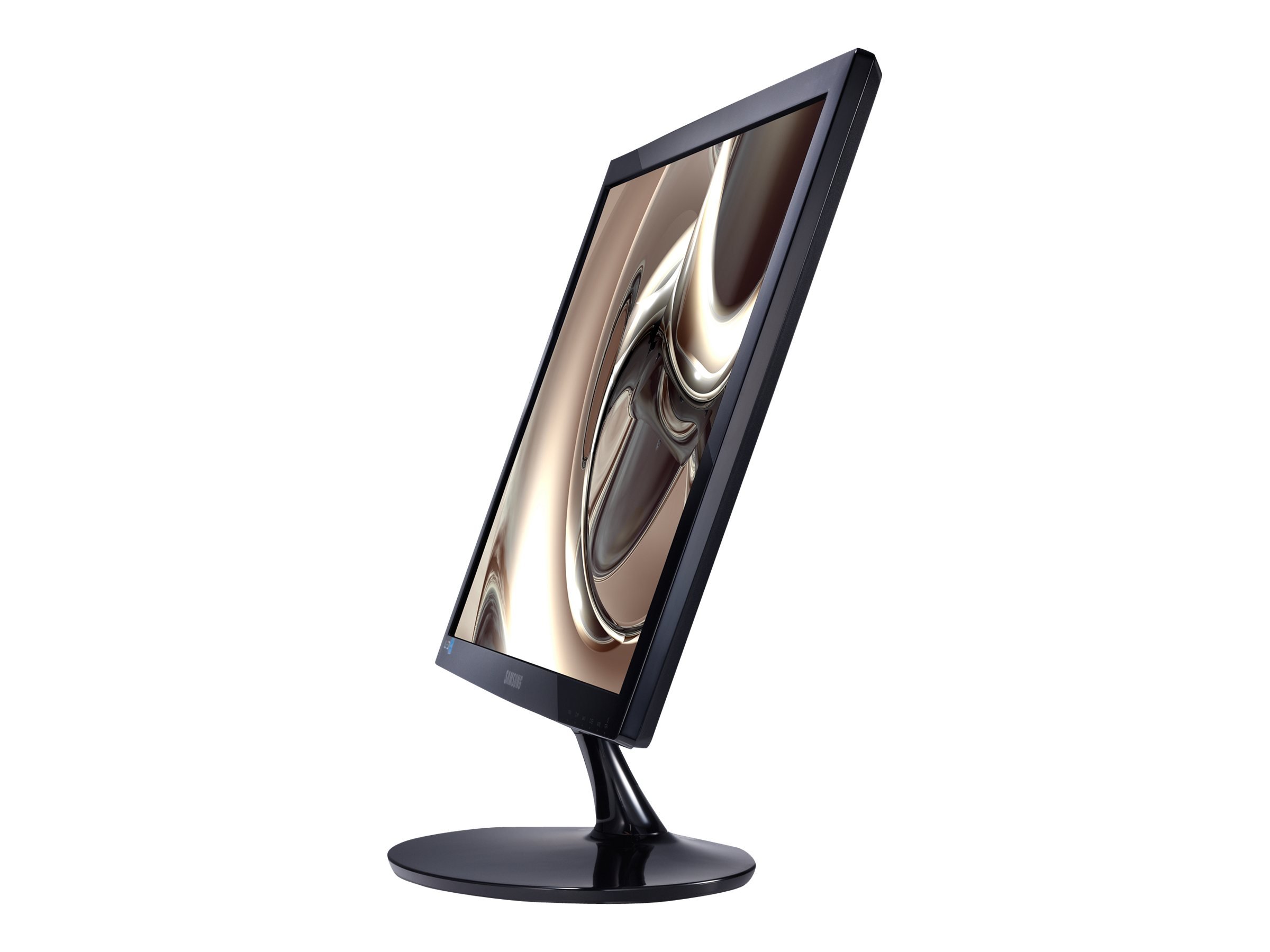
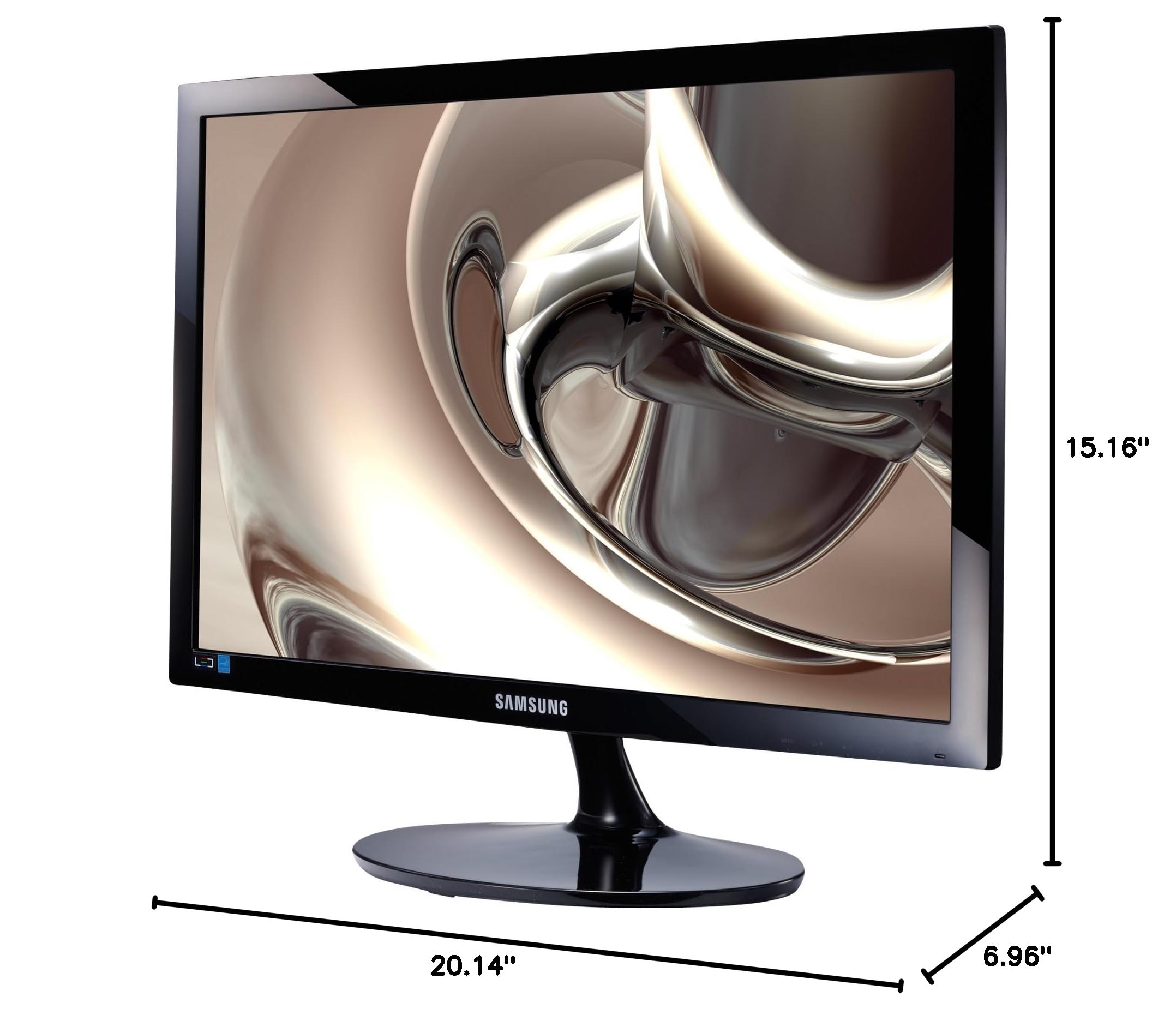
💼 Elevate your desk game with Samsung’s sleek, smart, and stunning display!
The Samsung Simple LED 21.5” Monitor (S22D300HY) delivers crisp Full HD visuals with a 1920x1080 resolution and enhanced color depth via Mega Dynamic Contrast Ratio. Its eco-saving feature optimizes power consumption, while the high glossy finish adds a sophisticated touch to any professional workspace. Lightweight and compact, it supports HDMI input for versatile connectivity.
| Standing screen display size | 21.5 Inches |
| Screen Resolution | 1920x1080 |
| Max Screen Resolution | 1920 x 1080 |
| Brand | Samsung Electronics |
| Series | S22D300HY |
| Item model number | S22D300HY |
| Item Weight | 6.3 pounds |
| Product Dimensions | 6.9 x 15.1 x 20.1 inches |
| Item Dimensions LxWxH | 6.9 x 15.1 x 20.1 inches |
| Color | Black |
| Manufacturer | Samsung IT |
| ASIN | B00IEZH006 |
| Is Discontinued By Manufacturer | No |
| Date First Available | June 28, 2017 |
C**B
Incredible Value for Samsung Quality
This is an incredible value for a Samsung- I highly recommend it. The controls are quite difficult to use, however, and the "magic" settings proved totally useless. Out of the box, the brightness will burn out your eyeballs... but once you get the adjustments right, the picture is fabulous- on par with far more expensive products. I would like to add that this monitor DOES tilt up and down. It even says on the BOX that it does, so the reviews here that says it does not are completely erroneous. All you have to do is put one hand on the base, and either push or pull on the top of the unit to adjust it. Trust me- It tilts. My only other quibble is- Why, Samsung, the VGA cable instead of HDMI? Everybody and their mother has VGA connector cables laying around. I had to buy an HDMI cable separately(Which was dirt cheap, by the way). O.K.- Enough with the fairly minor negatives. This is worth every penny for Samsung quality, and if you don't mind ten minutes of tinkering with the settings initially you should just quit reading this, or looking at other products, and hit the "add to cart" button immediately.
H**J
Great monitor, Great price. It DOES TILT!!
I can't yet speak to the longevity, however I am very impressed with this monitor.Colors are great. I did notice a slight improvement using the HDMI portSome folks mentioned that the screen is too bright, it is so easy to adjust just about every aspect of this monitor... so ... easy fixFor those folks that are not as tech savvy, there are a few very easy auto tune functionsAnother reviewer mentioned the viewing angle being problematic here, there are adjustment available in the menu to address this and in my opinion remediate any issues.Be advised that it does tilt, (unlike some previous reviews state). It is very stiff. There actually is a you tube video showing that it will tilt and not breakSo many were having the same issue that a youtube video was madehttps://www.youtube.com/watch?v=i_NnauizvzQSolved :-)Also, some have mentioned that it is too bright. I found that if you turn off game mode and adjust the contrast to 60 or so it really addressed this well.
P**Y
Good monitor for the price, works well with my Mac mini after easy calibration
Really good little monitor for the price, I'm happy with the purchase. I have it connected to a Mac mini via HDMI in my kitchen where there is a lot of light. I picked this monitor because of the anti-glare and the better than average viewing angles, and it's good in both regards. I use it for occasional email writing and web browsing and watching Netflix or Hulu in the kitchen, and for this purpose it's great. I also like the auto power-off timer, since nobody in my family can seem to remember to turn off a monitor.- Several people commented that the color is worse unless you're looking straight on. I don't really notice that - if I look hard there's a subtle effect, but I otherwise don't notice it. Maybe I'm less sensitive to that? If anything I think the color is a little better from an angle.- One person complained about it being wobbly on the stand. It is a little bit, but not enough to bother me. On my solid desk, it doesn't wobble unless I actually touch the monitor itself. Yes, it would be better if the stand were really rock-solid, but it seems fine to me.- It's not a high-DPI display, so if you're used to looking at, say, a Mac Retina monitor, this doesn't come close to that. For my use, I quite like it. If you're going to look at it all day long reading a lot of text...I would recommend something else, a higher DPI monitor is a better choice in that case.The color looked washed out when I first connected it to the Mac mini. I calibrated it using Mac OS X's calibration, under System Preferences -> Displays -> Color -> Calibrate.... After determining the native gamma (the step where you have a picture of the Apple logo on a striped background) the color looked way better. This is apparently a per-user setting, so if you have multiple Mac OS X accounts, you need to do this for each account. It's really easy, but it would be nice if it looked great right when you plug it in.Overall it's a good value and I'd recommend this monitor.
E**T
Works well, wish it was able to tilt.
The picture is pretty good on this and the image can be adjusted for eye level, above eye level, and below eye level viewing. I was skeptical about those settings but they seem to have worked well. It was definitely needed with a monitor that does not have the ability to be tilted (the reason for 4 stars). I've had no dead pixels and it starts fairly quickly.UPDATE:::After trying what a commenter mentioned, the screen DOES tilt. It's just really stiff as they mentioned. Thanks to the commenter for that! And now I give it 5 stars. It is not the best screen out there by any means but for the cost compared to others, I give it 5.
Trustpilot
2 months ago
1 day ago