
DOWNLOAD THE APP


Customer Services
Copyright © 2025 Desertcart Holdings Limited
DOWNLOAD THE APP
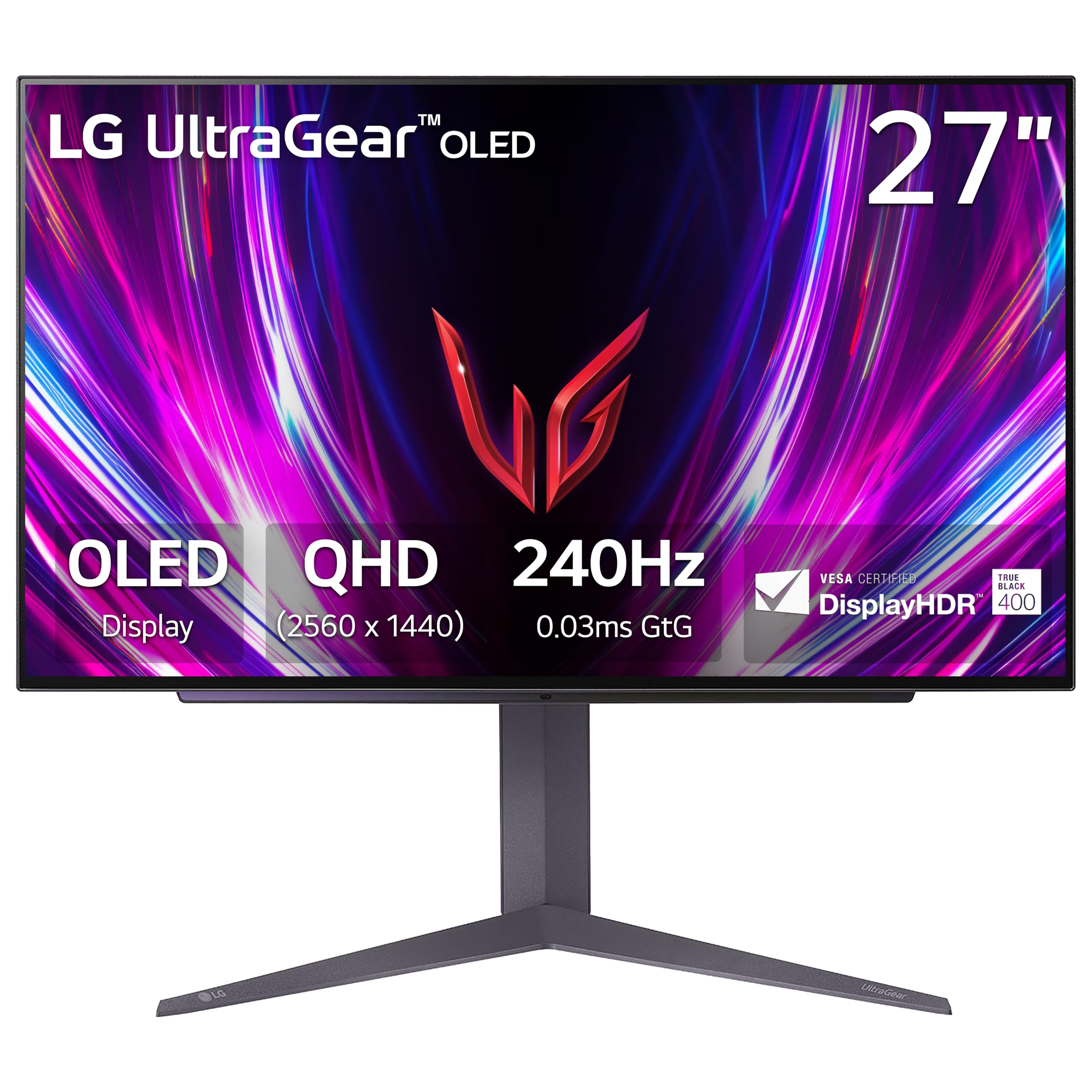
🎮 Elevate your game with OLED speed and stunning depth — don’t just play, dominate.
The LG 27GS93QE is a 27-inch QHD OLED gaming monitor boasting a blistering 240Hz refresh rate and ultra-fast 0.03ms response time. Certified VESA DisplayHDR True Black 400, it delivers exceptional contrast and deep blacks for immersive visuals. Equipped with NVIDIA G-SYNC and AMD FreeSync Premium Pro, it ensures tear-free, smooth gameplay. Its sleek, nearly borderless design with ergonomic stand adjustments makes it a premium centerpiece for any professional or enthusiast gaming setup.


| ASIN | B0DF786923 |
| Are Batteries Included | No |
| Brand | LG |
| Color | Black |
| Customer Reviews | 4.3 4.3 out of 5 stars (182) |
| Date First Available | 9 October 2024 |
| Item Weight | 6.71 Kilograms |
| Item model number | 27GS93QE-B.AUS |
| Manufacturer | LG |
| Number of HDMI Ports | 1 |
| Number of USB 3.0 Ports | 3 |
| Product Dimensions | 25.91 x 60.45 x 57.4 cm; 6.71 kg |
| Resolution | 2560 x 1440 Pixels |
| Screen Resolution | 2560x1440 |
| Series | 27GS93QE-B.AUS |
| Standing screen display size | 27 Inches |
| Voltage | 230 Volts |
K**E
This is the best monitor I have ever owned. It's not my first OLED as I own a small QD-OLED, but its my first WOLED monitor. I think both WOLED and QD-OLED are great technologies and when purchasing a monitor more things should factor in the purchase than the panel itself IMHO. This monitor has a lot going for it: The remote makes so much sense and it is so helpful and practical when adjusting the settings, unlike the knob that most monitors carry nowadays, allows me to change between settings quickly. I have my setup in a well lit room with multiple windows, in a common area so it's impossible to control the light conditions, so matte is the way to go for me, but this monitor isn't 100% matte, more like anti-glare, semi-glossy, which to me is definitely the best option, because it definitely shows the dust and dirt way less. I have perfect vision and never wore glasses and I don't see any smearing of the graphics, and playing with the settings I was able to replicate the color impact of my QD-OLED without the caveats of the glossy screen. When rendering colors I have my monitors calibrated with an i1 Display Pro to make them look the same so I don't see any differences between the OLEDs, unless changing modes that are pre-calibrated and over-emphasize colors. I can understand someone liking those modes on a QD-OLED display since it can display a broader color range, but that wasn't the game designer's intention most likely, specially when most videogame graphics are designed to display sRGB colors and sometimes use more restricted graphic palettes in order for the games and graphics to look good in a broader variety of displays. As someone who has been involved with graphics in a variety of media I remember the days when Apple decided to suddenly switch to glossy monitors and the vast majority of professionals saying that was a poor choice and a bad idea, it's interesting how over a decade and a half later people are drooling over glossy QD-OLEDs thinking that's the best and only way, must be the fact that cellphones are everywhere and their screens are glossy. I personally find glossy screens more distracting and less immersive in normal light conditions and better suited for dark rooms or windowless rooms with ceiling illumination. As for the brightness, I mostly use this monitor with brightness between 67-85%, with 75% being my average, with peak brightness setting on high during the day and low or off in the evening and night. Peak Brightness at night shows a lot of banding on low light conditions so it's best when it's off. Again, having a remote allows you to quickly change these specs quickly and effortlessly if needed. To sum it up, if you are looking for an OLED monitor that's suitable for most people than being targeted exclusively towards gamers and looks like a product targeted towards an older demographic of people who game and can afford and OLED monitor but like most adults out there don't have the perfect light conditions, need to share the space with others and don't want something that has an overly gamer aesthetic despite being a gaming monitor. I would recommend this monitor to anyone that want's a flexible premium OLED monitor that has a great number of features that will blend in better with any lifestyle without restricting you in one way or another and that feels like a logical upgrade. 2 month update: I have gotten the hang of calibrating it properly and creating ICC profiles. Colors look incredibly accurate even on HDR you don't get the washed out effect after properly calibrating it. Interestingly enough leaving it at 75% brightness works for most situations. I find it as bright as my older VA monitor, but I have never been a fan of extreme brightness.
H**T
The Internet had me worried about getting a woled monitor instead of a qd oled, and a matte finish. The matte finish is perfectly fine in a room with sunlight and sheer curtains, there is no hazy look and the colours are perfectly vibrant and it truly is worth it to get an oled monitor. It is anti glare, I haven’t noticed any glare at all. It’s not overly heavy. It’s sturdy. The included stand is very high quality but works awesome on a monitor arm. This monitor is great quality. The remote makes it feel like a TV, there’s lots of settings you can adjust on the monitor. There’s even an FPS counter AND a cross hair you can turn on- I hope it lasts a long time because I really like this monitor!
R**N
This monitor is really nice, runs cool, colors and accuracy are fantastic. Features and remote makes for nice quick adjustments / run clean cycle. Software that comes with the monitor doesnt seem very functional though, cant find firmware or driver options on the LG website either, minus their 3 software tools. Took some time to calibrate it, ended up using the windows store tool and none of the software pieces. In the On Screen software suite , it allows for firmware update, but it doesnt appear to work or there isnt an update. Nice build quality, stand is quite firm, unit is front heavy with heavy screen. Overall better pixel quality and sharpen handle, color gamut than Ive ever had on a monitor. Really enjoying it so far.
L**E
The picture/colouring on the monitor is fantastic. The blacks are deep and actually blend in with my dark room as opposed to being an ugly greyish colour. I generally play fps/esports games and I have noticed a slight improvement in terms of smoothness going from my other 240hz monitor to this one. I have not noticed any weird effects to due to the specific panel type, I.e haloing from white text on a black screen. I only slightly tweaked the picture settings for the monitor and it is definitely worth the extra 2-300$ for this panel. The one thing I thought would put me off about the monitor was the screen cleaning mode/timer, you are able to choose how many hours until it prompts you to turn off the monitor for cleaning, BUT the prompt does not come up at all if you are actively using the monitor. So this means you won’t be in the middle of a match and have to turn the monitor off for 15 minutes because you got unlucky with the screen cleaning needing to be done. Overall it is a great monitor, i love that it comes with a remote to turn on and off, but i would wait for sales or buy used because who wants to pay full price for anything.
A**X
This monitor is excellent so far. Its very easy to use and adjust the settings with the included remote. The brightness is excellent and I would never need to turn it all the way up with peak brightness on. The image quality is excellent and the contrast is wild. Also do not be freaked out if you see vertical banding when using it for the first time. After a few power cycles the monitor will automatically run image cleaning cycles and mine now looks perfect.
Trustpilot
1 week ago
1 month ago