
DOWNLOAD THE APP


Customer Services
Copyright © 2025 Desertcart Holdings Limited
DOWNLOAD THE APP


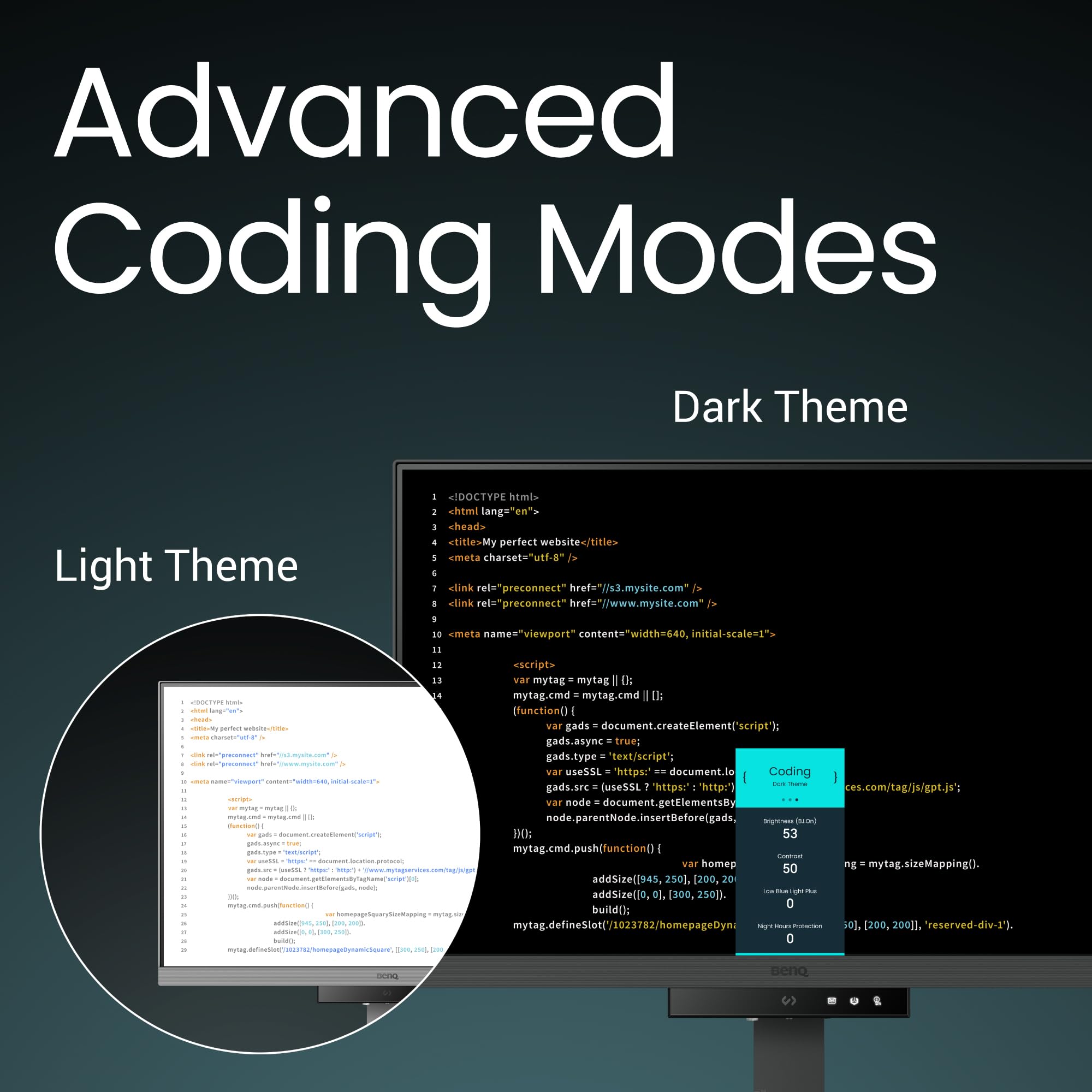

👨💻 Code smarter, not harder — the ultimate dev monitor for your flow state!
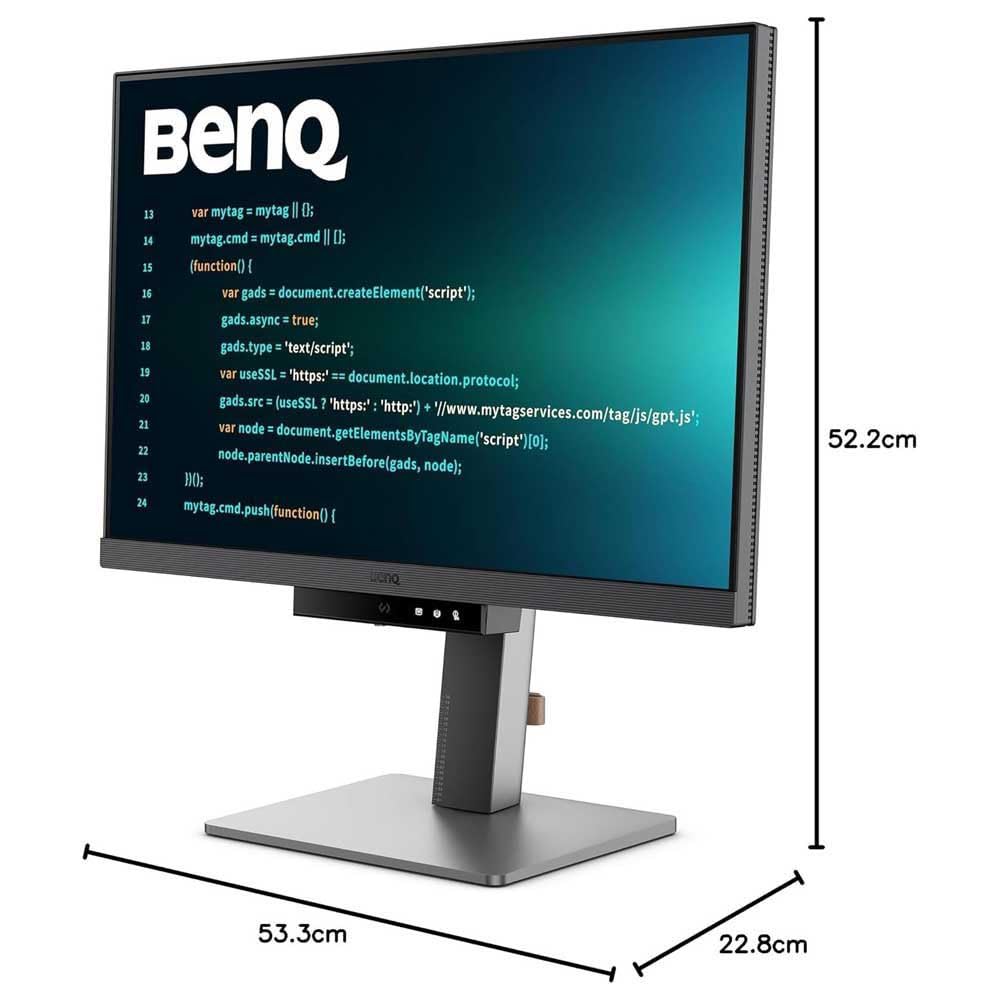
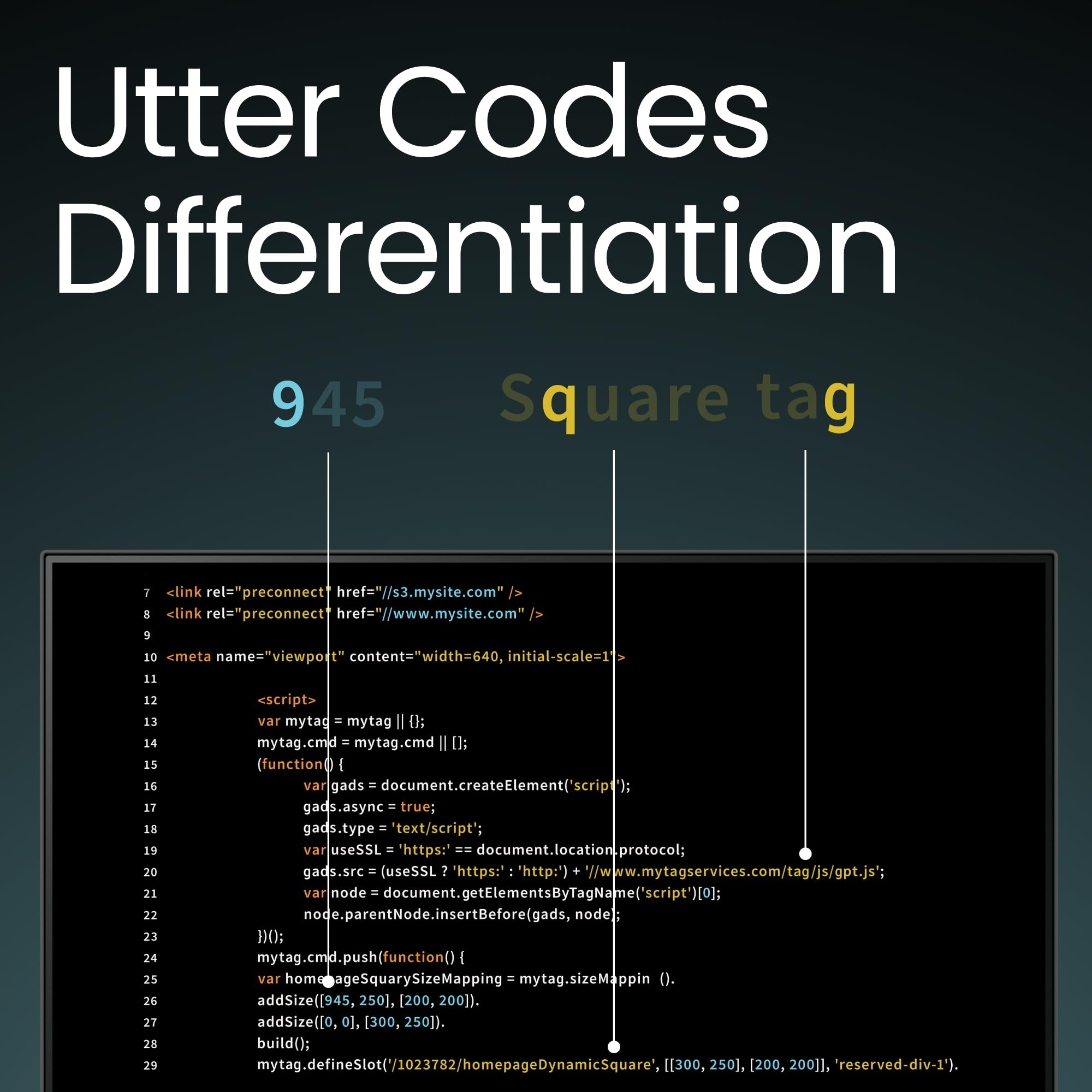
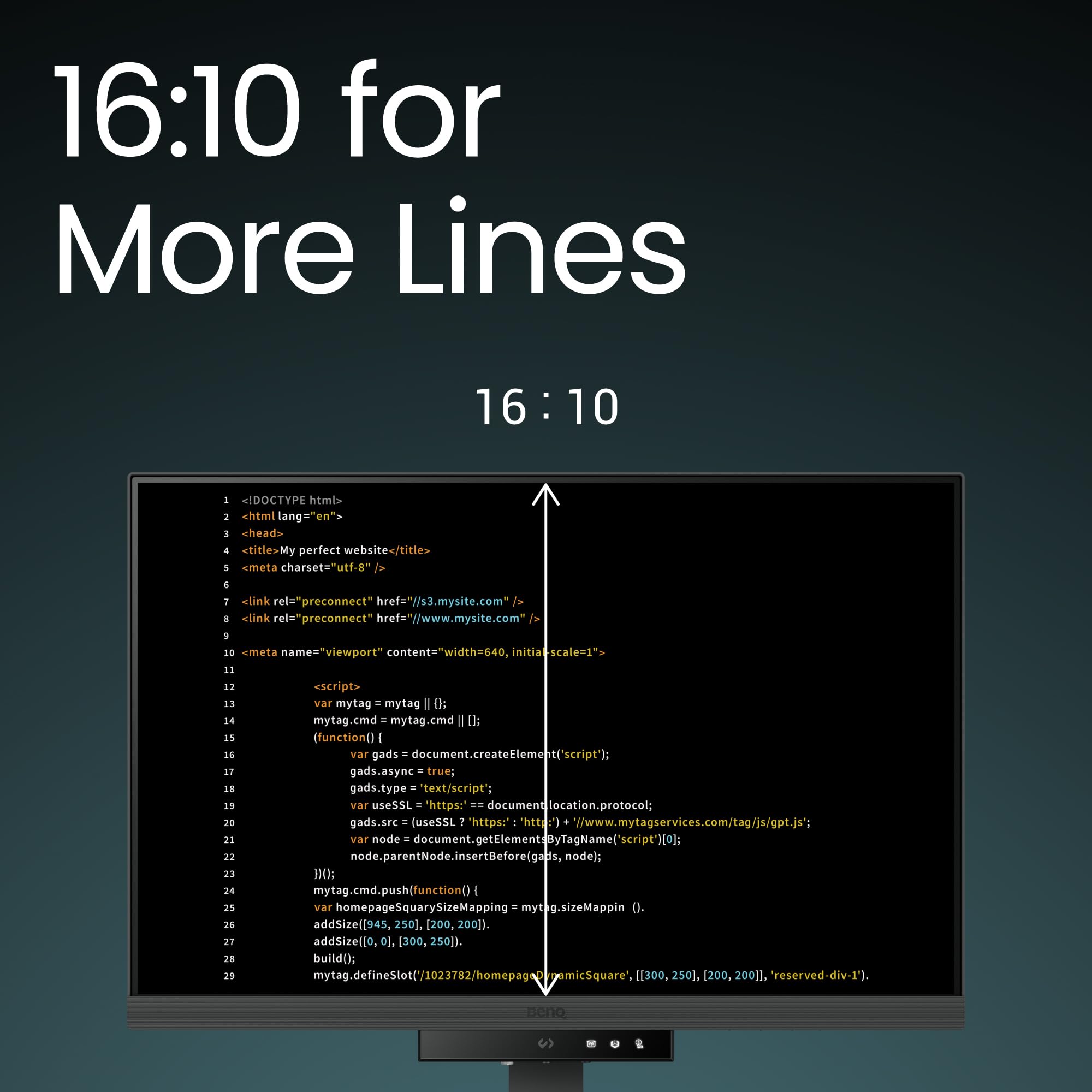
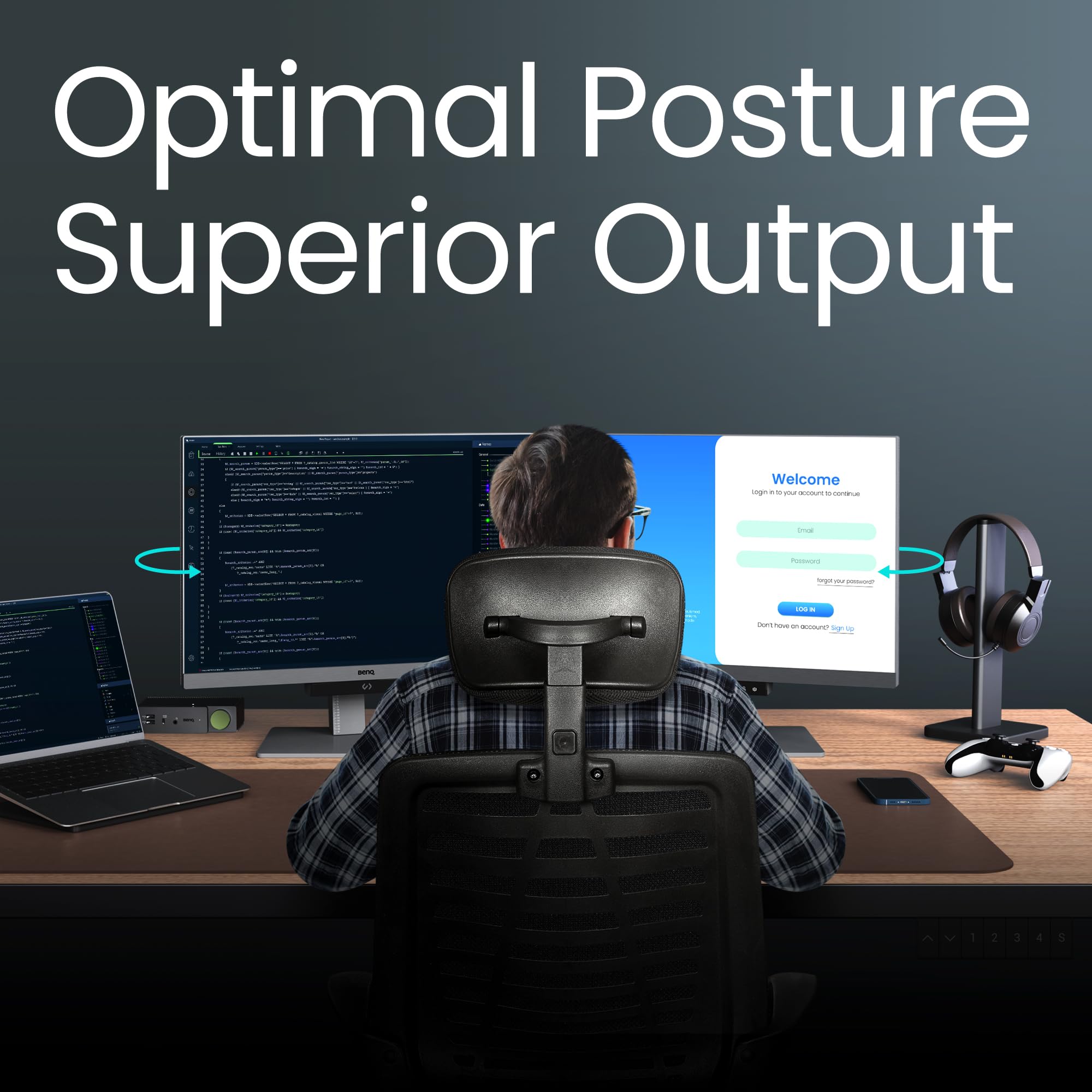
The BenQ RD240Q is a 24.1-inch QHD (2560x1600) monitor designed specifically for programmers, featuring a 16:10 aspect ratio for enhanced vertical screen space. It incorporates advanced eye-care technologies including MoonHalo backlight, Blue Light Filter, and Brightness Intelligence Gen2 to minimize eye fatigue during extended coding sessions. With Thunderbolt 4 connectivity providing 90W power delivery and an integrated USB hub, it supports a streamlined, single-cable workstation. The monitor offers dedicated coding modes accessible via a hotkey and a built-in KVM switch for managing two computers, making it a premium choice for professional developers seeking productivity and comfort.
| ASIN | B0D2KVY1FG |
| Adaptive Sync | FreeSync |
| Additional Features | Blue Light Filter, Eye Care, Height Adjustment, USB Hub |
| Aspect Ratio | 16:10 |
| Best Sellers Rank | #274,810 in Electronics ( See Top 100 in Electronics ) #5,436 in Computer Monitors |
| Brand | BenQ |
| Color | Black |
| Compatible Devices | A wide range of modern laptops, desktops, and gaming consoles with HDMI, DisplayPort, USB Type A, or USB Type C interfaces and support for up to 2560x1440 resolution |
| Connectivity Technology | DisplayPort, HDMI, USB Type A, USB Type C |
| Contrast Ratio | The image contrast ratio is not explicitly stated in the provided information, but considering BenQ's reputation and the mention of eye-care technology, it is likely to have a good contrast ratio. |
| Customer Reviews | 4.1 out of 5 stars 71 Reviews |
| Display Resolution Maximum | 2560 x 1600 Pixels |
| Display Technology | LED |
| Display Type | LED |
| Global Trade Identification Number | 04718755093272 |
| Hardware Connectivity | DisplayPort, HDMI, USB Type C |
| Has Color Screen | Yes |
| Item Dimensions D x W x H | 8.98"D x 20.98"W x 20.55"H |
| Item Height | 52.2 centimeters |
| Item Weight | 7.6 Kilograms |
| Manufacturer | BenQ |
| Model Name | RD240Q |
| Model Number | RD240Q |
| Mounting Type | Wall Mount |
| Native Resolution | 2560x1600 |
| Number of Component Outputs | 1 |
| Picture Quality Enhancement Technology | Brightness Intelligence Technology (BIT) and Low Blue Light |
| Pixel Pitch | 0.233 |
| Refresh Rate | 60 Hz |
| Resolution | QHD Wide 1440p |
| Response Time | 5 Milliseconds |
| Screen Finish | Matte |
| Screen Size | 24.1 Inches |
| Shape | Flat |
| Specific Uses For Product | Programming |
| Total Number of HDMI Ports | 1 |
| Total USB 2.0 Ports | 3 |
| Total USB 3.0 Ports | 3 |
| Total Usb Ports | 3 |
| Viewing Angle | 178 Degrees |
| Voltage | 240 Volts |
N**1
As good as marketed
This monitor exactly what I needed. I'm a programmer and I spend arpund 12 hours in front of the screen. I already had a gaming monitor but it wasn't cutting it. My eyes wear constantly straining leading to bad overall health. No monitor I used in the past had the feature this one has. It's not about the resolution, the Hertz, the size -- its about the quality, the software, and the feature this monitor offers. The unboxing experience was uninspiring and I doubted if I made the right choice. But right after booting thi buddy up, I realized the clarity and the display quality. Mind blowing! The most important thing for me is screen brightness, and this guy has a software controlled brightness adjustment option. On top of that, it has the night protection mode that lowers the brightness even further. I'm sold in this. I highly recommend this to anyone who codes. And the ergoarm is superb. Why did you pick this product vs others?: This product targets programmers, the only in the market.
M**S
Great for coding
This monitor is excellent. I'm a professional developer with a 3 monitor setup, and this is the best display I've used. It has modes for coding in light mode, dark mode, and an SRGB mode for when colour accuracy is important. I mainly use dark mode, and it's fantastic. The contrast ratio is just like using an OLED, and it's very easy on the eyes. The anti reflection coating is pretty good, but not as good as on the flagship Samsung TVs. The halo back light also helps to reduce eye fatigue. The 3:2 aspect ratio is brilliant for developing. You don't miss out on any screen size, as it's a 4K monitor with some extra pixels at the bottom of the screen. This means any 4K media plays in native resolution, just with bigger black bars than on 16:9. The monitor also has a built in USB hub, and KVM. It has a thunderbolt 4 connection with 90W of power delivery. By plugging your keyboard and mouse into the monitor, you can plug the USB C thunderbolt into your computer as a one cable solution for power, display, and peripherals. The KVM means it can be connected to 2 computers at once, with an easy way of switching between them. It's pretty cool being able to connect with just one cable, and makes it easier to connect laptops and tablets without needing an expensive dock. I'd like more than one of these monitors, but the price is quite high, and I also need to keep at least one standard monitor, so I can test UIs on a more standard resolution and aspect ratio. I might buy another if the price comes down on black Friday.
H**S
Best Work Oriented Monitor
This is truly the best working monitor that i have tried in my life . I loved it so much that I bought another one.
İ**N
Halo aydınlatması eksik
hem 3D model hemde yazılım işiyle uğraşıyorum. 2 sis için en uygun monitör bu. Önce 28 inç 4k aldım ancak çözünürlüklerde sorun yaşadım baş ağrıları başladı. Bu monitör gerçekten en boy ve çözünürlük olarak ieal bir monitör. Keşke Halo aydınlatması da olsaydı. 28 olanda vardı.
A**D
great for reading
Took some time to be delivered, but it was worth the wait! Great monitor.
Trustpilot
1 week ago
1 month ago