We remain fully operational. Our teams are working around the clock to ensure your deliveries continue safely.

DOWNLOAD THE APP


Customer Services
Copyright © 2025 Desertcart Holdings Limited
DOWNLOAD THE APP
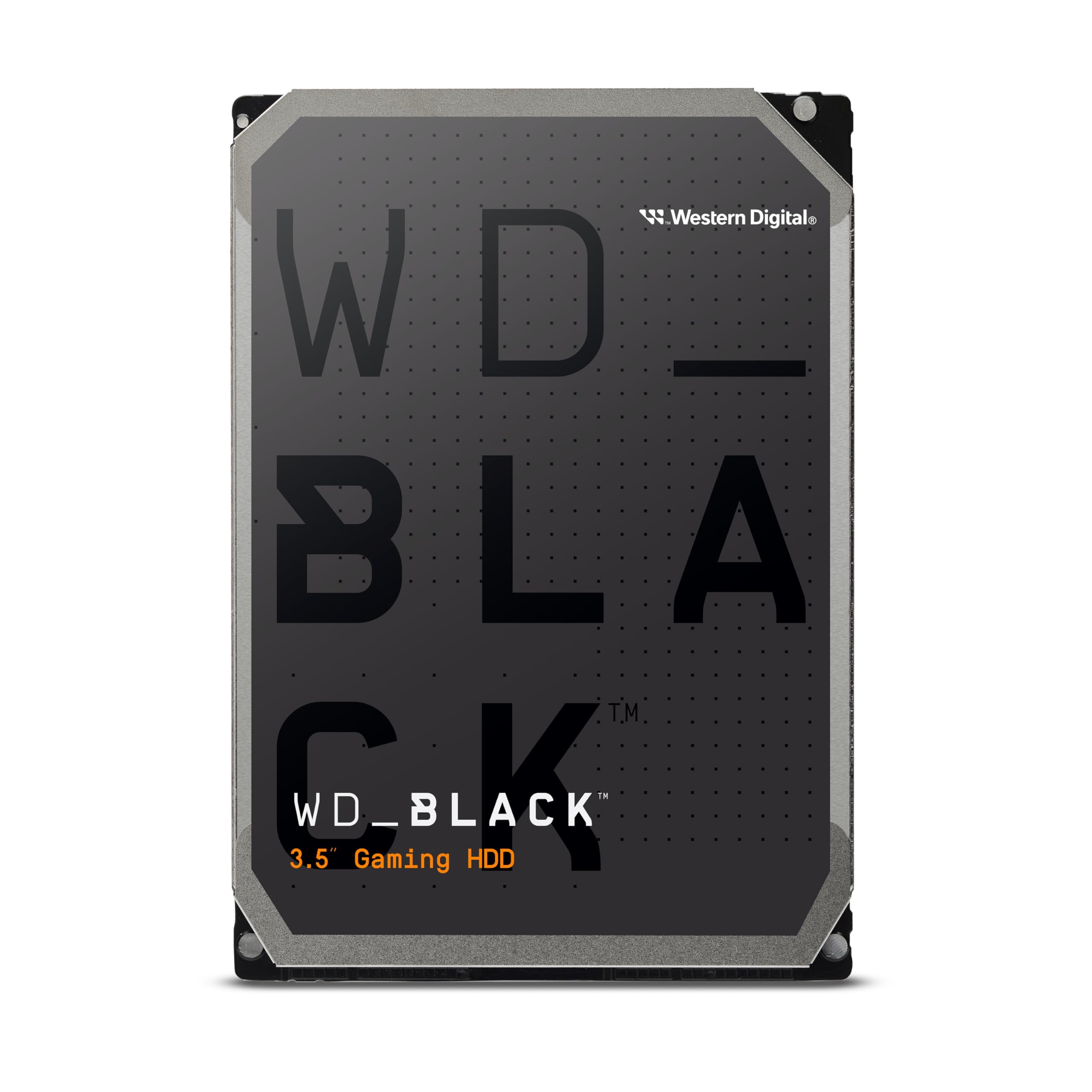
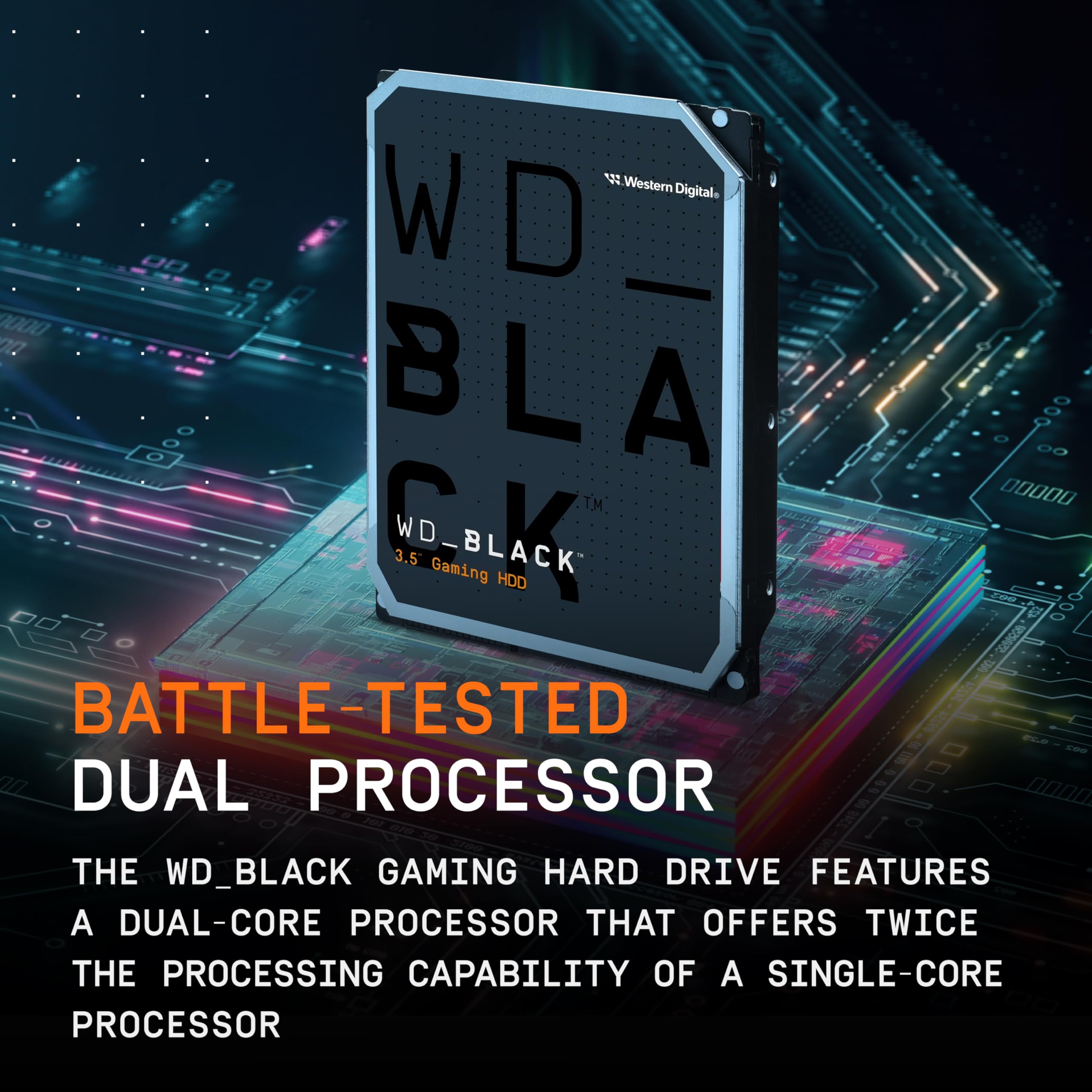
🎮 Power your passion with WD_BLACK — where speed meets endurance.
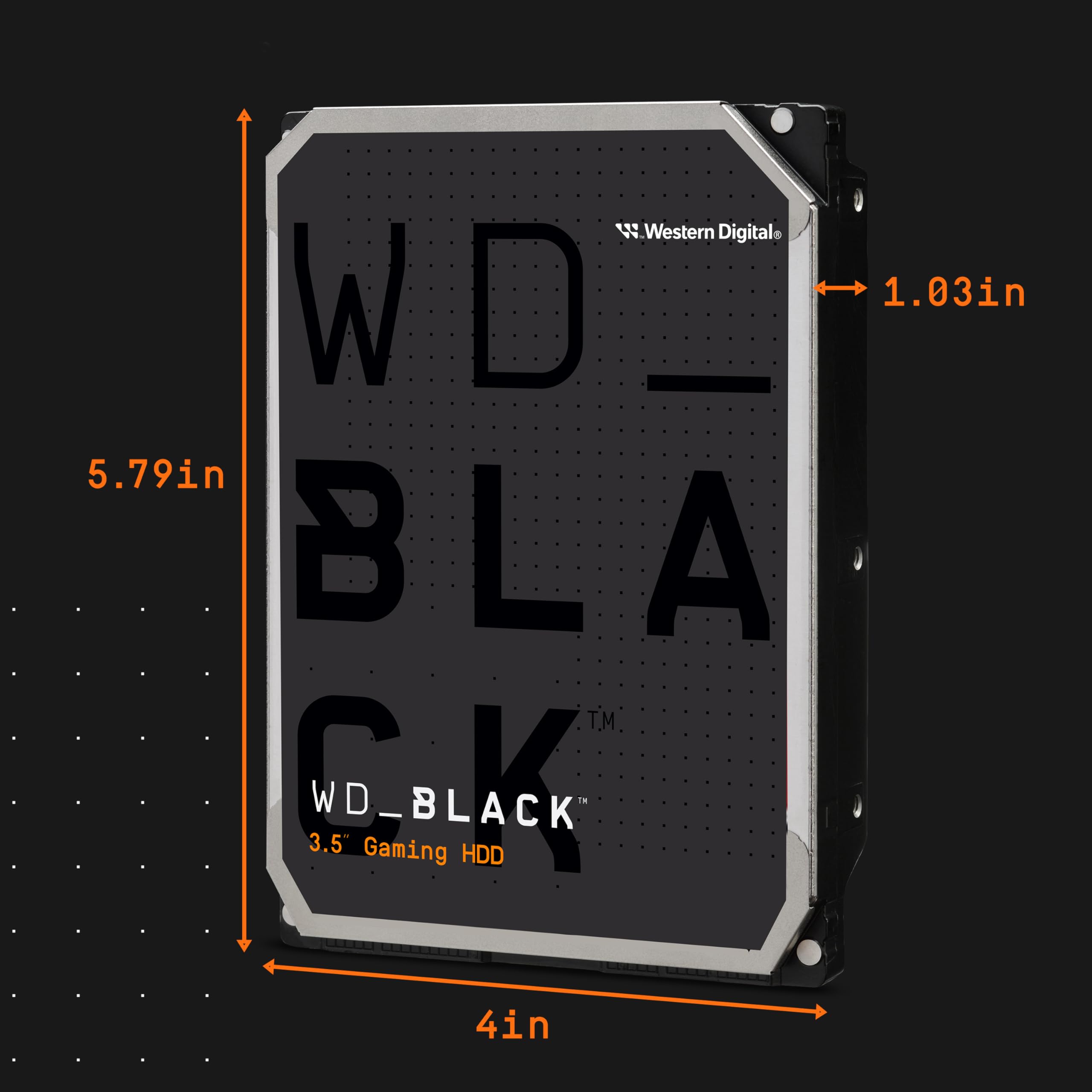
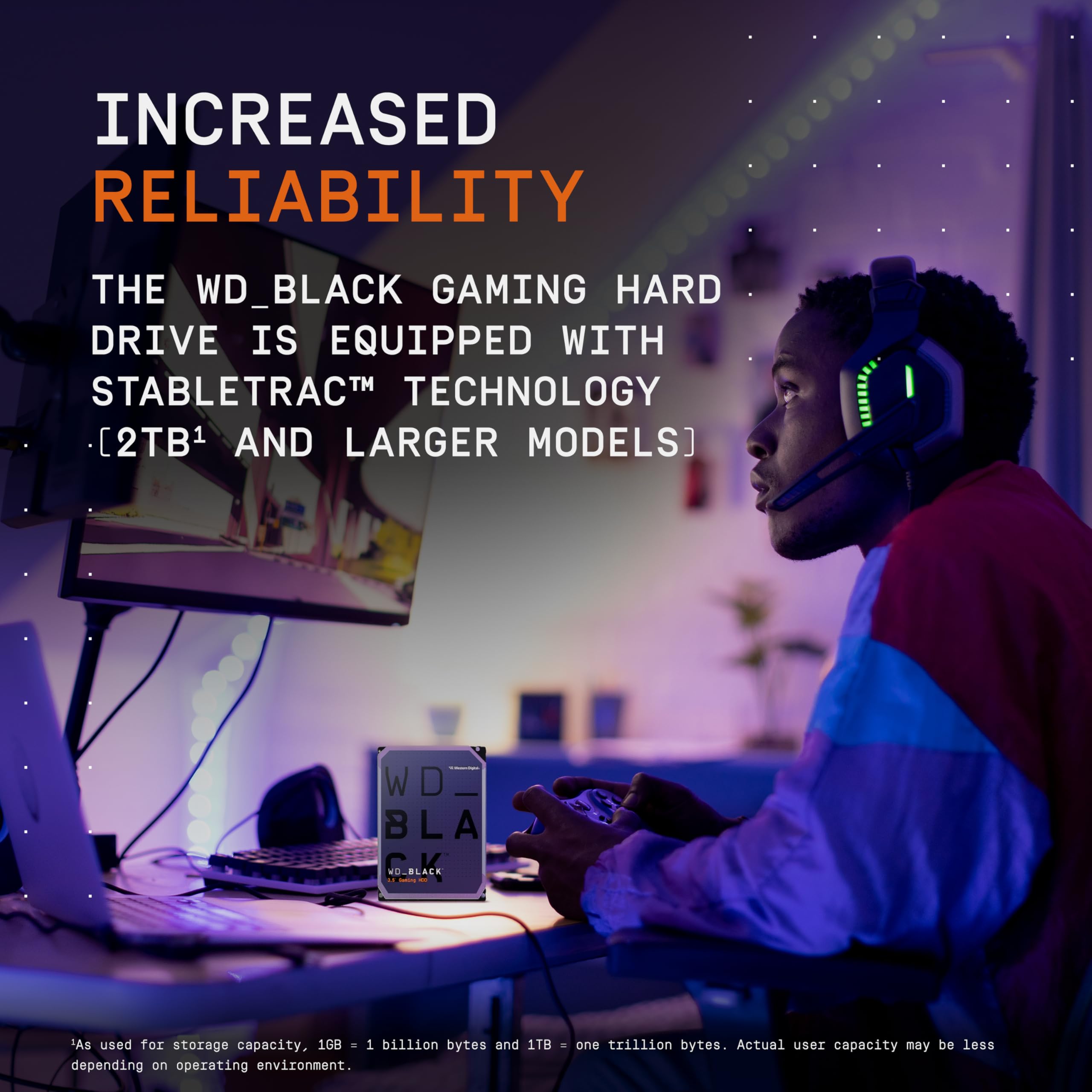
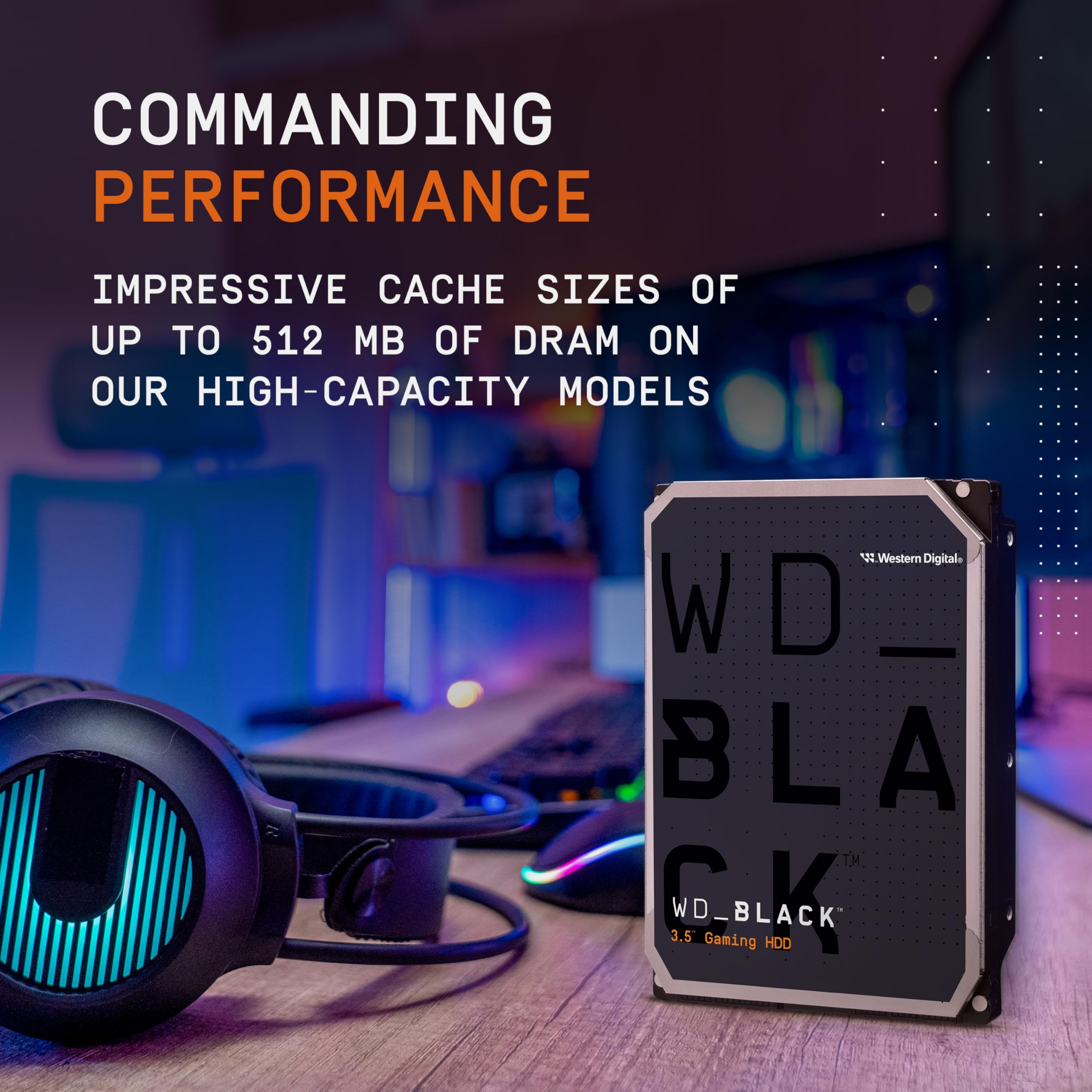
The Western Digital 6TB WD_BLACK Performance Internal Hard Drive is a high-capacity, 7200 RPM SATA HDD designed for gamers, creatives, and system builders. Featuring 256MB DRAM cache and StableTrac technology, it delivers fast, reliable performance for demanding workloads and large file storage, making it an essential upgrade for anyone seeking to maximize desktop storage and speed.
| ASIN | B0D1TZTSJW |
| Best Sellers Rank | #6 in Internal Hard Drives #227 in Computer Internal Components |
| Brand | WD |
| Customer Reviews | 4.2 4.2 out of 5 stars (4,851) |
| Date First Available | April 9, 2024 |
| Flash Memory Size | 6 TB |
| Hard Drive | 6 TB Mechanical Hard Disk |
| Hard Drive Interface | Serial ATA-600 |
| Hard Drive Rotational Speed | 7200 RPM |
| Item Weight | 1.47 pounds |
| Item model number | WD6004FZBX |
| Manufacturer | Western Digital Technologies, Inc. |
| Package Dimensions | 7.48 x 5.04 x 2.52 inches |
| Series | Black HDD |
P**S
Great Drive!!
Sometimes you gotta sacrifice silence for performance. This being a spinning disk it makes a bit of noise when reading/writing, however it's okay and fully functional. Great speed and useful for new builds.
J**N
A reliable beast for creatives
I've been using this hard drive for several weeks now, and it has truly exceeded my expectations. If you work with large files like video projects, renders, or game libraries, this hard drive is an excellent investment. Loading and transfer times are fast for an HDD, and the 256MB cache makes a huge difference when moving large folders. It's a SATA drive, so don't expect the speed of an SSD, but within its category, it performs very well. I have it mounted in a tower for video editing and storing old projects, and so far, I've had zero annoying noises or overheating. It stays cool and stable. Something to keep in mind: this model is more expensive than a regular hard drive, but it's clearly built to last. If your workflow is demanding or you want a robust drive for your game or media library, the price is justifiable.
D**E
Great drive, reliable and fast!
The Black series of drives have never failed on me, I stick with that. Tons of space and fast!
T**M
AVOID AT ALL COSTS
UPDATE #3: PLEASE, PLEASE, PLEASE DO YOURSELF A FAVOR AND NOT PURCHASE THIS DRIVE. It has been three months and I still don't have a working drive. See Update #2 below about "PRIME INVENTORY." On March 18th, they sent an email saying that they would notify me when my replacement drive was ready for delivery. Today, April 20, I still don't have it. This should be deemed a deceptive trade practice. Seriously . . . STAY AWAY FROM WESTERN DIGITAL. They are not the same company we grew up with. At this point, I feel like they are doing everything in their power to make me go away, effectively stealing (by neglect) my $250. I feel like posting all the emails, just to prove this is not the rant of some lunatic. They are that bad. (UPDATE #3A: Literally on chat with WD Customer Service right now and here's a quote: "Now , as a token of apology WD team have created another Advance RMA - XXXXXXXX on 04/19/2025 under which we will be shipping our Prime drive first to you." Notice the term "Prime drive." What a horrible disregard for their customers. ORIGINAL REVIEW:I purchased this in November 2024, but did not install it until January, 2025. When I did, it did not work. Recognized as 0MB and would not initialize. Tried three different computers and three operating systems (W11, W10, and Linux). Too late to return to Amazon, so I dealt with WD's awful customer service and it took almost two weeks to get a replacement. When I got it, it, too, didn't work--tried again on three different computers and operating systems--my brand new Dell would not allow me to initialize the drive. Still haven't heard back from WD customer service--it's been five days. In the meantime, I purchased two Toshiba drives, and both of them are working flawlessly and were initialized immediately. I'm done with WD. I can accept a defective product, but I cannot accept their horribly broken customer service channel. I will never buy from WD again. UPDATE 1: Wrote them on Feb 28, 2025. As of 5 p.m. on March 6, still have not heard from them. Wrote again, today. UPDATE 2: WD says I have to return the first defective drive before they can send me the THIRD drive (at which time I will have to return the second defective drive). Oddly enough, WD said "Now, to resolve this issue, I will help you with an another replacement drive but this time I'll make sure that the drive will be provided to you via the prime inventory." Prime inventory? That sounds like a rather poor trade practice if they have different classes of inventory for ostensibly the same product. Have they been shipping "non-prime" inventory? What a joke. So far, this has consumed two months of my life. I wonder if they are thinking that if they make it just hard enough to deal with them, then I'll just say to heck with it and eat the $200+ I spent on this stupid drive. Really: shame on Western Digital.
D**!
WD black is the only way to go
I've had a lot of hard drives over the years, but the reliability in performance of Western digital black drives stands above the rest. Yes you can spend less money on a drive the same size, but sometimes you get what you pay for. When you get a Western digital black you get a longer warranty and faster speeds. These drives are fast, quiet, and reliable. I bought this to replace a failed Western digital black 2 terabyte drive of the same model, that was part of a raid array. Mind you, when I say that that drive failed, it did so honorably after 9.27 years of uptime in computers that were left running 24/7. I still have three more identical drives that are the same age, and still working fine. That's well beyond the 5-year warranty. I say computers, with a plural, because when I upgraded to a new computer I continued to use my old, and still functioning WD black hard drives. So with any luck, this new drive will last as long as the old one did, or more. I don't have any heat issues with these, but then again I have a high air flow case, and the drives are installed with fans blowing over them. I did try it one point mounting several drives very close together and and enclosed space, and I did run into heat issues. As long as you have reasonable air flow and you don't pack them too close together, they're not going to get too hot. I know in this day and age still using hard drives is kind of antiquated, but depending on what you use them for and how you use them, they can still have some benefits. I use these in a raid configuration consisting of five identical drives that contain a raid 0 array and a raid 5 array. This way I have the benefit of speed over data protection for one volume, and the benefit of data protection over speed for the other.
J**A
Después de mucho buscar, acerté con la compra. Me he decantado por este WD de la serie Black por ofrecer seguridad. He perdido todos los datos en dos ocasiones con discos duros de menos de 2 años (los únicos dos discos duros externos que he tenido). Estoy muy contento con mi unidad de 2TB. (+) Bastante silencioso. (+) Durabilidad garantizada. Un familiar tiene una unidad desde hace 9 años funcionando sin problemas. (-) Precio bastante elevado en el caso del de 2TB. Pero la calidad se pagar. (-) La versión de 3TB tiene malos reportes, por lo que desaconsejaría la compra en unidades que tengan esta capacidad. Compra recomendable.
C**T
The item sent to be was defected when I open up the package. WD support said that it doesn't cover along part with their so called policy. No choice I have to do a refund on these.
D**H
Its been more than a year i have upgraded my desktop storage with the Western Digital 2 TB SATA III Desktop Hard Drive, and I'm thoroughly impressed with its performance and reliability. As someone who needs ample storage space for work and multimedia files, this hard drive has proven to be a trustworthy companion. Firstly, the storage capacity of 2 TB is generous and meets my needs perfectly. It provides ample room for storing a vast collection of documents, photos, videos, and software applications without worrying about running out of space. Whether I'm organizing my digital library or backing up essential data, this hard drive offers plenty of room to accommodate my growing storage demands. In terms of performance, the SATA III interface ensures fast data transfer speeds and seamless connectivity with my desktop system. It delivers consistent performance when transferring large files or accessing data-intensive applications, which is essential for maintaining productivity and efficiency in my daily tasks. Reliability is a crucial factor for any storage device, and the Western Digital hard drive excels in this aspect. Known for their robust build quality and rigorous testing processes, Western Digital drives are designed to offer long-term durability and data integrity. I have confidence in the hard drive's ability to safeguard my valuable data and operate reliably for years to come. Installation was straightforward, thanks to the plug-and-play compatibility with my desktop setup. The drive fit seamlessly into my existing system, and setup was hassle-free, requiring minimal configuration before I could start using it immediately. Noise levels are pleasantly low, even during heavy usage, contributing to a quieter work environment. This is particularly beneficial for those who prefer a distraction-free workspace or have sensitive audio recording needs. Overall, the Western Digital 2 TB SATA III Desktop Hard Drive exceeds expectations with its generous storage capacity, reliable performance, ease of installation, and quiet operation. Whether you're upgrading your desktop storage or building a new system, this hard drive is an excellent choice for users seeking dependable storage solutions backed by Western Digital's reputation for quality and reliability.
M**R
Based on other reviews here, I almost passed on buying this drive, but I'm glad I didn't. I already had a Seagate Barracuda 4TB 3.5" HDD in my other rig that I use to store games on an off my SSD's, saving me from redownloading them, and even thou it's a great drive for the price, read/write speed are not very fast and it was bugging me. So when this drive had a sale for black friday, with better specs and speed for only 35$ more, I wanted to try it, but reviews we're discouraging with people saying they got dead drives or used one in their order. Anyway I took a chance, figuring I would return it, worst case being, and I'm glad I did. Because I got a brand new unit in a sealed box/anti-static bag. It seems to work perfect and checked it in hard disk sentinel and it shows 0 days 0 hours and a 100% clean bill of health. From personnal experience, I've had Seagate drive quit on me after a couple of years of uses, but my Western Digital one never seems to quit, also it has 5yrs warranty, so I will see how it will turn out over time. It also is a 7200 RPM drive and is a little faster at transferring than the Seagate being a 5400 RPM drive, hitting close to 400 mbps over 250-280 mbps, which was an irritant for me. I'm also wondering if people leaving bad reviews on dead drives, weren't doing things wrong. These 3.5" drives need to be plug-in on power from a PSU or a proper usb enclosure with external power. They draw to much to be tested on a usb SATA adapter and will not work from usb port power alone. Also every new drive needs to be initialized in windows disk manager and formatted for it to then show in windows explorer, leaves me wondering if people just tried to hook them up to an usb adapter and open explorer to not be able to see the new drive there and then call it quits and leave a poor review. Anyway I'm happy with mine, crossing my fingers it will last! 🤞
E**Z
Después de 3 meses de uso les puedo decir que, Los tiempos de escritura son buenos para un HDD, al igual los juegos, algunos no tardan mucho en abrir o en pantallas de carga, la multimedia sin ningún problema, eso si, si se nota el ruido que hace, realmente es poco pero si se nota. Pd. Por el amor a jebus no instalen el sistema operativo en el por muy bueno que sea 😂
Trustpilot
1 day ago
2 weeks ago