
DOWNLOAD THE APP


Customer Services
Copyright © 2025 Desertcart Holdings Limited
DOWNLOAD THE APP


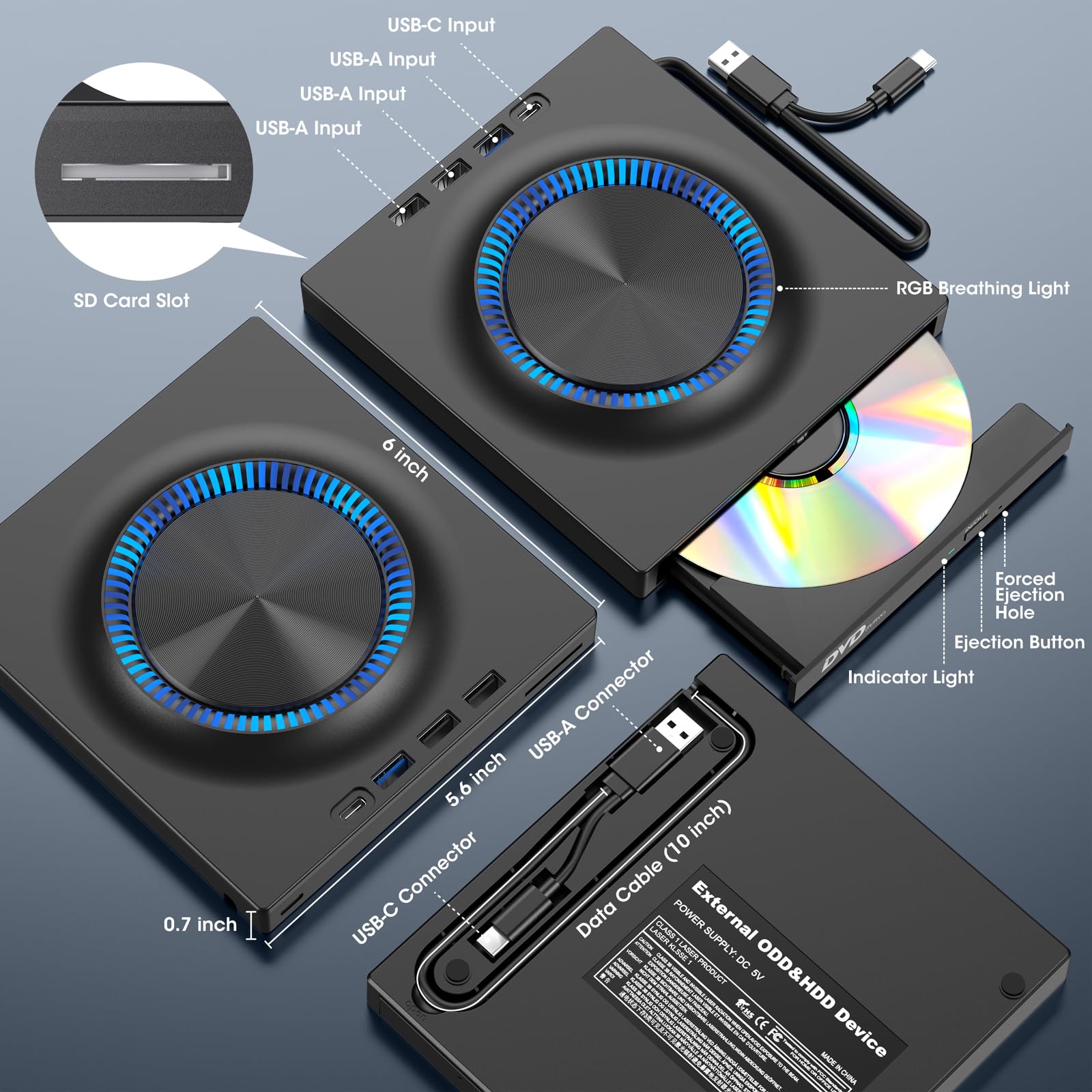
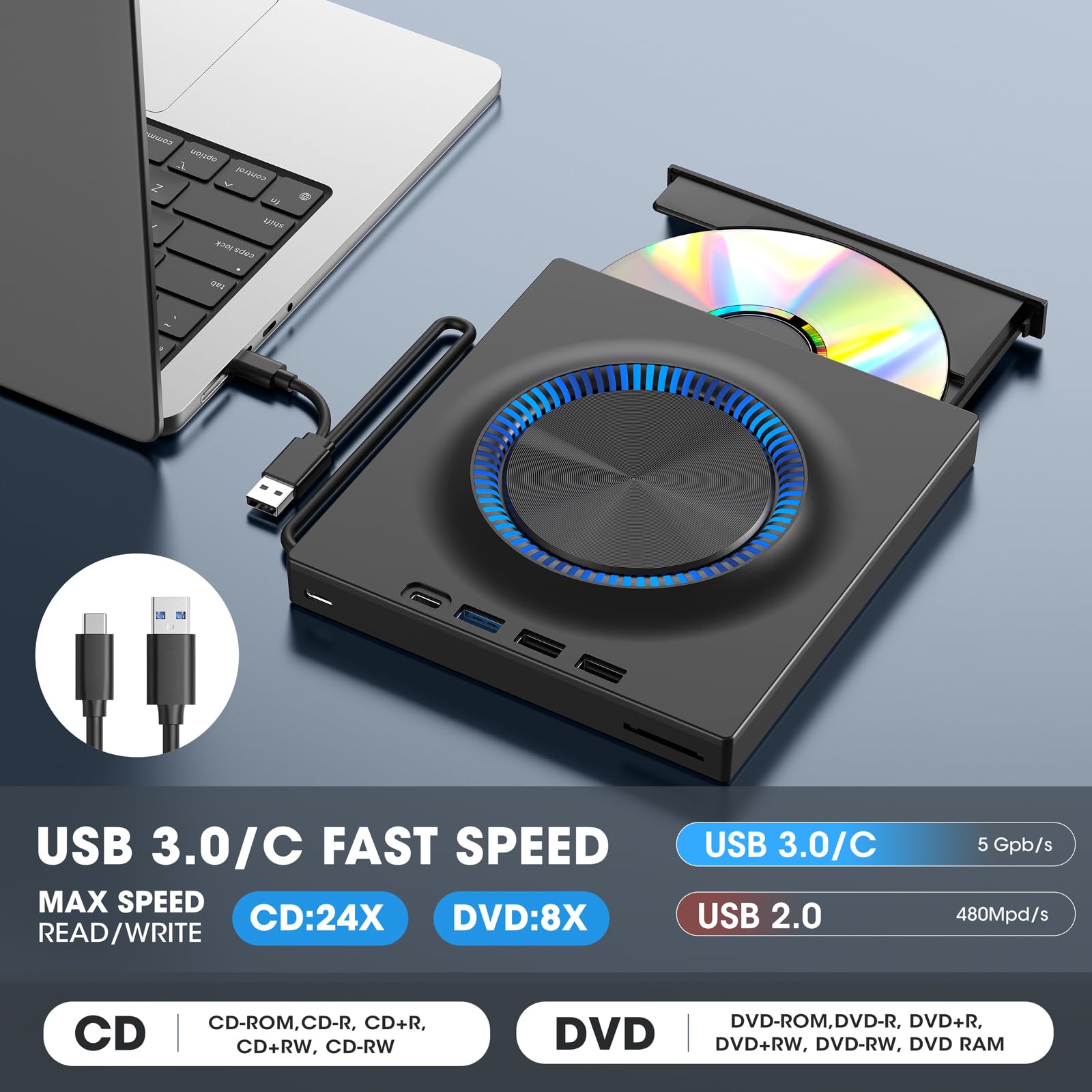
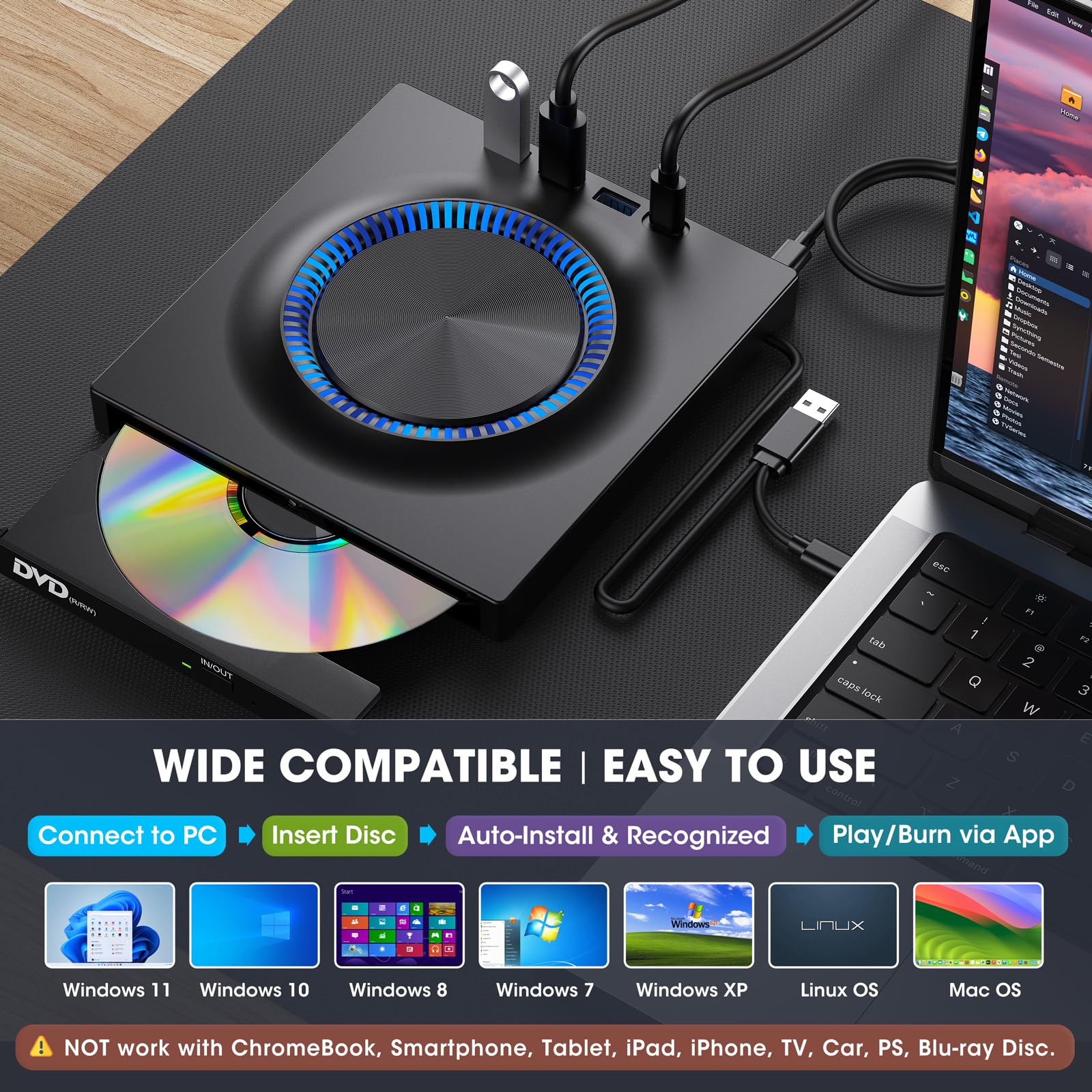
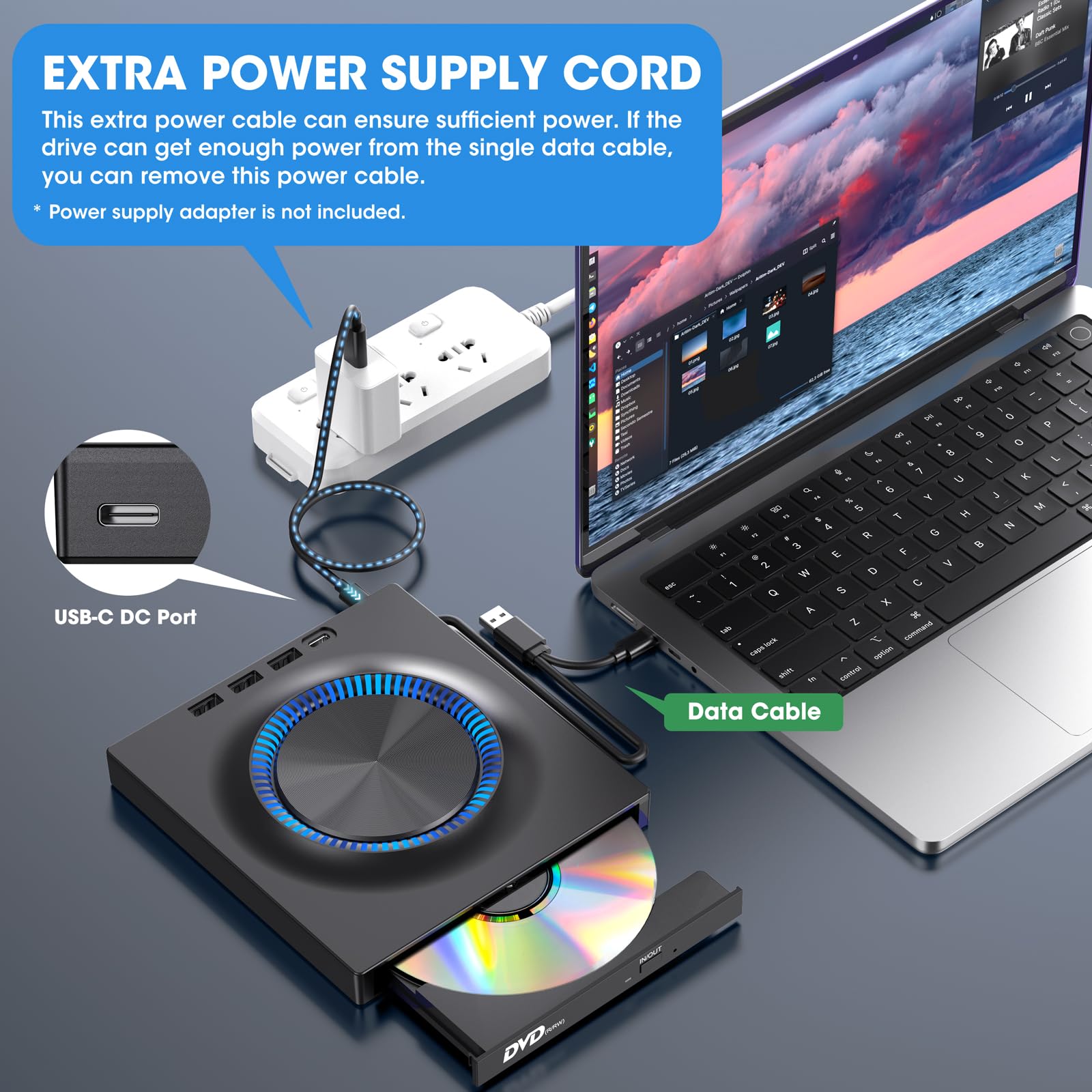
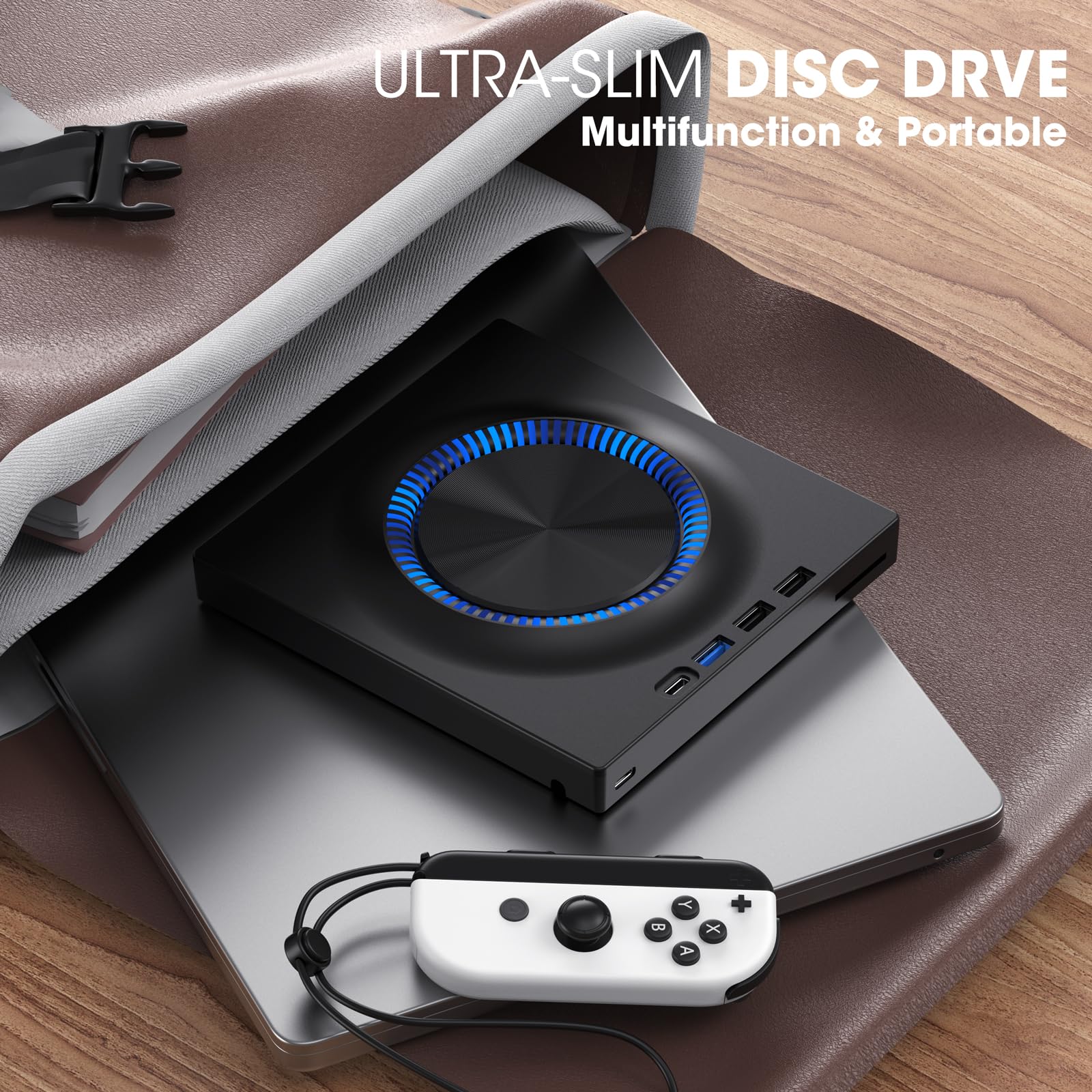
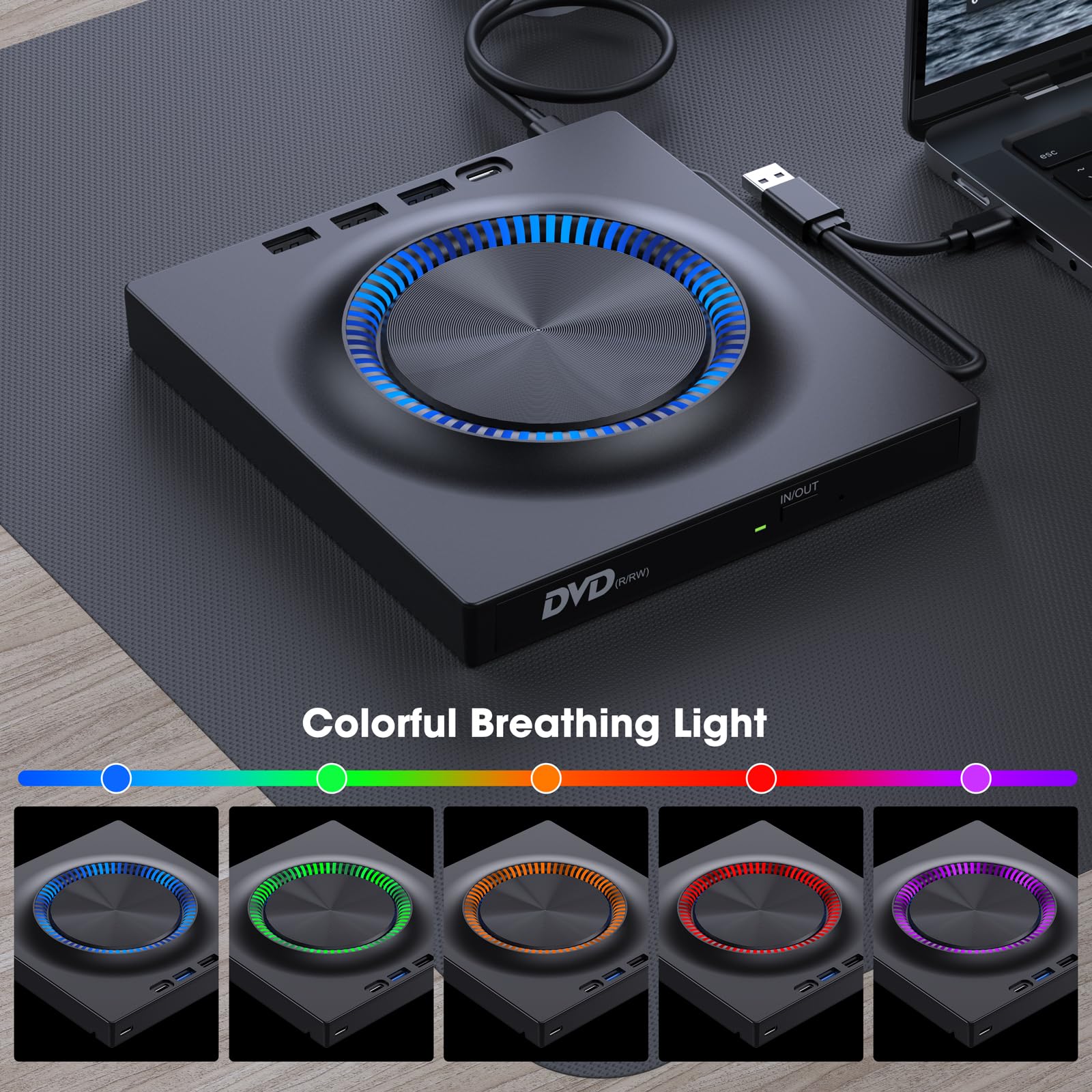
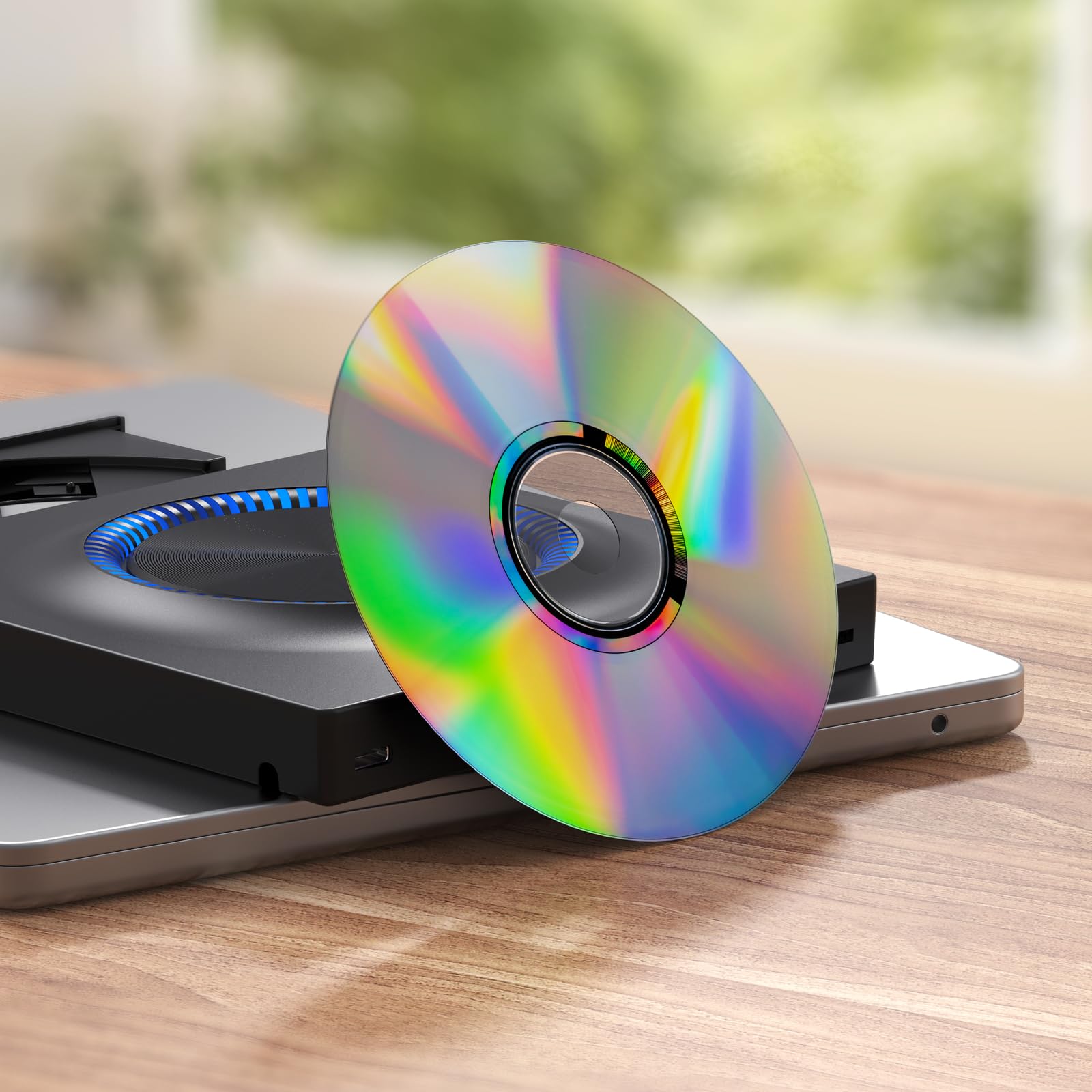
💿 Unlock your legacy media with speed and style!
The ROOFULL External DVD Drive is a sleek, portable optical drive featuring USB 3.0 and USB-C connectivity, supporting high-speed read/write of CDs and DVDs. It doubles as a versatile USB hub with multiple ports and an SD card reader, compatible with Windows, Mac, and Linux systems. Designed for professionals needing reliable media access and data backup on the move, it offers plug-and-play ease without extra drivers.


| Brand | ROOFULL |
| Item model number | RFRGBMAHAMS1 |
| Hardware Platform | Laptop, PC, AllInOne PC |
| Operating System | Windows, Mac, Linux |
| Item Weight | 14.1 ounces |
| Product Dimensions | 5.5 x 5.5 x 0.69 inches |
| Item Dimensions LxWxH | 5.5 x 5.5 x 0.69 inches |
| Color | Black |
| Manufacturer | ROOFULL |
| ASIN | B0D49L4TDX |
| Country of Origin | China |
| Date First Available | May 16, 2024 |
J**.
Works great and looks cool!
Works great and looks cool! What more could you want. I immediately put a couple old cds in and burned them to my Mac mini. Sound and images. The quality was perfect. Def recommend!
J**N
works with most DVD programs and righter
works great and looks good to
V**I
well worth it
Just plug it in and it does everything it should with ease. Decent product for the price! Well worth it, at least for the few weeks I have been using this.
S**A
Sturdy and efficient...thumbs up!
I did a fair amount of research and comparison before I settled on this drive, and I'm more than satisfied that I chose a winner! I hooked it up to my Windows 11 laptop, and it worked like a charm right away. I tested it on an audio CD, a data CD and a movie DVD. All were recognized and opened right up without delay. Honestly, this drive is even better than I expected- - -it actually seems sturdier than the drives that are in my older laptops, and the eject button works much better than they ever did! And yes, I know that the changing colorful lights on top do nothing at all, but I like them anyway. All in all, I definitely recommend this drive.
A**
Good
Works good
F**2
LIKED, BUT RETURNED
I liked this drive but returned it. It played my disks well but, it posted a phantom USB drive in THIS PC directory whenever it was plugged in. I liked the light show, it provided. It did also cause other problems on the system, and that was my "A" drive would seek, out of the blue, with no disk in it.
A**2
Nice
Works well. I’d give it 5 stars but the provided, built in USB power cable , is very short. It needs to be longer.
I**H
No Software Included- DO NOT BUY if your not a tech expert
If you have DVD writing software on your computer/laptop/notebook then research if this burner is compatible with your software BEFORE YOU PURCHASE!! (mine wasnt). It claims to have "Easy" set-up instructions, going to the Roofull website, they offer a 27pg manual on set up- Very Complicated!! (see screen shot) If you dont have compatible software they 1st want you to download a dvd program from 1991 called Flicker. This site will redirect you 3 times to other sites where they try to trick you into buying a program. Then when you try to download this, it says: Error -stop running sub-scripts.If you manage to get past this from multiple times of cancel and re-trying, then it will download the install file. This install file gave my 1month old, state-of-the-art laptop issues with allowing permissions that my antivirus blocked. Now you need to download the secondary software which directs you to an "Un-trusted" "un-protected" antivirus- blocked site which may give your computer malware if clicked on. If you take off all your computers protection and download the ImgBurn anyway, then you have to set up this software now, too.Once you think your ready to burn a dvd, you try to load the file to be burned and you get a Source destination error which only allows the option of skip or cancel. And why? Because flicker cant read most video files. Flicker CANNOT use most common video files: .MKV .MP4 .AVI, so their trouble shooter says you need to now download a video converter..... ENOUGH!!! IM OVER IT!!! TOO MANY PROGRAMS FOR 1 APPLICATION!!!FORGET EVERYTHING THEY SAID- Google this: Cyberlink Power2go dvd burner. This really is easy to use software that can use ANY file, no conversion, no additional programs. Drag and drop video files and click the word burn- cant get any easier. After putting this free program on my laptop, this darn burner will work perfectly. I added several videos, and burned my DVD without any further issues.(Power2go is not Linux compatible)The burner itself runs nice, quick and smooth, however if you're not part of the geek squad, you may never get to actually running it. Without compatible software this burner is just a color changing paperweight.
Trustpilot
3 weeks ago
1 month ago