
DOWNLOAD THE APP


Customer Services
Copyright © 2025 Desertcart Holdings Limited
DOWNLOAD THE APP
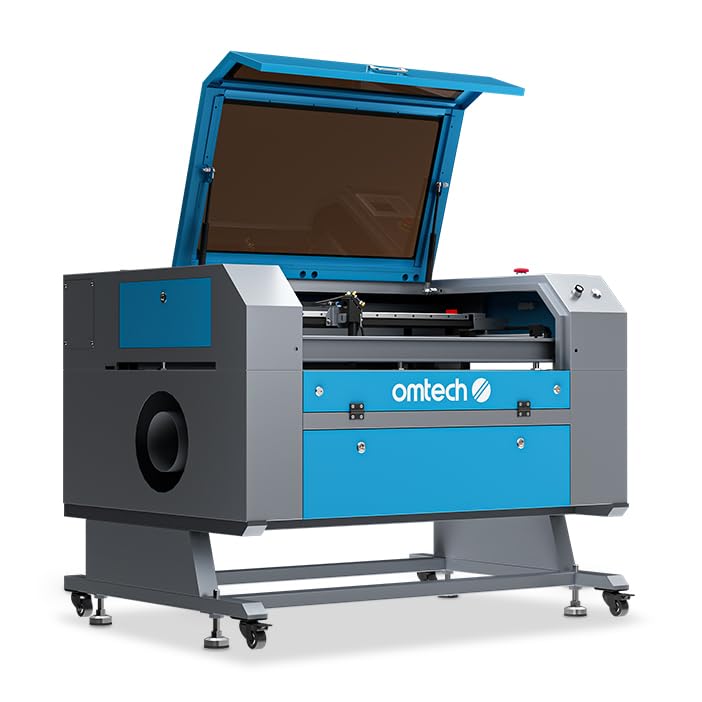
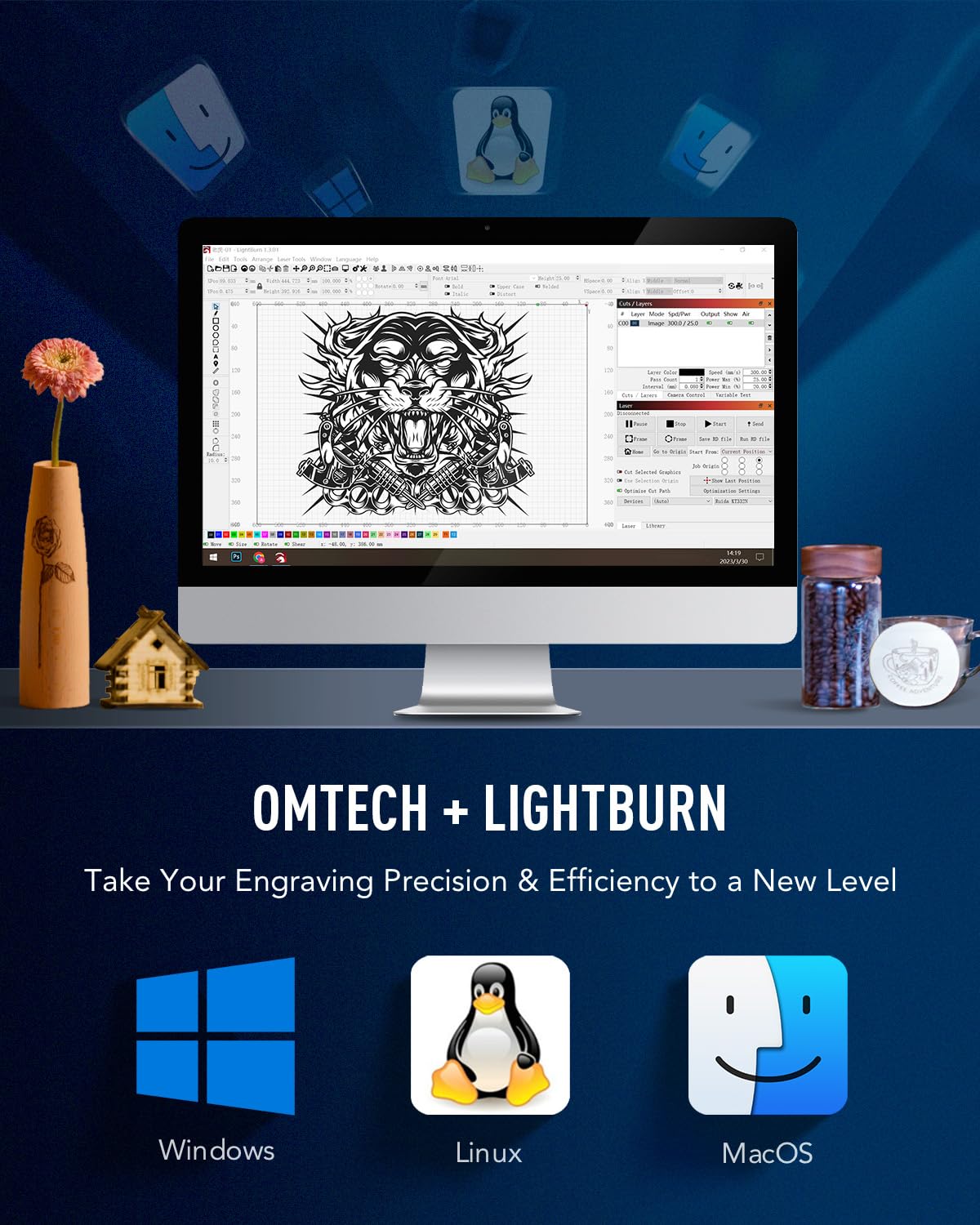


🔥 Ignite your craft with power, precision, and space to create!
The OMTech 100W CO2 Laser Engraver combines industrial-grade power with a spacious 28"x20" workspace and advanced features like autofocus and air assist. Designed for professionals and serious hobbyists, it cuts and engraves wood, glass, acrylic, and more with up to 0.6" depth at speeds of 600 mm/s. Safety features and global support ensure a reliable, clean, and efficient creative experience.






| ASIN | B0C8N6NJYN |
| Best Sellers Rank | #432,877 in Arts, Crafts & Sewing ( See Top 100 in Arts, Crafts & Sewing ) #1,230 in Jewelry Making Engraving Machines & Tools |
| Customer Reviews | 3.7 3.7 out of 5 stars (10) |
| Date First Available | June 3, 2025 |
| Is Discontinued By Manufacturer | No |
| Item model number | RYGEL-USB0705U5&USBLIGH |
| Product Dimensions | 65 x 34.3 x 36.6 inches |
B**L
Great value, delivered from US
Great value - I've used an Epilog for years which cost 5x the price of this laser even accounting for the chiller etc. There's some finesse the Epilog has in engraving images and mechanical features like fixed alignment borders in the cutting area, but for the price, I'll cope. I've disconnected the loud internal vent fan because the unit is connected to a 6" Cloudline inline duct fan - the Cloudline is much quieter and moves plenty of air. In addition to the laser machine, I added a commercial water chiller, auto-focus kit, Cloudline duct fan, assorted duct and fittings, and Lightburn software and Lightburn camera.
S**Y
OMTech- OMG
This company has been nothing but trouble. Support kept giving me crap advice, until I finally demanded that it be replaced. The new machine came with a broken sensor, that is now being replaced. Documentation is mostly non-existent, and what is there is wrong. The company doesn't know enough about the machines- they buy them from China and slap their name on the cabinet. Tech support - often AI - gives random guesses for support. They dont communicate amongst themselves and often contradict each other.
J**H
Love this Omtech Laser
Have wanted one for some time but it became very affordable with the promotions from both Omtech and Amazon. Can’t wait to really get into this machine and do some larger projects. Absolutely love the room to work on things.
A**Y
Great tool
I've had this machine for about 2 years. It's fun to use and is a great for making custom gifts. (Cutting boards, coasters, ornaments, etc). There are some great videos on YouTube that can help you get started. The only thing that would have been nice to include is a physical copy of the Ruida controller manual. I eventually found a copy online, but having it on hand would have been nice. In future version of this product, I would like to see the USB to PC connection changed. Having a Type-A to Type-A connection is not safe. The internal controller has a Type-B (printer style) connector, but it is converted to Type-A. They shouldn't convert it and just leave it as a Type-B connection. It's not a huge concern, but opens the product to avoidable damage. Another tip I would suggest to anyone who purchases this is to make a copy of the machine settings as soon as you get it set up the way you want. If you ever have to replace the control board (I did), It'll save you days of re-configuration. You can get to the machine setting through LightBurn -> Edit -> Machine Settings -> Save.
Trustpilot
5 days ago
2 months ago