
DOWNLOAD THE APP


Customer Services
Copyright © 2025 Desertcart Holdings Limited
DOWNLOAD THE APP

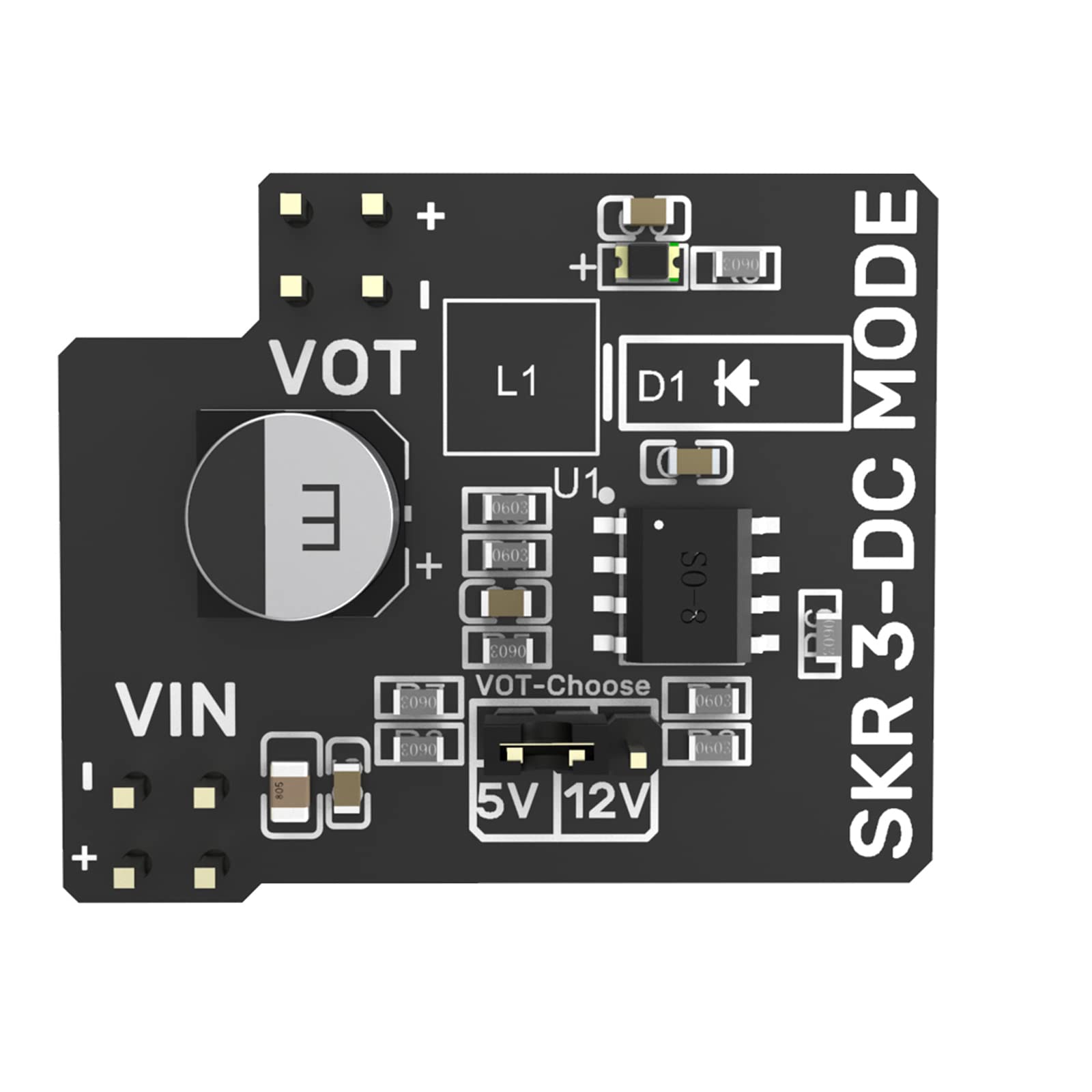
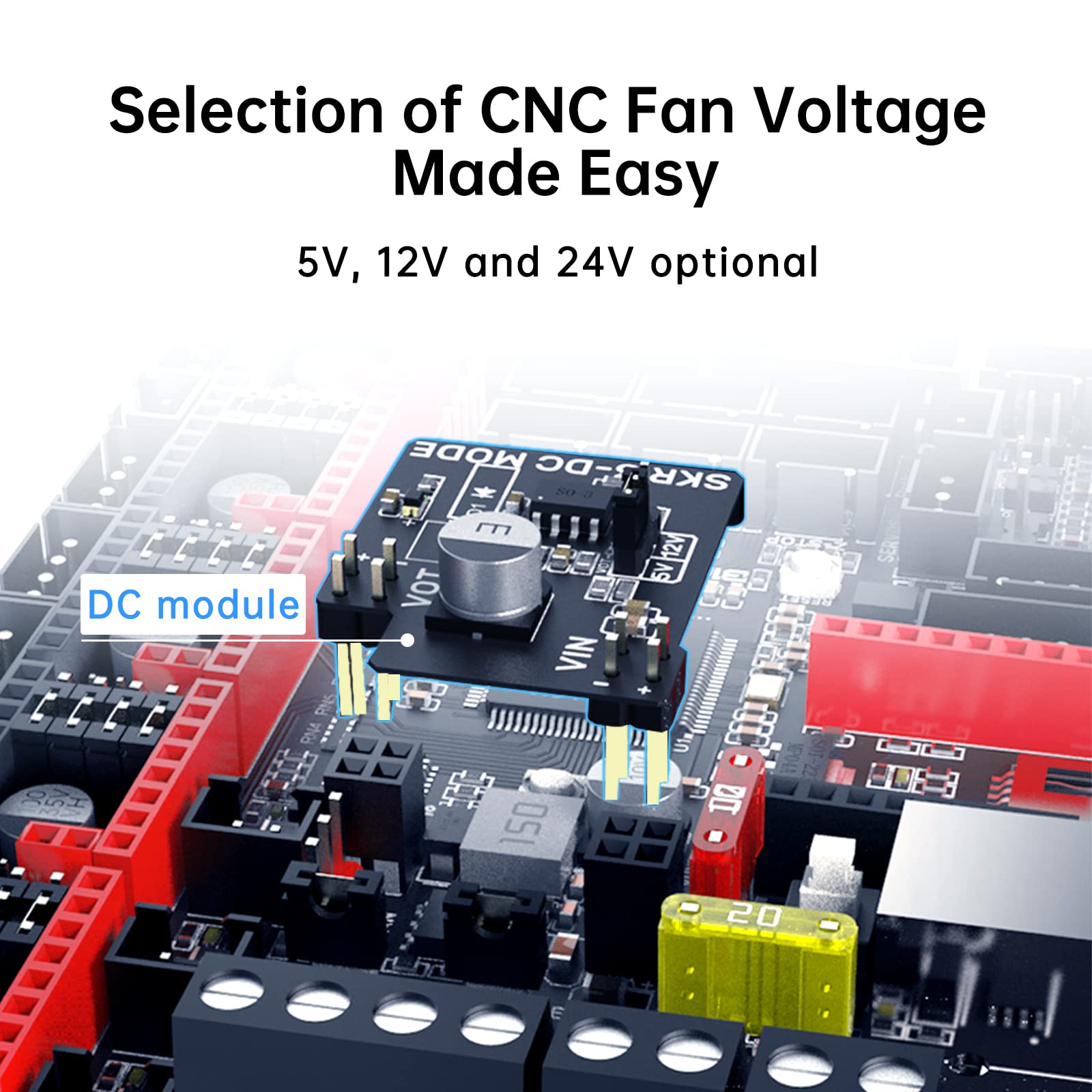
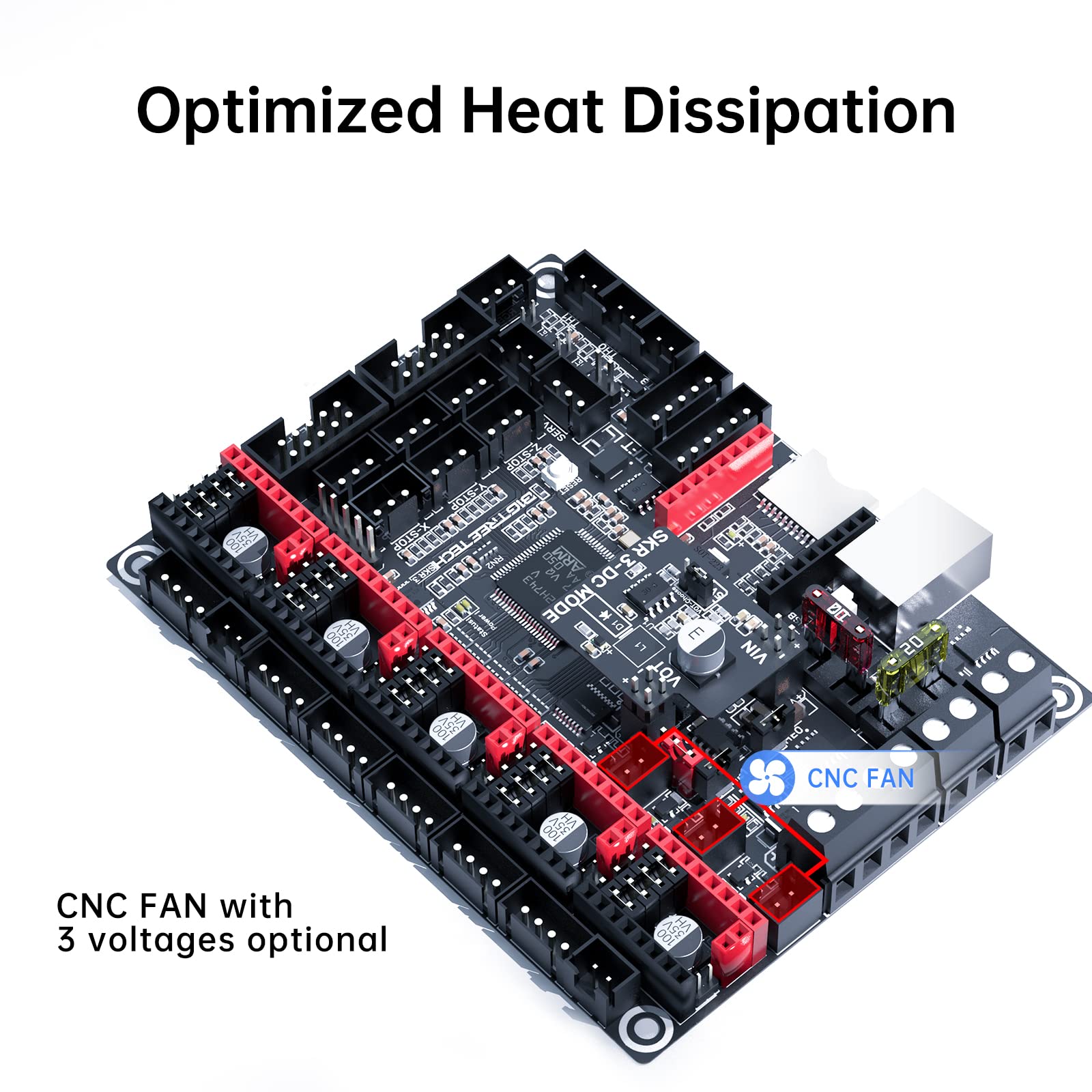
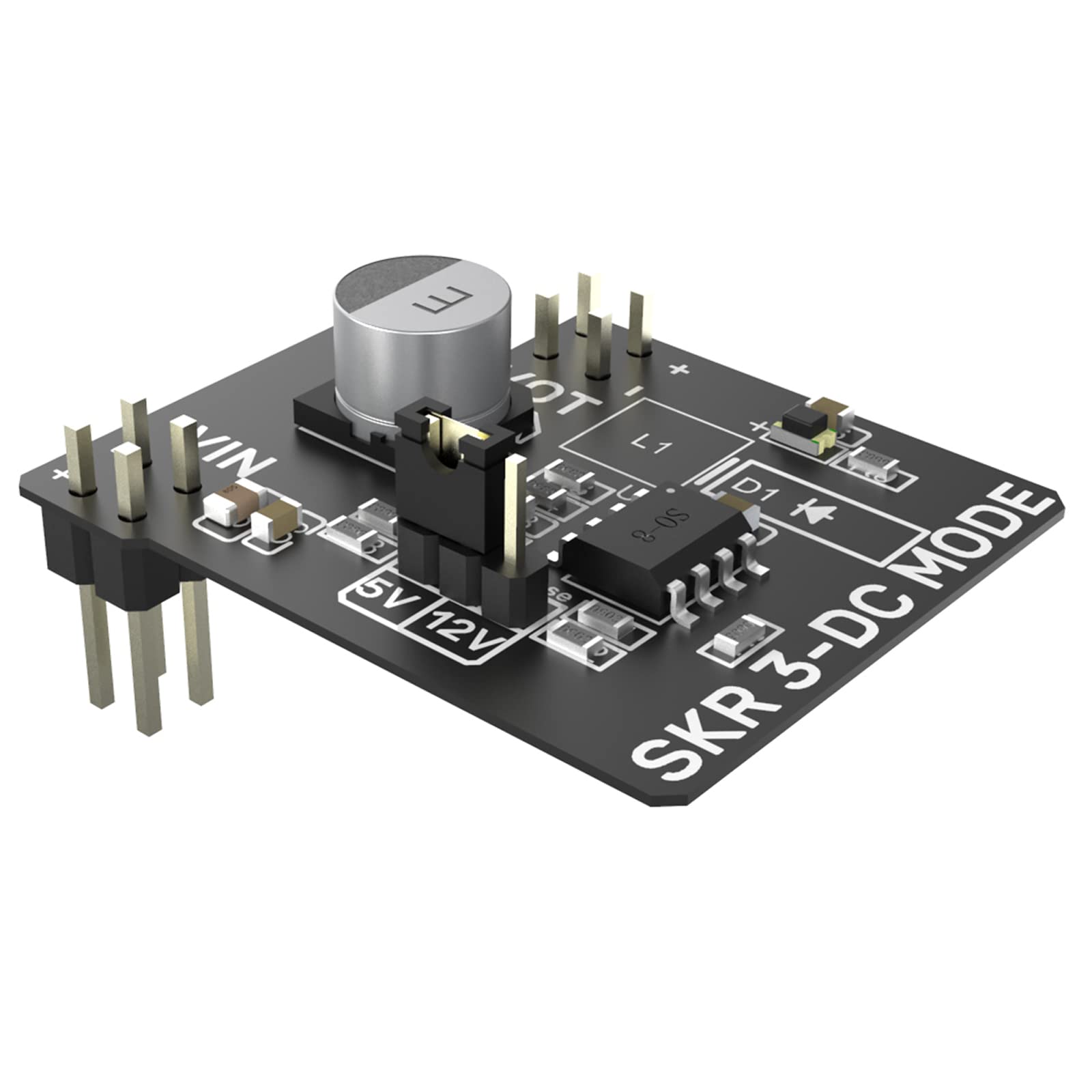
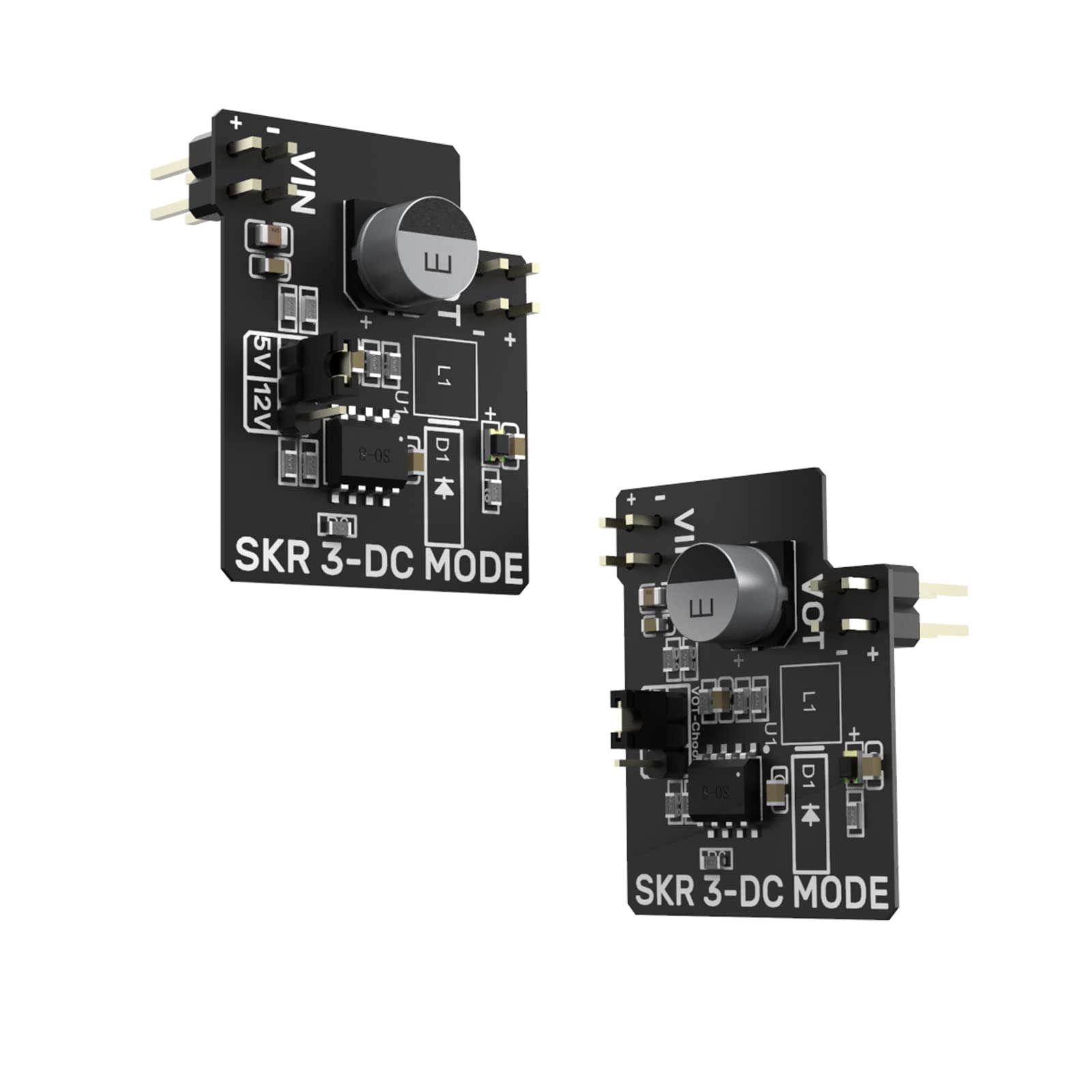
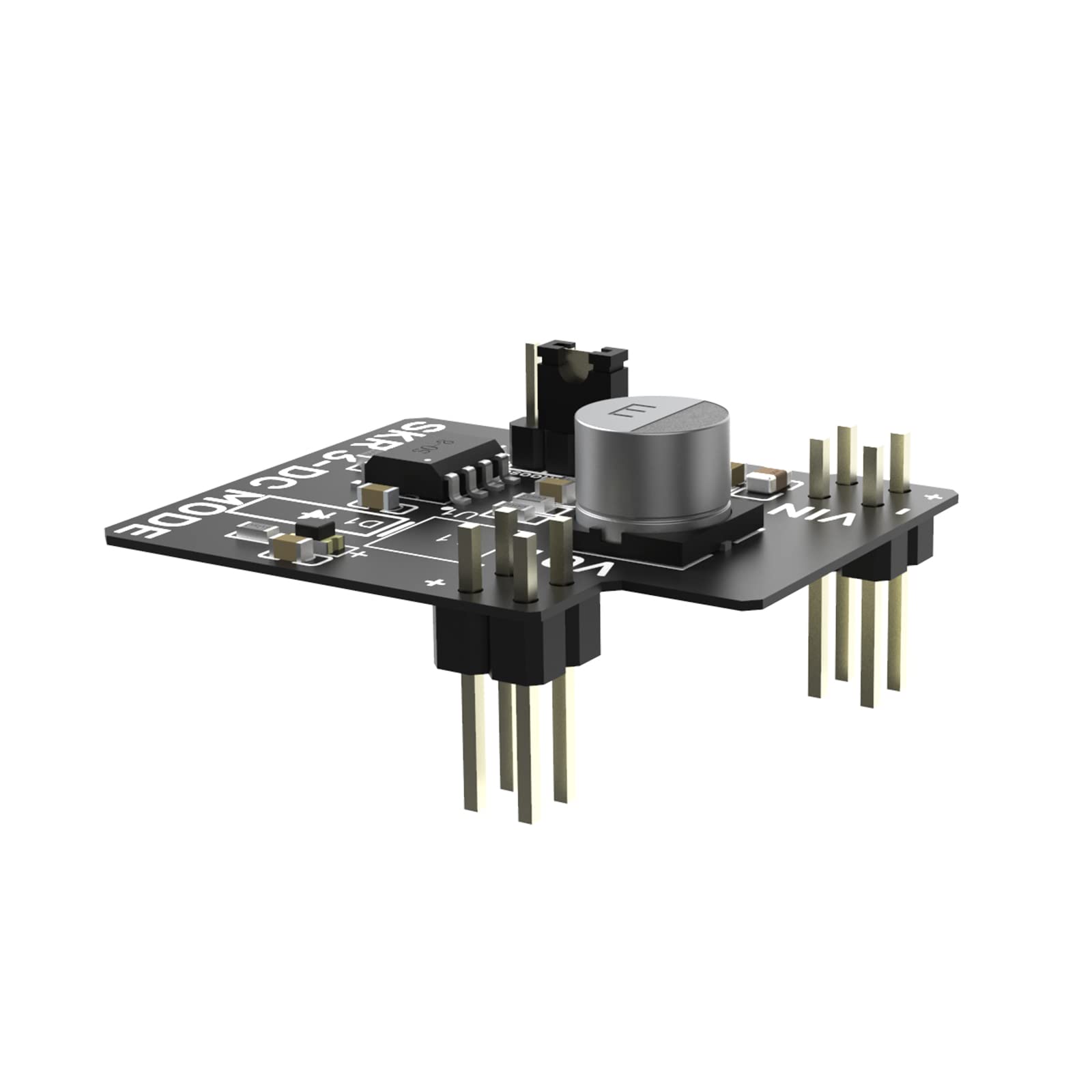
🛠️ Upgrade your 3D printer’s cooling game—because overheating is so last season!
The BIGTREETECH SKR 3 DC Mode CNC Fan Voltage Control Expansion Module is a precision add-on designed for SKR 3 and SKR 3 EZ motherboards. It allows users to select fan voltages of 5V, 12V, or 24V via an external power supply, optimizing heat dissipation and reducing motherboard damage by eliminating the need for external transformers. This module plugs directly into the motherboard’s 2x4 pin header, offering a straightforward installation that enhances printer performance, reliability, and longevity.


| ASIN | B0B5GHTQ93 |
| Best Sellers Rank | #316,412 in Industrial & Scientific ( See Top 100 in Industrial & Scientific ) #74 in 3D Printer Controllers |
| Date First Available | July 1, 2022 |
| Item Weight | 7.4 ounces |
| Manufacturer | BIQU |
| Package Dimensions | 3.35 x 3.31 x 0.79 inches |
R**L
Best upgrade I've done
It took me a long time to fully configure it with Klipper but when I was done, my printer works better than it ever has and it prints faster and quieter then it did with the silent board I replaced.
O**Y
Upgraded from SLR 1.4T
The SKR3 controller board is quite a bit faster @ 480 MHz "claimed" clock rate than BTT’s previous controller line up. Installation requires a different board enclosure, since the SKR3 EZ hole pattern has changed. I believe the SKR3 non EZ has the same hole patter as before. There are plenty of SKR3 EZ enclosure model on the Internet, essentially ready to print. The controller has some firmware installed, but who knows what it does. So you'll need to compile firmware that matches your printer. * Don't disassemble your existing printer yet, if you have only one, hi, hi. * ********************************************************************************************************************** For those that upgraded from a previous version, using sensor-less homing on Y / X axis, *** be aware if you removed the Diagnostics pin (TMC2209) in one or another way, you'll need to reinstall it again. *** Otherwise your sensor-less homing will not work. It requires the diagnostic pin to be connected to the socket. The small jumper, used on the SKR3 EZ, will direct the signal. This is not required with the EZ TMC2209 driver, aside they don' have these pins. ********************************************************************************************************************* Other than that, it will work just as your previous setup. Perhaps you may have had the hot-end cooler fan connected to the HE1 header. In this case the fan runs on "board voltage supply". If the DC/DC module is installed, one has now the choice to select 5V or 12V fan supply (buck converter) as supposed to the board voltage. The Hot-End fan can also be moved to one of the fan header (requires modification of firmware). There are now 3 controllable fan header that will get their supply voltage from the DC/DC module (if Installed and setup). I guess this option is useful to original Prusa printer having 5V fans. I have another printer that runs the SKR3EZ board with TMC2209EZ driver, for a while. The only thing, I believe, that has not caught up to these boards, is probably the Marlin Firmware. This printer does on occasion some unexpected stuff (deviating from a certain sequence), but I think it is firmware related. Otherwise it prints flawless! I recommend some form of cooling to the driver, perhaps simply a fan blower at the bottom opening of the board enclosure?
C**D
I WANT to like it
So, it's a neat idea. Compact form factor and all the output and functionality you need with nothing you don't. I got it working, but would I do it again? Well, it's supposed to work with Marlin, but good luck with that. If you have the skill to make it work, why would you. I tried while I was tinkering because I'm well versed Im marlin and wanted to troubleshoot before adding klipper while my CB2 was shipping. So, it must be good once klipper is installed right? Well, not really. it's more compact than a board and a pi, sure. But if you're building it into anything larger than an stock ender that doesn't really matter and even then, you have to print a custom case which by the way, the one big tree tech provides an STL for is terrible. Go on thingiverse and find a better one, which make the electronics enclosure larger, which kills the point of the board. The whole size of a stock board thing is sort of a salesman lie. It bolts up the same, but it is larger and the wiring is TIGHT and you won't have access to some of the ports if you use the provided case. Oh also, it's a lot easier to use auto power off features if you use an external pi because it's much trickier to shut down a compute module, before powering off the computer. It might not be possible at a, I'd have to dig more but if it is possible big tree tech should have that info in the github because it would be very useful, the fact that it's not makes me think they didn't think that through. A normal raspberry pi has it's own power supply so you can power it separately from the printer to use a clean power off cycle. it works, but it's not what they advertise and a version 2 will hopefully fix that, but it will be too late for me. I won't be using this or any manta again for another build without a HUGE overhaul.
D**A
Good but not easy for people with little experience.
Little difficult trying to hook everything up make sure to label the wires makes it easier but trying to connect the wires to the connector was my most difficult part but that probably because I got big fingers. But besides that get a screen that connects to it is a must for me at least.
B**N
Working Good so far1
I purchased this board to replace the MKS Gen v1.3 board in my Black Widow. I received the board Friday evening, I carefully went over the pinouts and layout to make sure everything was in the correct configuration and everything was very close. Very little changes required to connect the board to my printer. I went through the firmware and set all the features and specs I needed to with a couple iterations do to my BL-Touch and stepper drivers giving me some trouble. I'm also using a chamber and was able to get that setup on the motherboard pretty quickly as well even though it does not have a default setup listed in the instructions or a pin definition in the board.h file for this motherboard. Once I nailed that all down I had the printer going by Sunday evening!!! I am pleased with the board and the support for it in marlin.
D**C
Absolutely don't buy. Likely used and doesn't work
I have been trying for weeks to get this working. First problem is the usb is not recognized. Second problem is even though I upload a clean firmware build, nothing actually works. I tried and tried but everything with everything I've done, it hasn't worked. I've ordered the board direct from btt. I suspect I'll be much happier
S**I
Produto excelente....
Trustpilot
2 weeks ago
2 days ago