

Desert Online General Trading LLC
Dubai, United Arab Emirates
Desert Online General Trading LLC
Dubai, United Arab Emirates




🚀 Elevate Your Setup: Where Power Meets Performance!
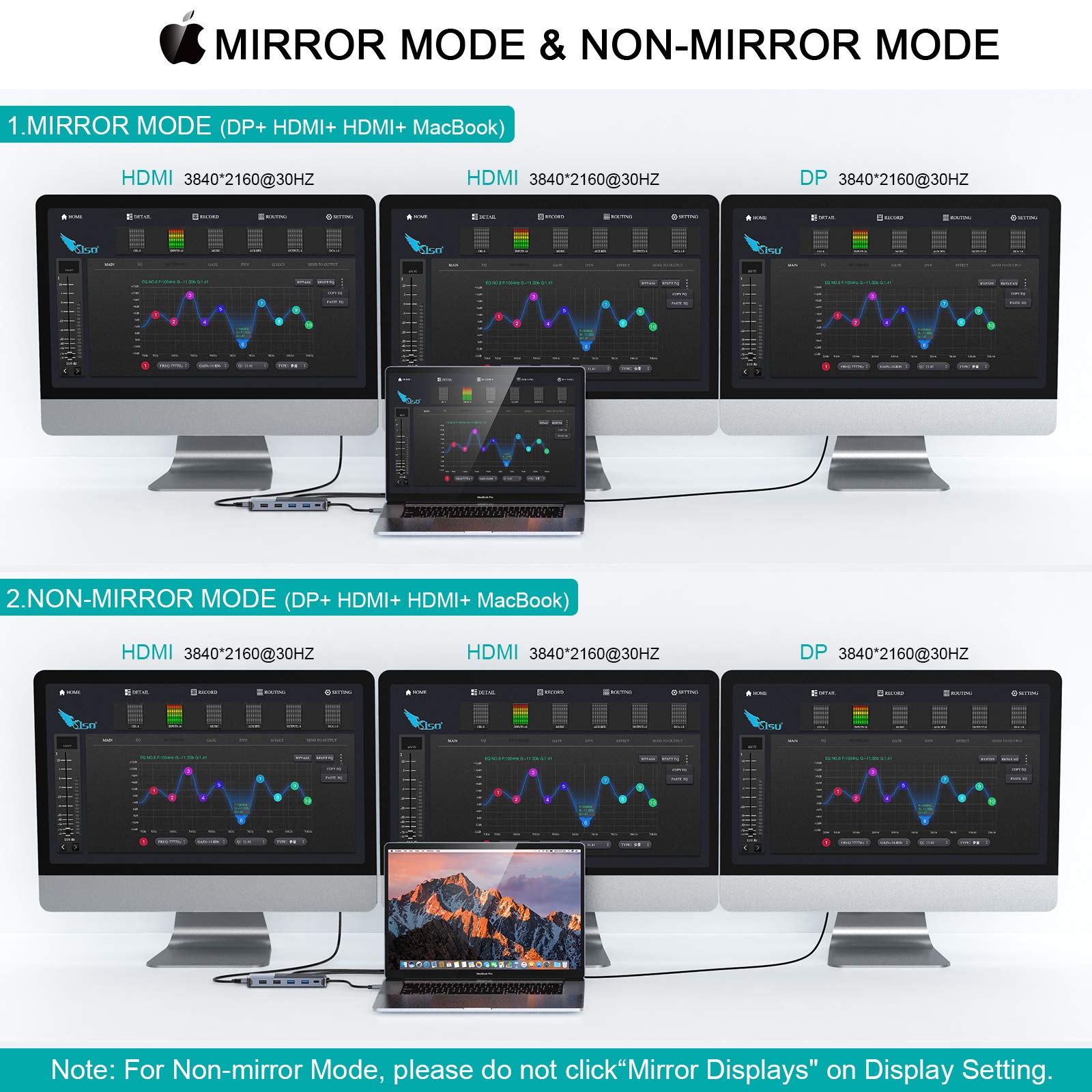
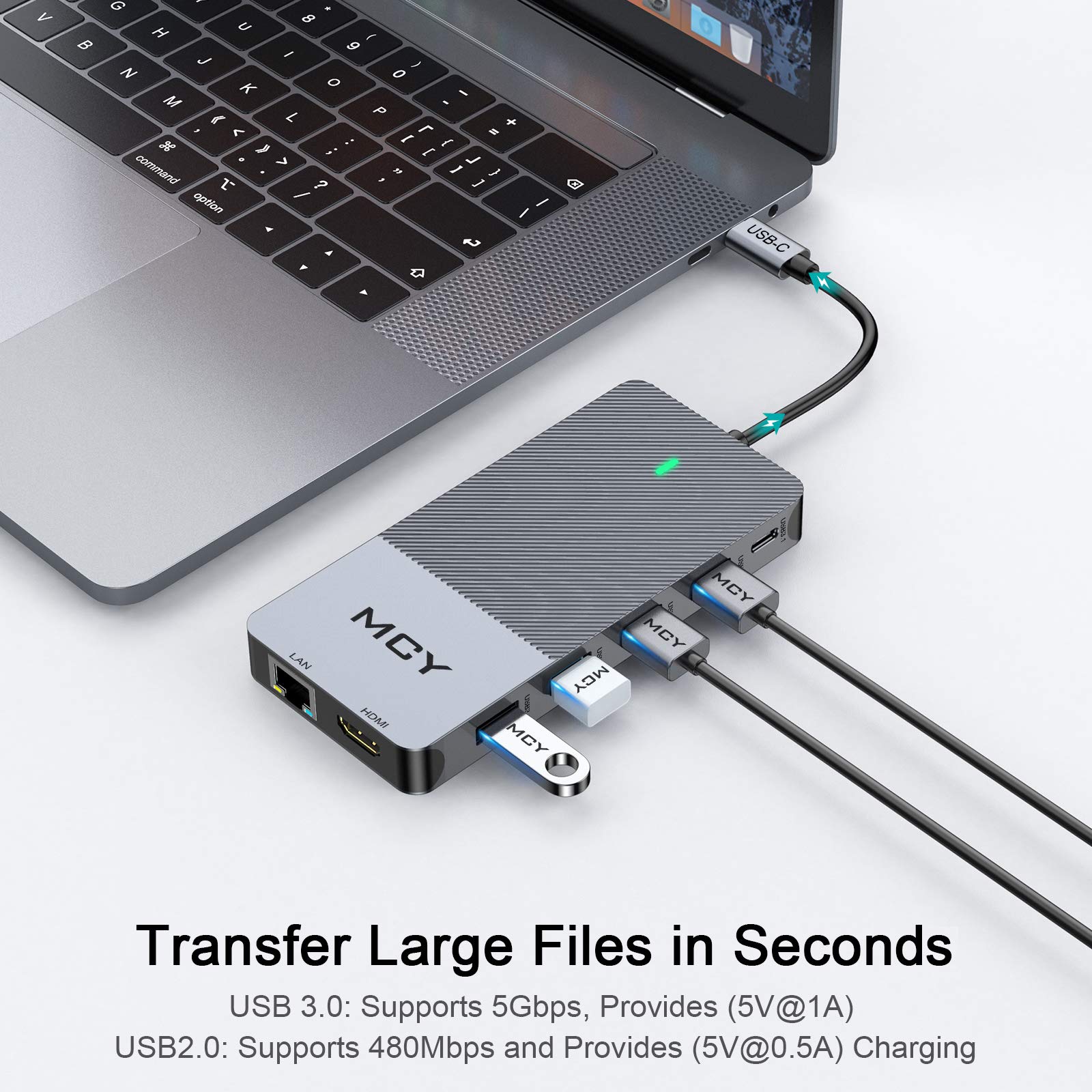
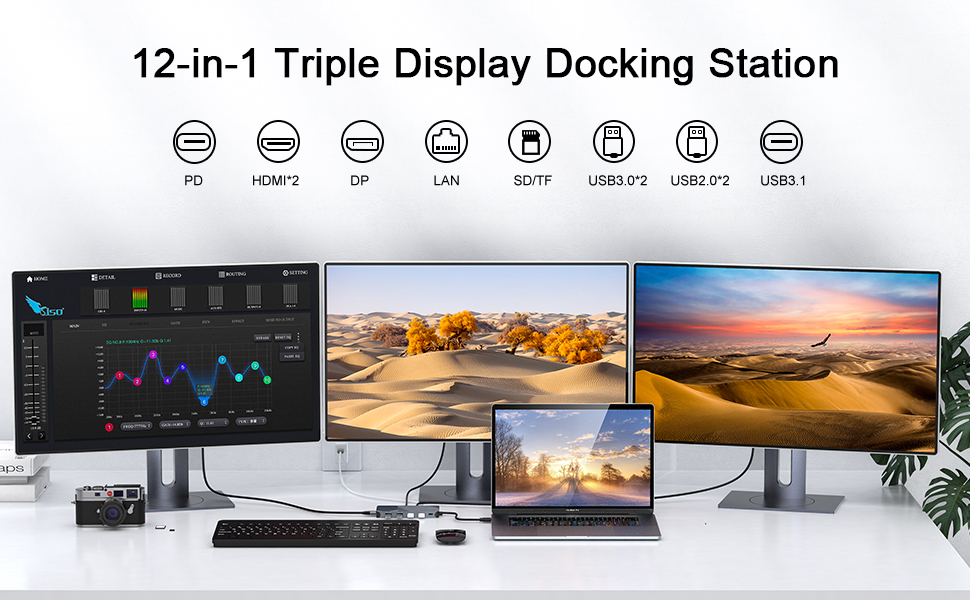
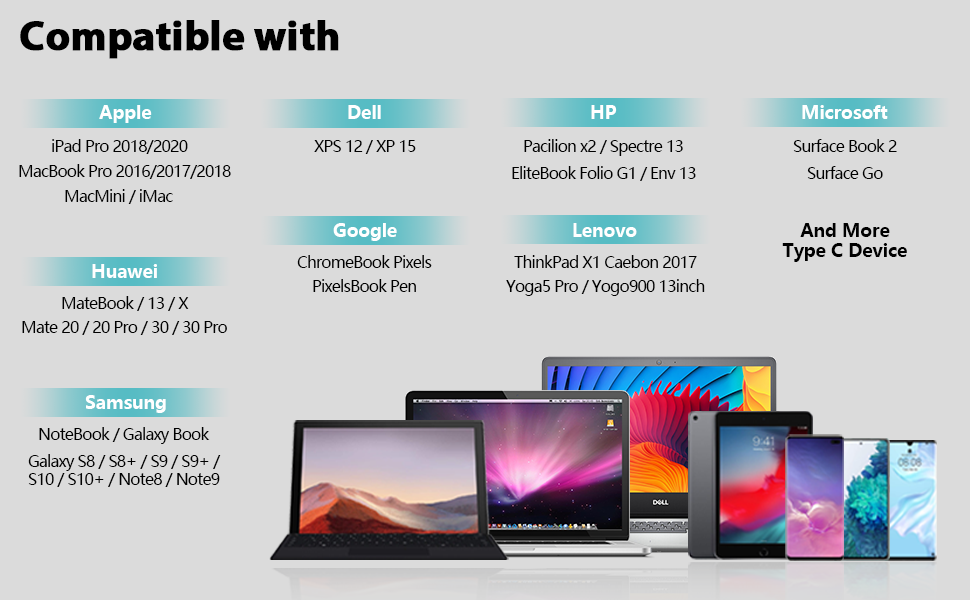
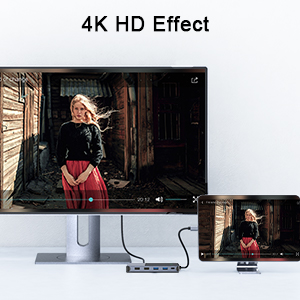
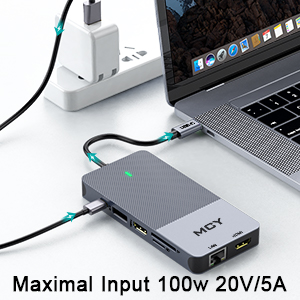
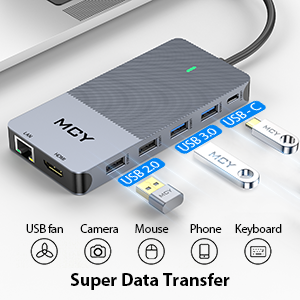
The MCY 12-in-1 Triple Display USB C Docking Station is a versatile hub designed for professionals seeking to enhance their workspace. With dual HDMI and DisplayPort outputs supporting up to 4K resolution, it allows for seamless multitasking across three displays. The docking station features 100W Power Delivery for fast charging, multiple USB ports for extensive connectivity, and an Ethernet port for reliable internet access. Compatible with MacBook Pro, XPS, and other USB-C devices, it’s the ultimate solution for a modern, efficient workspace.



T**S
Big Features in a Compact Size
I travel between four offices and all are set up differently for my desk space at each one. Until I purchased this docking station, I was issued a larger docking station that I carried between offices. It worked, but it took up a lot of room in my computer bag and only allowed me the use of two separate screens. This one allows three duplicated or extended screens (not including my laptop screen - so four screens total). No software or apps to install; it's plug and play. It only has two HDMI ports, but there is a DP port and two USB-C ports (I use one of the USB-C port for my portable monitor). Not everyone needs that many screens, but everyone can benefit from not having to sacrifice as much room in their bag while traveling or on their desk. The compact size makes it easy to tuck away on my desk; it's literally smaller than my iPhone. I also love that it has the four USB ports on one side that I can use for charging my phones and my iPad. I haven't had to use the LAN port as everywhere I go I'm able to tap into the office's WiFi. Likewise, I haven't used the SD or TD card slots either; everything I do is in the cloud. Before anyone comes at me, yes, I know you're supposed to set it up with your existing system and peripherals and just use the one plug to your laptop. My company is wonderful, but getting them to pay for more than one docking station was not a hill I was prepared to die on. That being said, it's working wonderfully for my current situation and will be even better once I'm fully transitioned to my new market and only have a "work" and "home" office. For the price, this docking station is everything I wanted and more. I had hesitation about buying it, but I'm so glad I did. Affordable, seamless and compact.
E**S
Great USB-C dock for my MacBook Pro
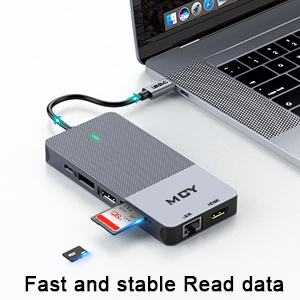
I've used other USB-C docks for my MacBook Pro (2021) but I needed more USB ports for the growing number of peripherals I need to use daily. This little docking station has been perfect. It's pretty slim/small so it tucks away behind one of my monitors. I now just plug in the USB-C cable from the dock and I've got my hardwired network connection, my second monitor, my mechanical keyboard, my headset, my external hard drives, everything.I like that this docking station has card readers built-in also. Saves me time from having to hook up my external card reader. The choice of HDMI and DisplayPort is nice, and having TWO HDMI ports is incredible. I just wish my MacBook would support more than one external monitor as I'd love to use three displays instead of two. That's not the dock's fault though, it's a limitation of the Mac.The dock gets a bit warm during use but they ALL do and this one actually stays cooler than the one it replaced and that dock had fewer ports. I'm really enjoying this little docking station and expect to get a lot of daily use out of it. The build quality is great. It has an LED on the top so you know it's plugged in and working. I'd recommend this to anyone needed a USB-C docking station. One last thing - this didn't need any set up or drivers on my Mac. I just plugged it in and everything worked.
A**A
Overall works ok, some display limitations for MacBook
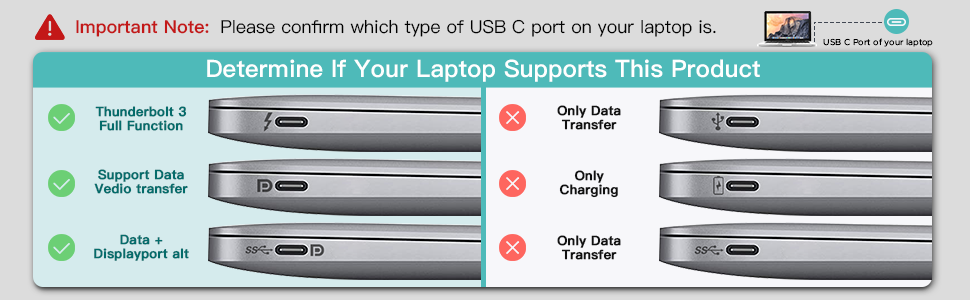
I like the size of this docking station, however the USB-C cord needs to be much longer, probably twice as long, as it can be a little cumbersome to have such a short cord with various display cords going into it, so close to your laptop. It doesn't give a lot of options if you want to have the docking station out of immediate sight.Macbook users - keep in mind, you need to double check your device's options for external displays before purchasing this docking station. Mine is a 2020 MacBook Pro and I discovered that this docking station only allows for 1 external display, since the docking station only has one USB-C connection point. If you want 2 external displays, you may need to look elsewhere for one that has 2 USB-C connections - check your laptop's hardware/manual details to confirm. I'm not factoring this into my review since I see this as something I should have looked up before purchasing, but FYI for anyone looking to buy.Additionally for the one monitor I was able to hook up through this docking station, I started to have issues with the monitor flashing on and off, though I suspect this issue has gone away after I hooked up my power source through the docking station versus directly connected to my laptop.
F**O
Exactly what I needed (multi-displays for my MacBook + Win PC)
After researching the best way to plug in multiple displays, I settled on this one because of the dual 4K HDMI but also for the Display Port. My goal was to have 3 displays for my MacBook Pro and share 1 monitor with my Win pc - this hub achieves that without issue. The speedy USB3 ports are great for fast charging all of my wireless peripherals (4-1 keyboard + dual channel mouse) - so I don't have to wait for things to charge up.Note: for MacBook users: I had to use a 2nd smaller HDMI dock to get the 3 separate screens I wanted. I use this hub for the Display Port (USB-C into my MacBook) + all of the perhiperals and a 2nd hub for the HDMI + power (USB-C into my MacBook) + my laptop screen gives me the 3 separate non-mirrored displays, power, external webcam, wireless dual channel mouse + charging cables.Windows machines can have all 3 plugged into this hub for a potential of 4 separate screens (if your laptop supports it).Solid build, highly recommend.
Trustpilot
2 months ago
1 week ago
2 months ago
2 months ago