
DOWNLOAD THE APP


Customer Services
Copyright © 2025 Desertcart Holdings Limited
DOWNLOAD THE APP
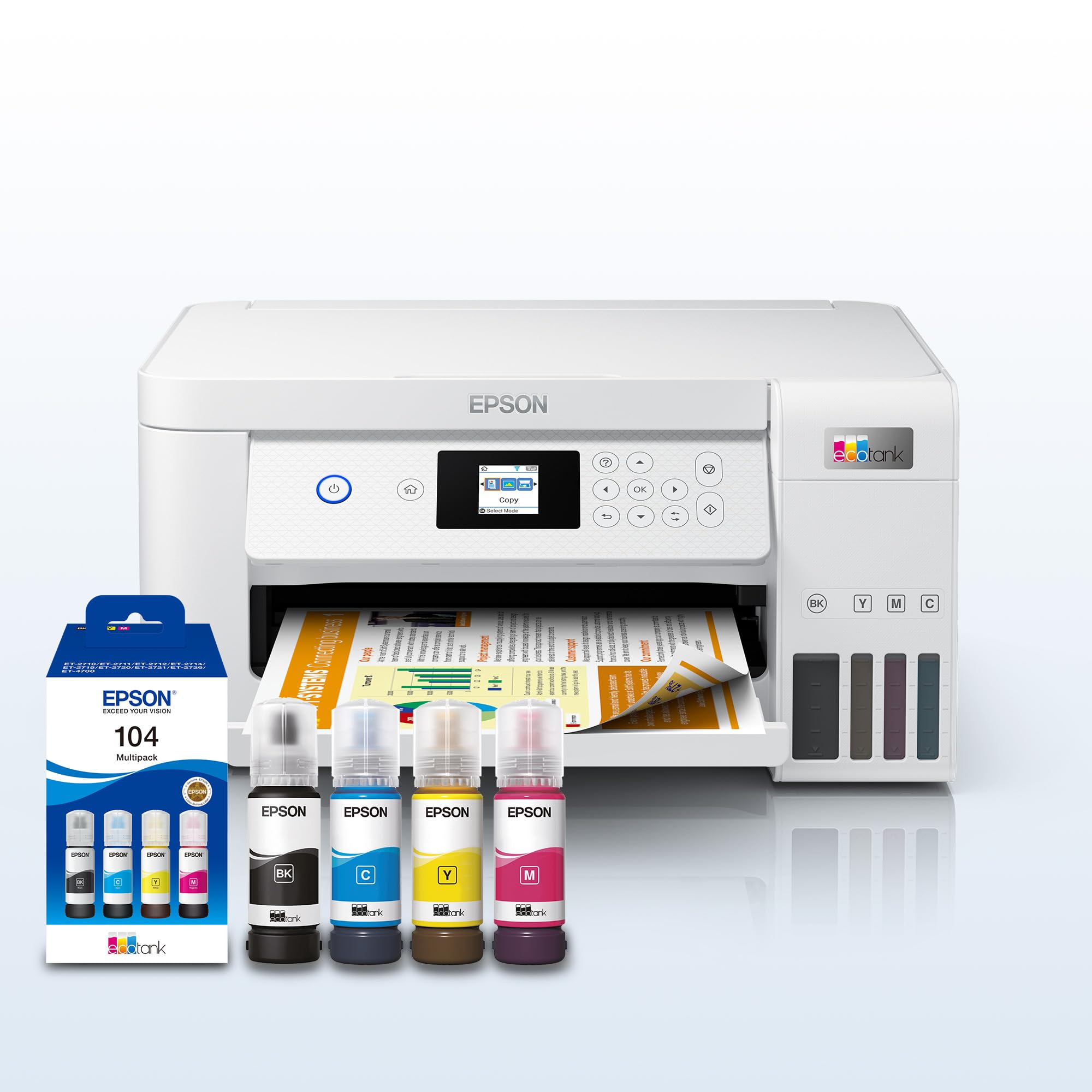
🖨️ Print smarter, save bigger, and stay effortlessly connected.
The Epson EcoTank ET-2856 is a Wi-Fi enabled inkjet printer designed for home and small office use, featuring ultra-high capacity refillable ink tanks that deliver up to 7,500 black and 6,000 color pages per set. It offers automatic duplex printing, a 3.7cm color LCD, and seamless smartphone app control, enabling cost-efficient, high-resolution printing, scanning, and copying with minimal hassle and up to 90% savings on ink costs.


| ASIN | B09HNBN2H5 |
| Additional Printer Functions | Scan |
| Box Contents | Ink Bottles, Ink Multipack |
| Brand | Epson |
| Brand Name | Epson |
| Color Depth | 24 bpp |
| Colour | white |
| Compatible Cartridge | EcoTank |
| Compatible Devices | Smartphones |
| Connectivity technology | Wi-Fi |
| Control Method | App |
| Controller Type | iOS |
| Customer Reviews | 4.2 out of 5 stars 11 Reviews |
| Display Type | LCD |
| Dual-sided printing | Yes |
| Duplex | Automatic |
| Ink Colour | white |
| Manufacturer | Epson |
| Maximum Copy Resolution Black and White | 5760 x 1440 dpi |
| Maximum Copy Resolution Color | 5760 x 1440 dpi |
| Maximum Print Resolution Black and White | 5760 x 1440 dpi |
| Maximum Sheet Capacity | 150 |
| Maximum Supported Paper Size | 8x10 inches |
| Maximum print Resolution Color | 5760 x 1440 dpi |
| Model Name | EcoTank |
| Model Number | ET-2856 |
| Model Series | 2856 |
| Model name | EcoTank |
| Network Connectivity Technology | Wi-Fi |
| Number of Trays | 1 |
| Other Special Features of the Product | Auto-Duplex |
| Paper Size | 8 inches |
| Print media | Glossy photo paper |
| Printer Output Type | Colour |
| Printer Type | Inkjet |
| Printing technology | Inkjet |
| Processor Count | 1 |
| Resolution | 5760 x 1440 |
| Scanner Type | Photo |
| Series Number | 2856 |
| Special feature | Auto-Duplex |
| Specific Uses For Product | Home, Office, Personal, Small Office |
| Warranty Type | limited warranty |
N**N
nothing special
nothing special for this printer a cheap version will do the same job and get the same quality of print
R**T
The Eco tank not a Russian tank?
I found it slightly difficult to set up! You must download the Eco tank printer software on your phone or computer to make the printer work properly and it was this simple that caused a problem. Also take out the orange plastic guard in the printer before setting up or using the software! The printer instructions don’t say this?
Trustpilot
1 day ago
1 month ago