

Desert Online General Trading LLC
Dubai, United Arab Emirates
Desert Online General Trading LLC
Dubai, United Arab Emirates


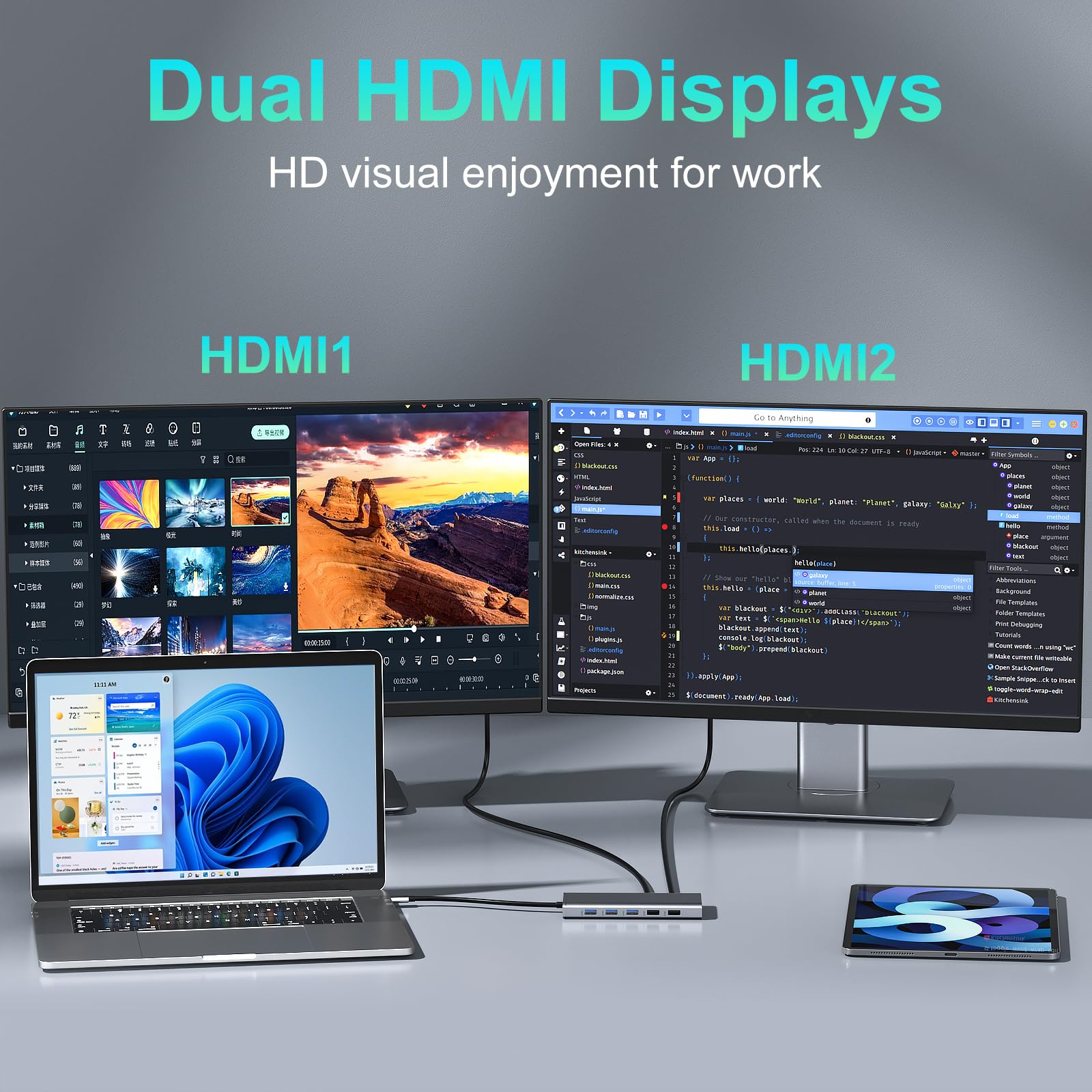
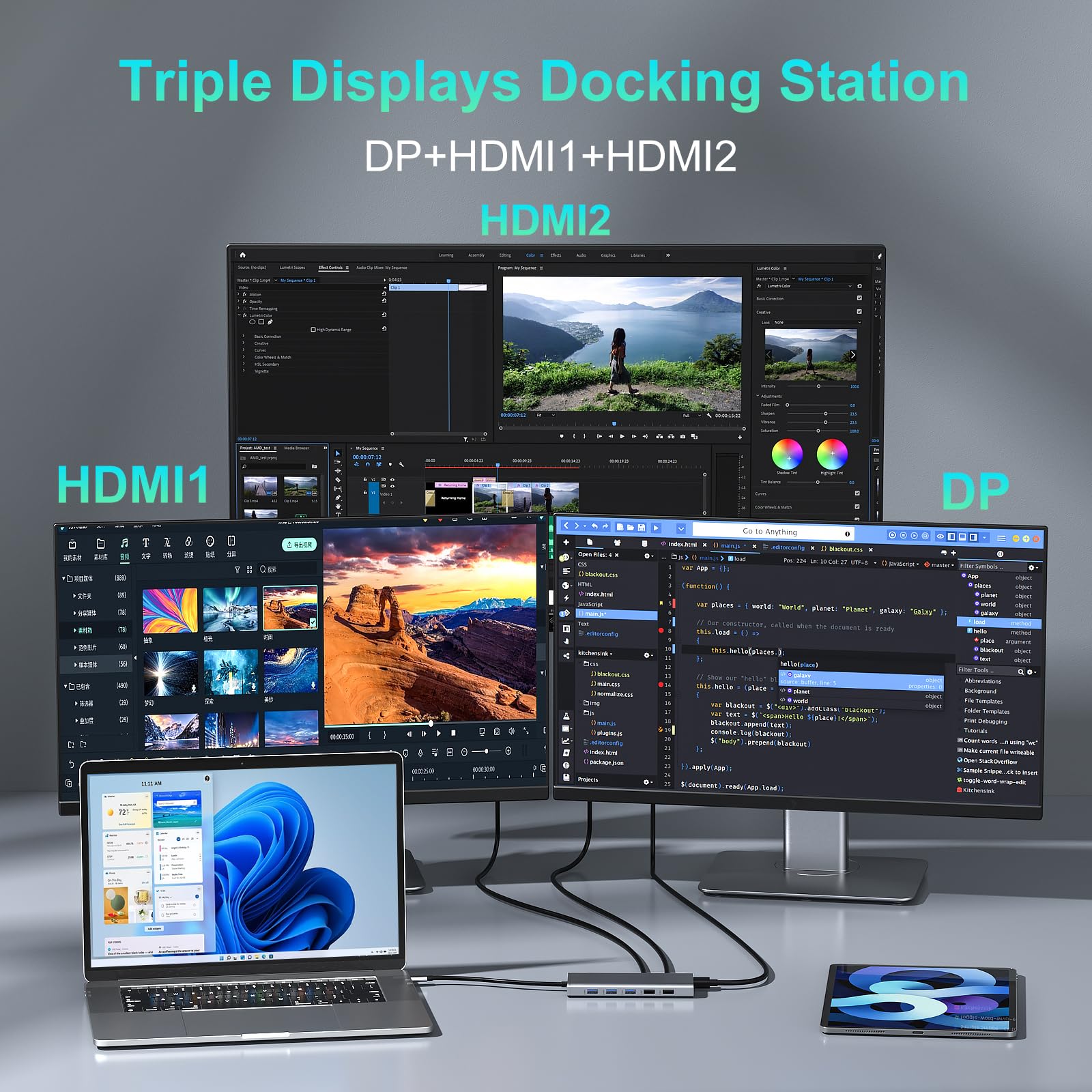
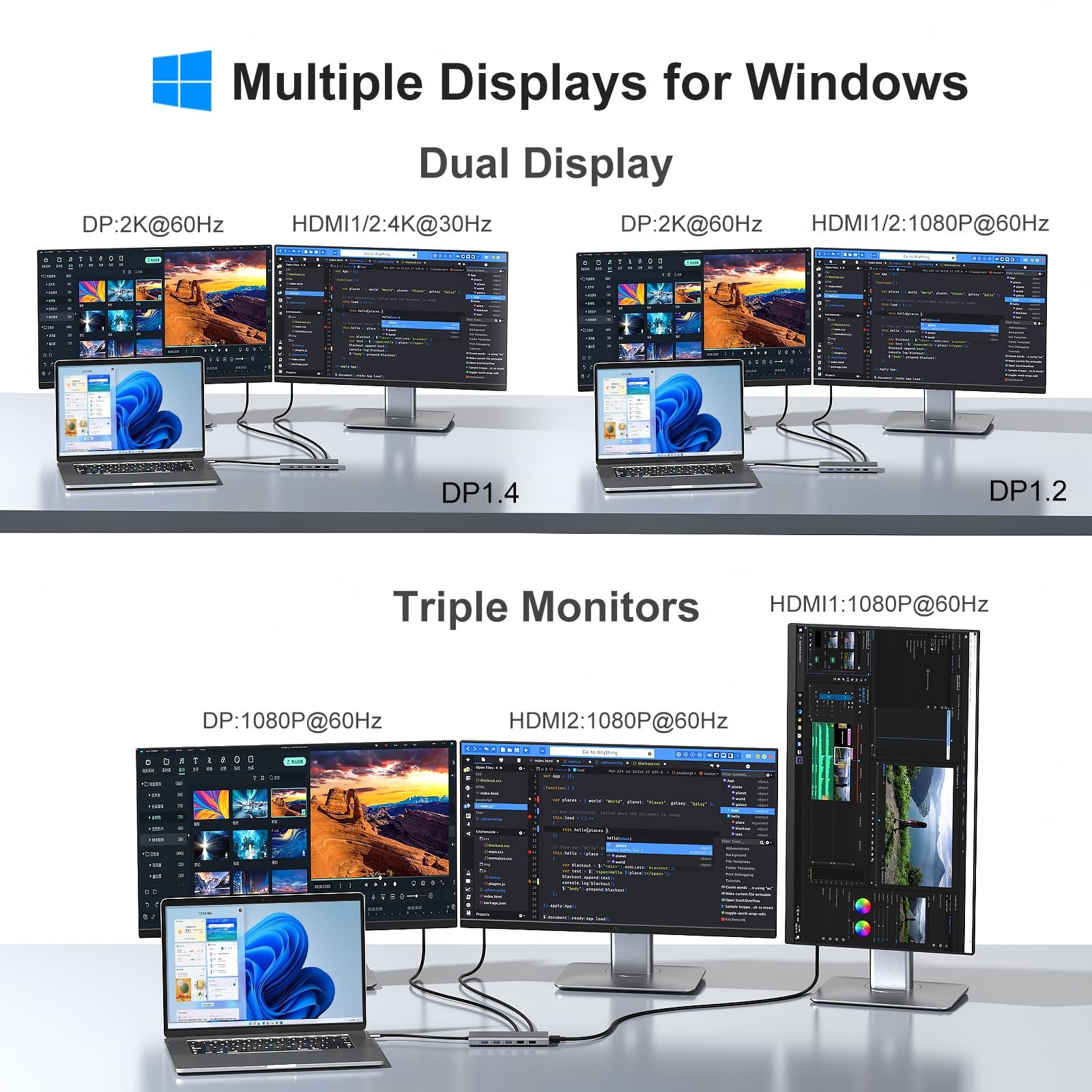
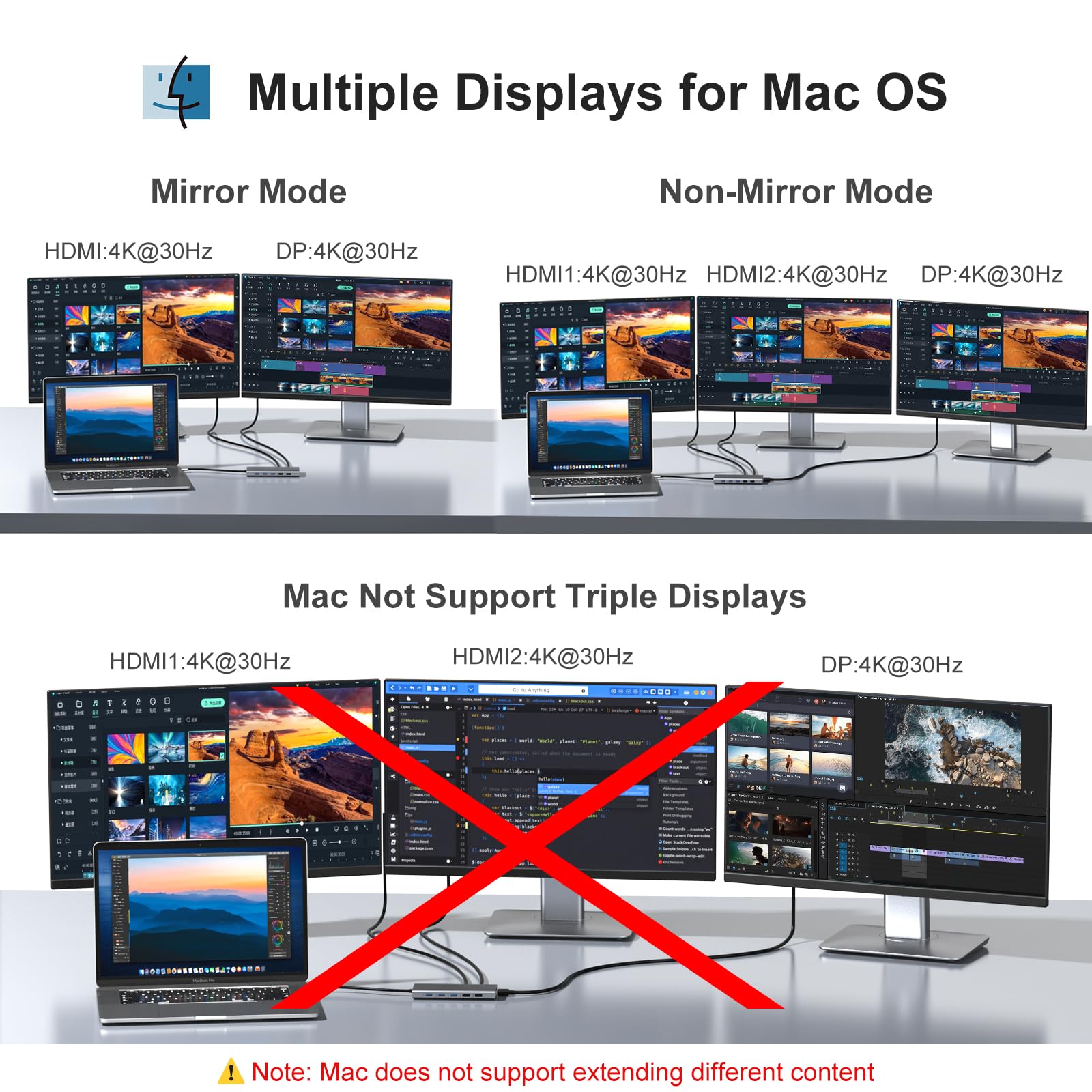

🚀 Dock Your Way to Productivity!
The USB C Docking Station is a versatile multiport adapter designed for professionals who demand efficiency. With dual HDMI outputs, lightning-fast data transfer speeds, and a range of connectivity options, it seamlessly integrates with various laptop brands, making it the perfect companion for your work-from-home or office setup.


| Data Transfer Rate | 5 Gigabits Per Second |
| Number of Ports | 11 |
| Operating System | Mac OS 9, Windows 7, Windows 10 |
| Compatible Devices | Dell XPS 13/15/17, Dell Precision 5510,Dell Vostro 5515/Dell Latitude E7470/5290 2 in 1/5285/5480/7280/3520/5300/5410 Surface Pro 7/X, Surface Go, Surface book 2, Surface Laptop 3 HP Spectre x2/x360, HP ZBook 15 G3、Hp ZBook firefly 15 g7 Lenovo Thinkpad Yoga 900/920/720/730/C930/C940/C740/C730 Huawei MateBook X/ MateBook X Pro/Switch Alpha 12/Chromebook Plus/Google Chromebook Pixel Book |
| Total Usb Ports | 6 |
| Hardware Connectivity | MicroSD, Ethernet, HDMI, USB 3.0, USB 2.0 |
| Additional Features | Play, Plug |
| Item Dimensions L x W x H | 6.3"L x 0.79"W x 3.54"H |
| Color | 11 IN 1 USB C Docking Station |
A**S
Reliable, compact, and versatility based on interfaces present, functionality with laptop
This USB C laptop docking station is a compact, cost effective expansion interface to modern laptops with USB C interface port. In this case the the laptop is a HP Spectre x360 Convertible 13-aw0xxx. Great little machine and the docking station provides all the additional physical connectivity you would typically use. Basically a great idea well executed with a superb product competitively priced. Many thanks.
C**Y
Works well, but gets quite hot during use
Bought to link a laptop to a pair of external 24" monitors via HDMI cables, and to connect a wireless keyboard & mouse via a USB dongle. Didn't run any external power through this device (laptop charger was connected directly to the laptop).Pros- Small size- All ports easily accessible when this is lying flatCons- Got quite hot once in use (peak within 5 mins) - hot enough for it to be quite uncomfortable when touching it. Ended up propping this up at one end to improve air circulation, charging the laptop directly rather than via this device, and didn't plug in a separate webcam and headset for video calls in case that increased the heat load on this device.- Every now and again the keyboard / mouse "froze" for 1-5 seconds - quite disconcerting when this happens (never found out why this happened; appeared to be random rather than as a result of anything being done / laptop CPU or memory load). Occurred when using USB3 or USB2 ports (tried all of them over a couple of months).- USB-C integral cable is quite short (9" / 24.5cm from body to tip of USB-C male connector), so ended up buying a 1m USB-C extension lead.Happy with this now I've got it, but if I were buying another one I'd look closely at other products' reviews to see if they made any mention of high temperatures when being used.
R**O
Great starter docking station.
I never used one of those so was looking for something cheap but okay and this was perfect, I had it for 5 months now and it works perfectly charging my laptop and phone, powering one screen, a webcam, mouse and keyboard. Doesnt overheat and doesnt make any noise. Amazing little gadget for any home office. I dont know how good it will be with two screens and a laptop but I use extended display with my laptop and screen and it works fine.
N**K
USB C Laptop Docking Station Dual Monitor HDMI
Got this Docker to extend my DELL Latitude 5520 Laptop while working at home and it all works perfectly, Compared to the price of a DELL Docker (£150+) this is a barging at £50.... I now have 3 Monitors set up (including the Laptop)... Highly recommend...The Docker worked out of the box with HDMI*2, USB Mouse/Keyboard and 3.5mm Headphone/Mic and is powered from the original Laptop Power Supply. You then simply plug the power cable from the Docker into the Laptop, make sure your Laptop USB-C connection is Thunderbolt though....The only down side for me was I needed to position the Docker and the cable wasn't long enough, so had to get an extension USB-C cable (Docker – Laptop), which was the UGREEN USB C Extension Cable Type C Male to Female... I think you need to get the right extension because they can be different but, the UGREEN is working fine for me...
S**A
Hit & Miss
I purchased this to enable me to use 2 additional screens and mouse and keyboard.In the main it works great however, at least 3 times a week I need to restart my machine as the 2 monitors simply go blank, the system still things they are connected but nothing displays. A restart fixes this, if it was 1 screen I’d say it is an issue with the screen but as it’s both I’m certain it’s the hub.Would give it 5 out of 5 if it wasn’t for that.Update: unplugged and no longer in use. Constant problems with screens.
G**K
Works great with multiple monitors and other devices connected
Here's what I have connected to my Lenovo X1 Carbon which is a "business" laptop:2 x HDMI monitors1 x USB webcam1 x USB Logitech controller for wireless keyboard and mouse1 x USB-C power adaptorThis is a great option to just plug your laptop in and everything works. This has more connections and is lower cost than a branded docking station !These devices work best on laptops configured to use USB-C in this way. My personal laptop (lenovo idea pad 14) doesn't work - or at least it wasn't plug & play. Maybe I just need to configure some settings
L**N
One annoying problem.
Overall a solid piece of kit.I have only one problem and, disclaimer, I don't know if this is a problem with the Dock or my laptop.My only problem with it, and it's a rather annoying one, is that whenever I remove the USB C charging cable from the Dock, it disconnects and then reconnects all the monitors. This leads to all the windows that I had over multiple screens all ending up back on my laptop screen. I then have to re-distribute those windows. I could just leave it on charge all the time but that's not good for the longevity of the battery.
Trustpilot
1 week ago
3 weeks ago