
DOWNLOAD THE APP


Customer Services
Copyright © 2025 Desertcart Holdings Limited
DOWNLOAD THE APP


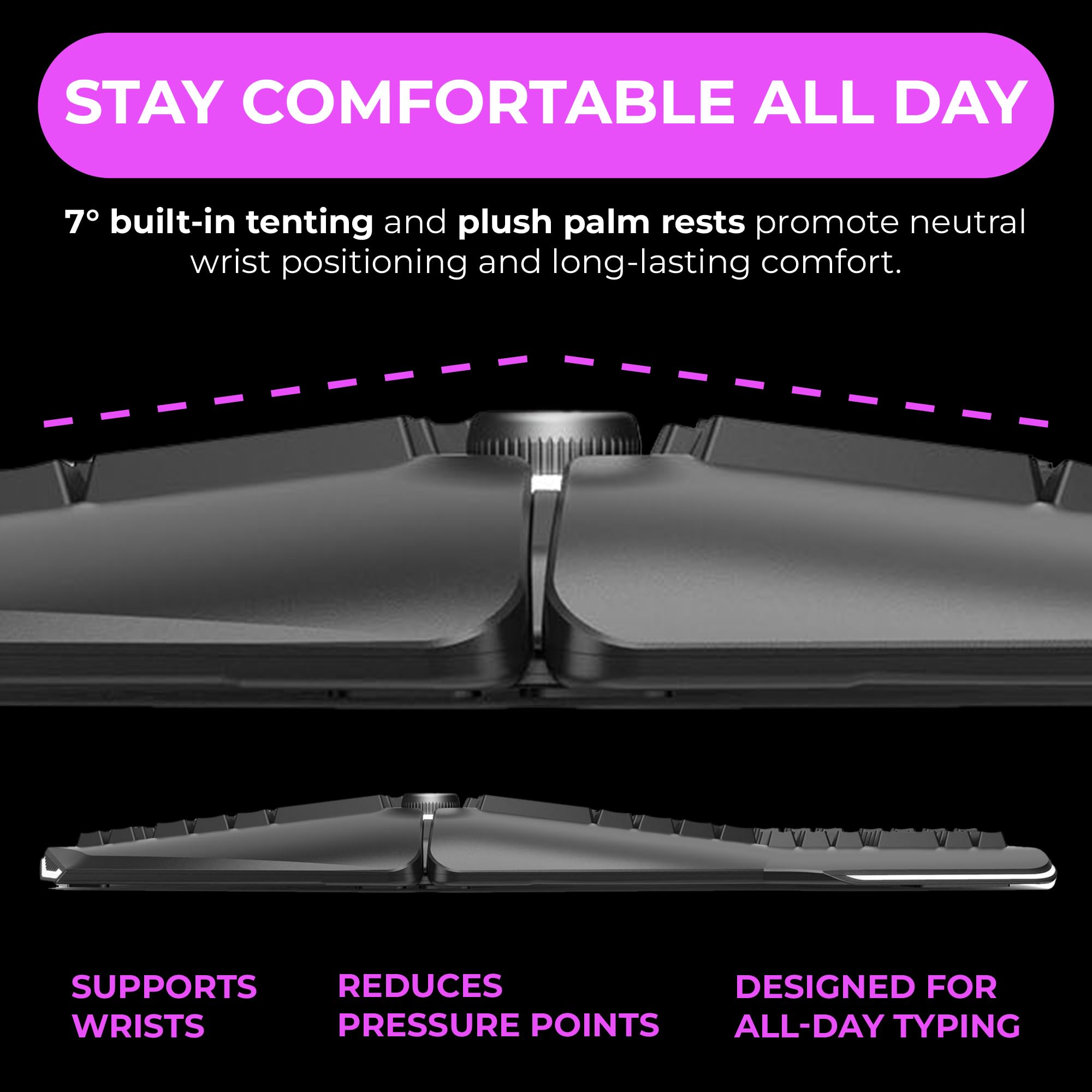
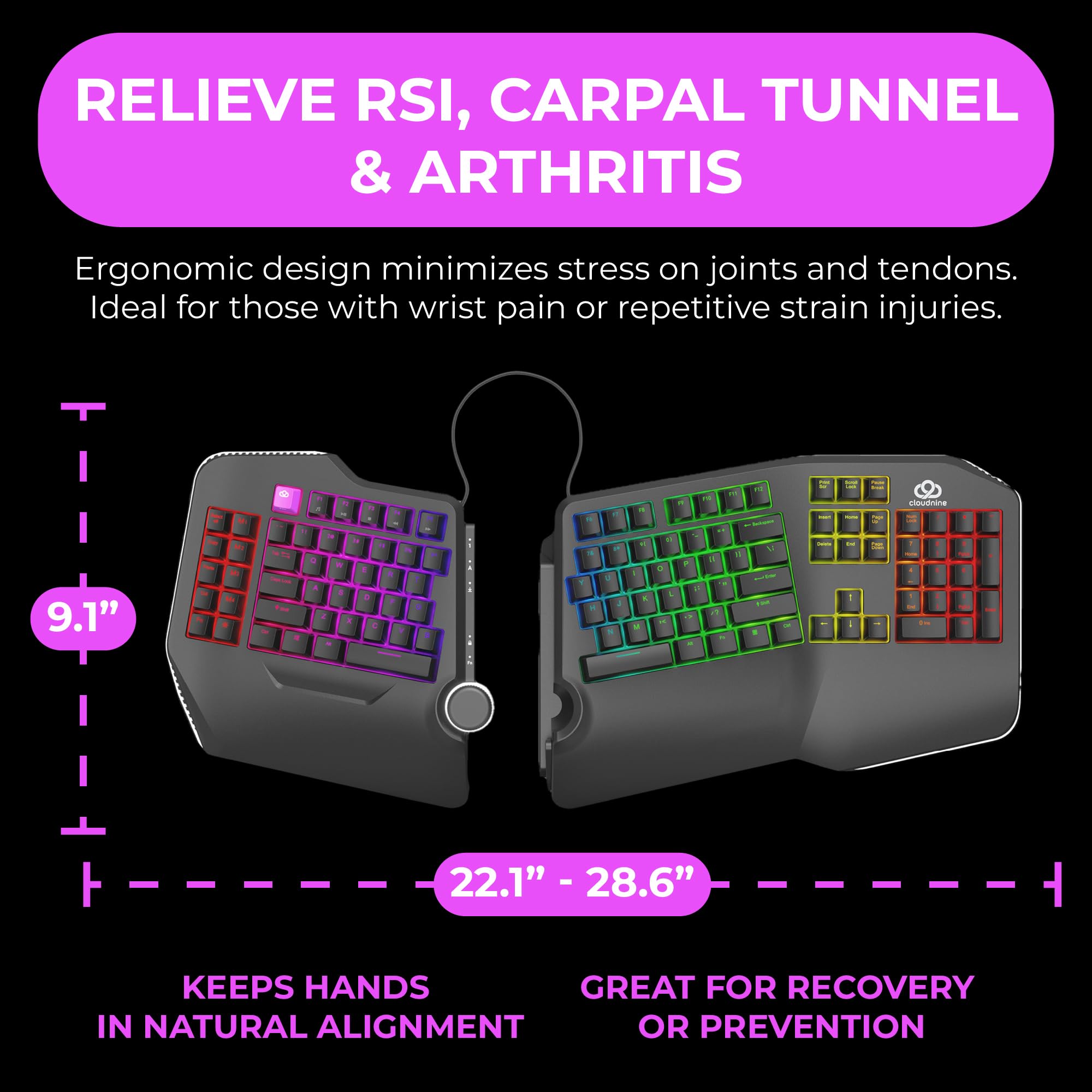
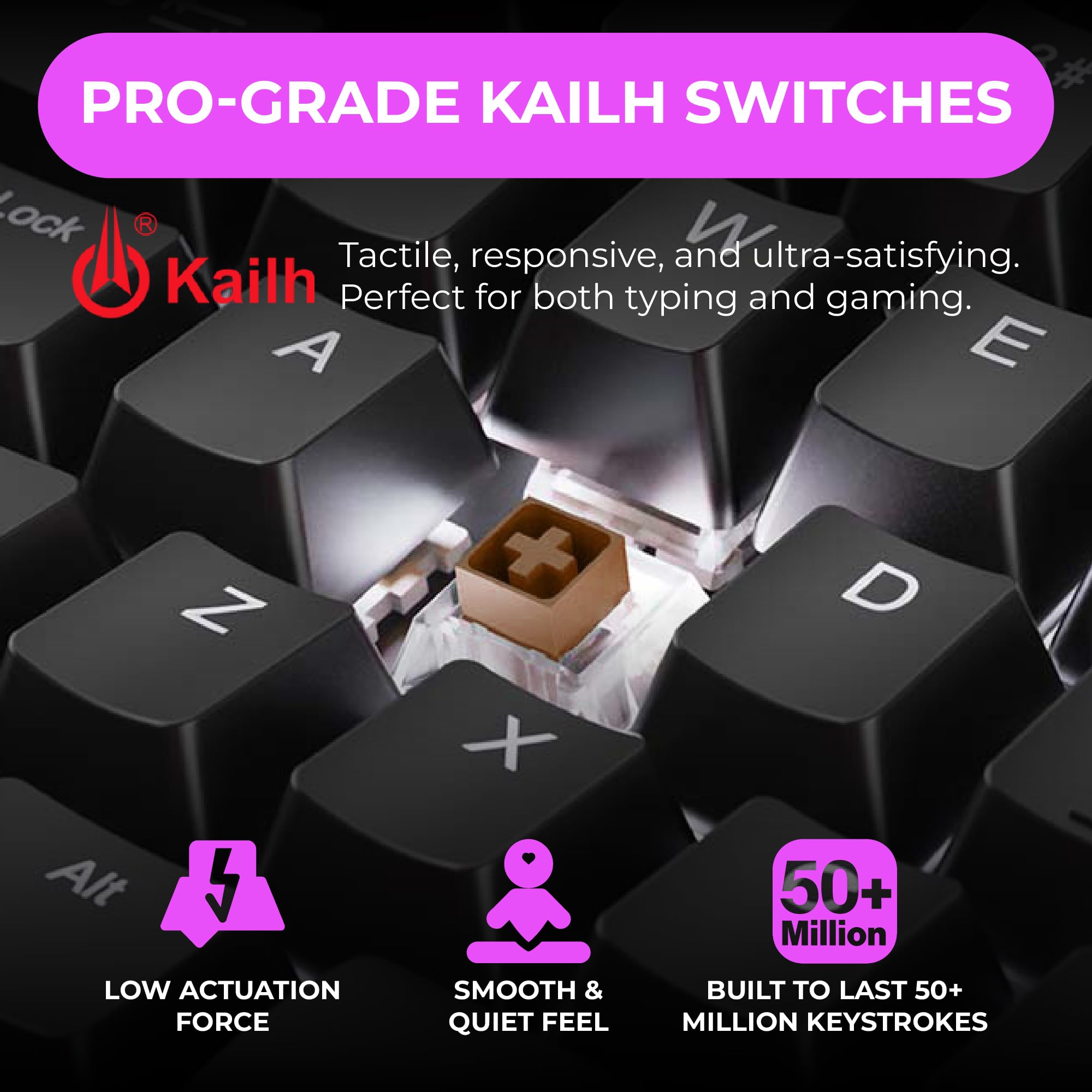
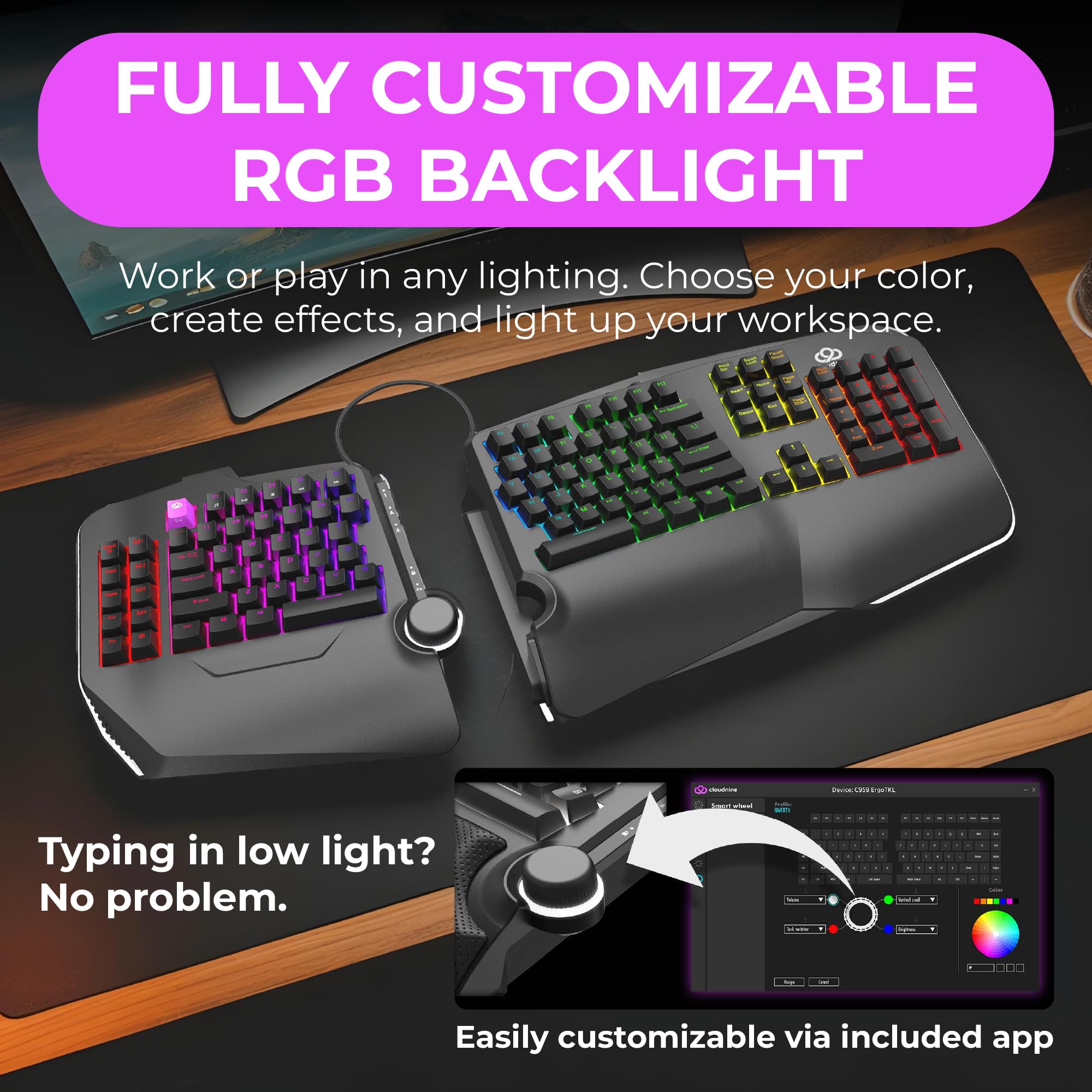


⌨️ Elevate your workflow & game pain-free with Cloud Nine’s ergonomic RGB powerhouse!
The Cloud Nine C989 is a full-sized ergonomic mechanical keyboard featuring a split design with up to 8 inches separation, built-in 7° tenting and palm support, and Kailh Linear Red switches for smooth, low-force typing. It offers customizable RGB backlighting with 20+ patterns, 10 programmable macro keys, a full number pad, and USB pass-through, making it ideal for professionals and gamers seeking comfort and high performance during extended use.


| ASIN | B08JKNW8V3 |
| Best Sellers Rank | #1,185 in Computer Keyboards |
| Customer Reviews | 4.2 4.2 out of 5 stars (980) |
| Date First Available | September 20, 2020 |
| Item Weight | 4.04 pounds |
| Item model number | C989M-RD |
| Manufacturer | Cloud Nine |
| Package Dimensions | 16.93 x 11.5 x 5 inches |
A**P
Great keyboard....expensive, but worth it!
I have been using a MS 4000 Ergonomic keyboard for over a decade. After my wrist surgery, I found it VERY uncomfortable using a standard keyboard as the wrist angle was not natural. The curved keyboard is much more relaxing and natural feeling and eliminates pain when typing for long periods of time (whether office work or gaming - and I do both). My old keyboard gave out and my company was offering reimbursement for setups to allow us to work from home so I started researching. My decision came down to this keyboard and the Kinesis Freestyle. Aside from the price difference (the Cloud9 was on sale marked down from $219 to $189 with an additional 10% off coupon at the time I purchased), I liked the fact that this offered the tenting option already included. The Kinesis board required an accessory that cost an additional $30. No brainer to save the money buying this keyboard over the Kinesis. Now on to the keyboard itself. I have been using a full size MS4000 for over a decade, as stated already. That keyboard was about 20" wide and had the full number pad on the right. I like having that number pad as I use it on a regular basis. The Cloud 9 is the same width. If you haven't been using a full size board before, it will seem HUGE. That may come into consideration should you have limited space on your desk. The brown keys have a nice feel to them. You can hear them click and you will know that you haven't miskeyed. They are responsive and spring back quickly. The lighting is nice and there are a number of options based on what your preferences are. The one bad I would have to say is that, when the lights are off, you can't see the letters/numbers on the keys. If you are unfamiliar with where the keys are as you get used to this board, that could be an issue for you, especially with all of the function keys added on the left side. Took me a few days to get the feel of where the keys are, but now it is just natural. The raised wrist rest and the built in tenting are very comfortable. Your wrists sit at a natural angle and the hand positioning feels very good. The only thing I wish it has was an option to increase the incline on the keyboard. The MS4000 had feet that you could pop out to raise the top of the keyboard which was nice. This isn't an option with Cloud 9 or Kinesis. After a few days, it wasn't an issue as I got used to the keyboard sitting flat. As for gaming, this keyboard is great! As I said, the keys are quick and responsive so you will not lose any speed when playing. I haven't used the M keys on the left side so I can't speak to how well they play into twitch gaming. The keyboard splits down the middle. If you want it to stay as one keyboard, the left side fits into a groove on the right and stays there even when gaming (I tend to keep the keyboard together when I game). If you prefer to play with the left side as a gaming pad, here is where the Kinesis wins (out of the box anyway). The connecting cord on the Cloud 9 is a bit short. As I have a 5' desk with a shelf for the monitor set up, its not an issue for me as I can just move the right side under that shelf. If you don't have the room to do that, it would require an accessory cord that sells for $15. I think it should be the standard cord, but I don't work for them so my opinion doesn't really count. Overall, I am very happy with this keyboard as both a productivity keyboard for office use as well as for gaming. I can play games for 3 or 4 hours and walk away with no wrist or hand pain. For me that is a huge thumbs up. If you are the type of person who takes care of their things like I am (I mean, my last $60 keyboard lasted me for over 10 yrs!), I think this is well worth the money spent. You definitely get what you pay for!
T**R
This is a GREAT split keyboard with 10-key! Expensive, yes. But worth it, too!
This is a great mechanical and split keyboard. I really love it. I could not find any other split keyboard with 10-key on it, and I was very hesitant to try this out, due to the cost. But, I love it. It is worth the cost. For reference, I have the brown switches on mine. The built in key light choices are awesome. I love the one where each key is on it's own light-up pattern. And there are at least 20 different patterns to choose from; one of them being NONE. Which is a nice to have. There are some "M" keys, just M1-M4. I don't use them. I'm pretty sure you need the software installed. I am NOT using the software. There are some cool "cut/copy/paste" and a "select all" keys, too. Nice enough. For someone like me who has the muscle memory for ctrl+ operations, I don't use them. But I can see that someone else might like them. There is no 'copilot' or other AI key. Thank whichever deity you believe in. I am giving this a 5-star review because it is a great keyboard. However, I do want to point out some 'issues' just so you are an informed customer. This does not diminish the quality of the keyboard. But there are a few things I want to point out. 1. There are no DEDICATED media keys. Yes, there are keys that control playback of media, but you need to use another key to access them. A function key. This sort of defeats the purpose in my opinion. Plus, the amount of 'dead space' on the unit could have been used for true media keys. Note to manufacturer: if you're planning dedicated media keys on future models, please remember those media keys don't HAVE to be mechanical keys. They should probably be something else, but that is up to you. Just my opinion (I'd like some non-mechanical dedicated media keys. There is tons of dead space to use this for.) 2. The volume knob seems to disable any other keyboard function when it is used. For example, when gaming, if I am using WASD to move a character around, and then use my other hand to adjust volume, it cuts off the WASD input. So if you are walking/running while holding down W and go to turn the volume up/down, your character will stop moving. You have to depress than repress the key. Not a huge deal, just something to be aware of when gaming. 3. The "ESC" key is bright pink/magenta colored. If this bothers you, it's good to know this. 4. The connect cord that comes with it is long enough for me, but some people have said it is short. Good thing is that the ports on the unit are standard type C usb and will accept ANY cord with type C on both ends. Male, of course. I might recommend getting some 'right angle' cords, but depending on which way those face, it could cause issues. Please be aware of this when getting a cable. 5. Nothing else. It's a great keyboard and if you want the freedom to adjust each hand at different angles PLUS have that 10-key, this is the only option on the market.
M**L
Excellent keyboard, best I've ever used and an excellent (if expensive) replacement for the MS 4000. I only have three cons, some are resolved in a few days: con 1: It is expensive, but since I've had RSI and I get through a keyboard every few years I'm hoping I can just replace the switches and/or key caps, so in the long run will save money (hopefully, we shall see). con 2: US layout only, I'm in the UK so took a week to get used to the slightly different layout. con 3: Keyboard setup software only works on Windows, so if you have one, or a friend who has one you can setup the keyboard. Once this is done it works perfectly on Linux (I'm using Kubuntu 23.04 x86_64, Linux 6.2.0-32-generic).
N**I
Lo compre para regalarlo y a mi hermano le ha parecido muy comodo, lo recomiendo mucho
Z**N
I got this keyboard because it was split and this helps relieve shoulder/back strain. The mechanical keys are very responsive. You can type fast. It lights up and the letters on the keys light up. There are various colour choices. It also has an ergonomic shape that eases strain on the wrist and hands. This was designed for gamers, which also suits working all day on the computer.
C**.
So I've been using this keyboard for a couple of days. I have to say, I feel like I'm typing I'm a space ship, it's fun. Haha. However, there are some pros and cons Pros: - The slip really with ergonomics - the keyboard has a nice feel - big plus that it has a number pad - software is easy to use - shape works well for my wrists and I feel an improvement in my chronic wrist pain Cons: - unsure if it's just me getting used to the angles, but misstyping seems to be common. I feel like I'm hitting the keys, but they're not always registering. - ringing feedback noise while typing. Not terrible, but a little annoying. - would be more ergo if it had more lifting and tilting options like their other Ergo keyboard does. Overall, I really like the keyboard. It has its cons, but unfortunately, there's no other better split ergo keyboard thar has a number pad.
J**N
This keyboard is great. The split design allows me to do unconventional layouts, like having my flight stick in the center of my keyboard. I can't fault the product on any of its features. Very comfortable to use, and the USB pass through works very well. For someone who spends 8-10 hours a day on their computer, the split angled keyboard design is something I never knew I needed until I had it, and now I'll never let it go. Unfortunately, due to the design of the shell, the keyboard has a lot of empty internal space, which acts in a similar fashion to a drum's internal space. The sound of each keystroke is reverberated throughout the shell, making it a very loud keyboard. This could be solved by filling the empty space or changing the design to prevent such an effect. Personally, I opened the keyboard and inserted sound dampening foam, which I cut into shape to match the areas. This helped a lot.
Trustpilot
2 months ago
1 month ago