
DOWNLOAD THE APP


Customer Services
Copyright © 2025 Desertcart Holdings Limited
DOWNLOAD THE APP
🔐 Upgrade your security game with effortless zone expansion!
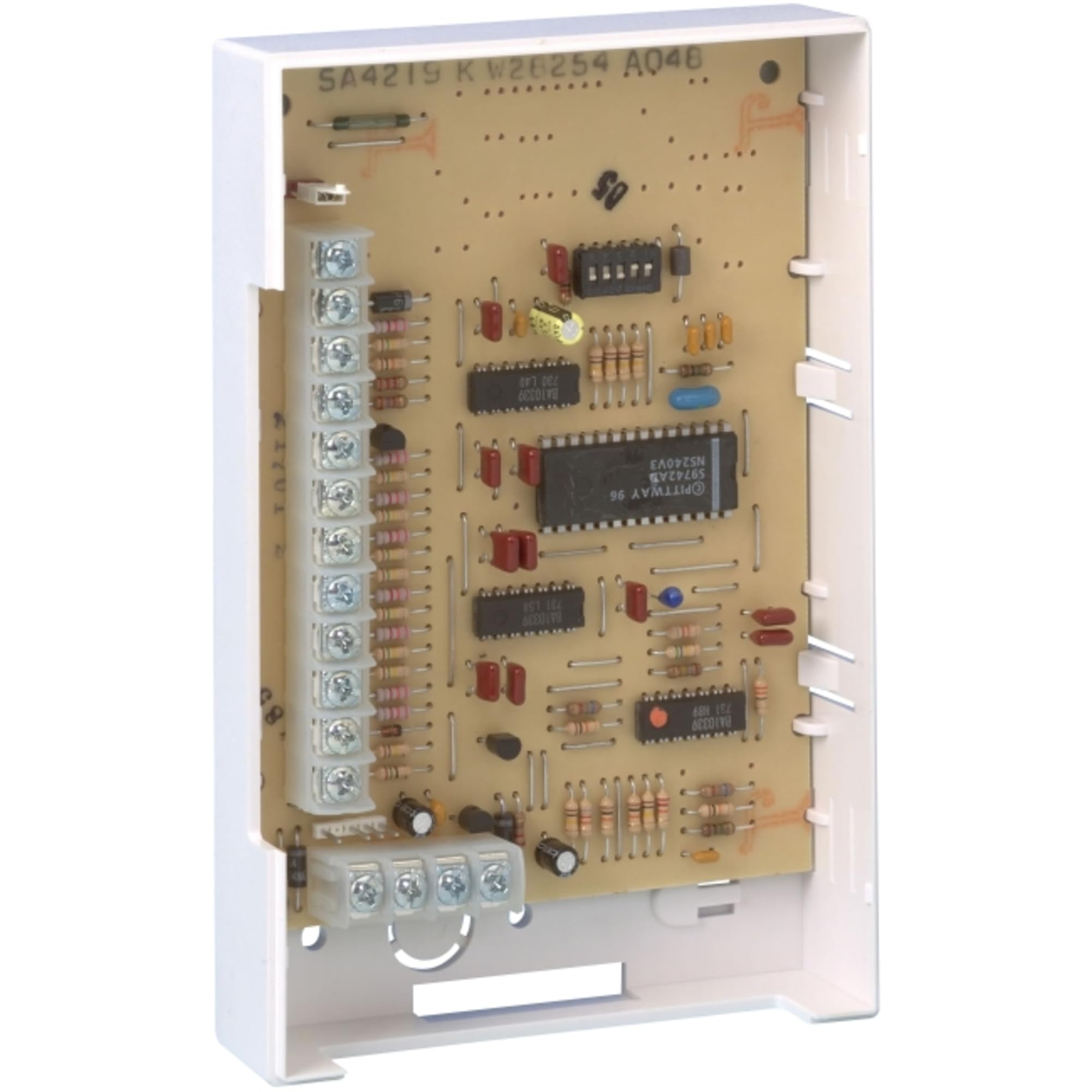
The Honeywell 4219 Ademco Wired Zone Expander is a professional-grade module that adds up to eight additional hardwired zones to compatible Honeywell VISTA alarm panels. Featuring simple DIP switch addressing and supervised Class B loops with 300 ohm tolerance, it ensures reliable detection of circuit faults. Its compact metal design mounts easily along the four-wire ECP bus, making it the perfect upgrade for expanding existing security systems without replacing the control panel.
| ASIN | B000GUV1KC |
| Batteries Required? | No |
| Batteries included? | No |
| Customer Reviews | 4.2 4.2 out of 5 stars (64) |
| Date First Available | 13 Aug. 2012 |
| Item Package Quantity | 1 |
| Item Weight | 249 g |
| Item model number | 4219 |
| Manufacturer | LiveWatch Security |
| Material | Metal |
| Part Number | 4219 |
| Plug profile | Surface Mount |
| Product Dimensions | 6.35 x 6.35 x 8.89 cm; 249.48 g |
1**1
Works fine - I just wish I had spent $15 more for the 4229 (with 2 relays) to drive my garage door and a horn. Here are some install hints: Old versions of this came with 1k EOL resistors. This newer device came with and uses 2k EOL (end of line) resistors. 1. The green onboard LED is not lit when it is working properly with the panel on my system. I don't know what the green LED means. 2. Set address to 07 and the 8 new zones start at zone 9 (I think) Set address to 08 and the 8 new zones will start at 17. (I used this because of zone doubling) Set address to 09 and the 8 new zones will start at 25. 3. Go to the keypad, enter program mode, go to *56 menu and reconfigure the new zones for this device. On mine, I started with zone 17 since the device address is 08 and change the input type from 3 (RF) to 2 (AW for auxiliary wired zone). I repeated this for the 8 zones of the device. The last zone (zone 8 on the device corresponds to zone 24 on my system). 4. Watch out for power problems during testing- My 4219 expander has its own power supply (AD12612) so to de-energize the whole system, I'm dealing with 2 power supplies and 2 batteries. I disconnected the bus power and ground between the vista 20p and the 4219 to make it easier to turn pieces on and off. Not sharing the common bus ground between the vista 20p, the 4219, and the 6162RF keypad daisy chained off the 4219 didn't seem to work. Here is what wound up working for me (there is probably a better way to do it). NOTE - the whole system seems to work better when I turn the pieces on in this order: 1. Energize 4219. 2. Energize Vista 20p + Tuxedo Touch 3. Energize 6162RF keypad.
J**S
Expensive, but is not a knock off.
D**Y
Great item to compliment and make your installation more professional.
J**A
My only complaint is this should be much smaller in size. But was easy to wire to my Vista 21IP.
R**N
The version I received is the Honeywell in which case it is not quite the same as described in the Ademco. This version works only with EOLR and does not work with normally closed or normally open types. The description on this product listing says otherwise. DIP 7 must be left on with this version otherwise it does not communicate properly. Other versions seem to show this is what is used to set and choose NC or EOLR. It would appear based on features, this one is not as advanced. Not sure how to get the other “4219”. Makes it very confusing when looking at any documentation online as they appear to all be different than this model I received.
Trustpilot
2 months ago
2 weeks ago