
DOWNLOAD THE APP


Customer Services
Copyright © 2025 Desertcart Holdings Limited
DOWNLOAD THE APP


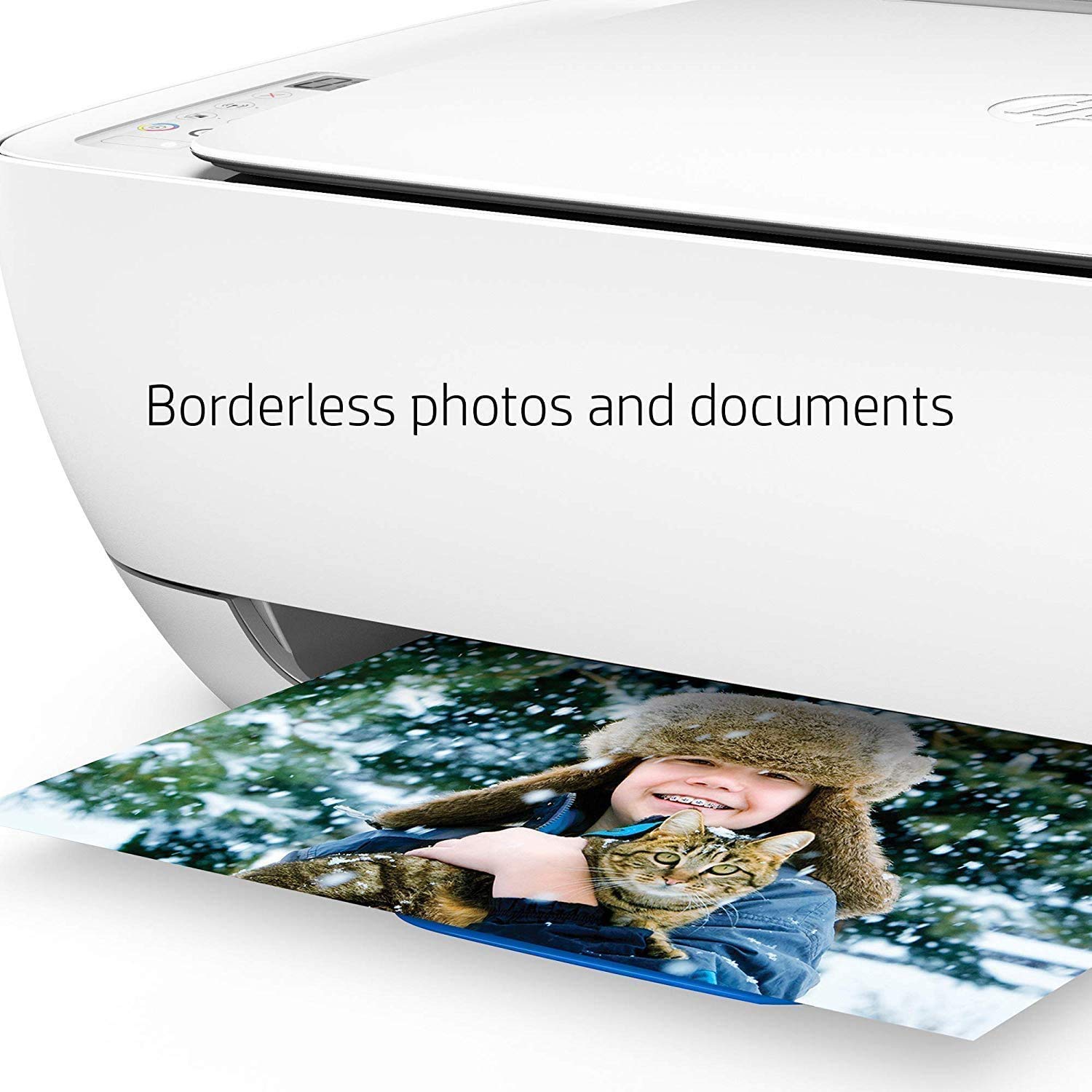
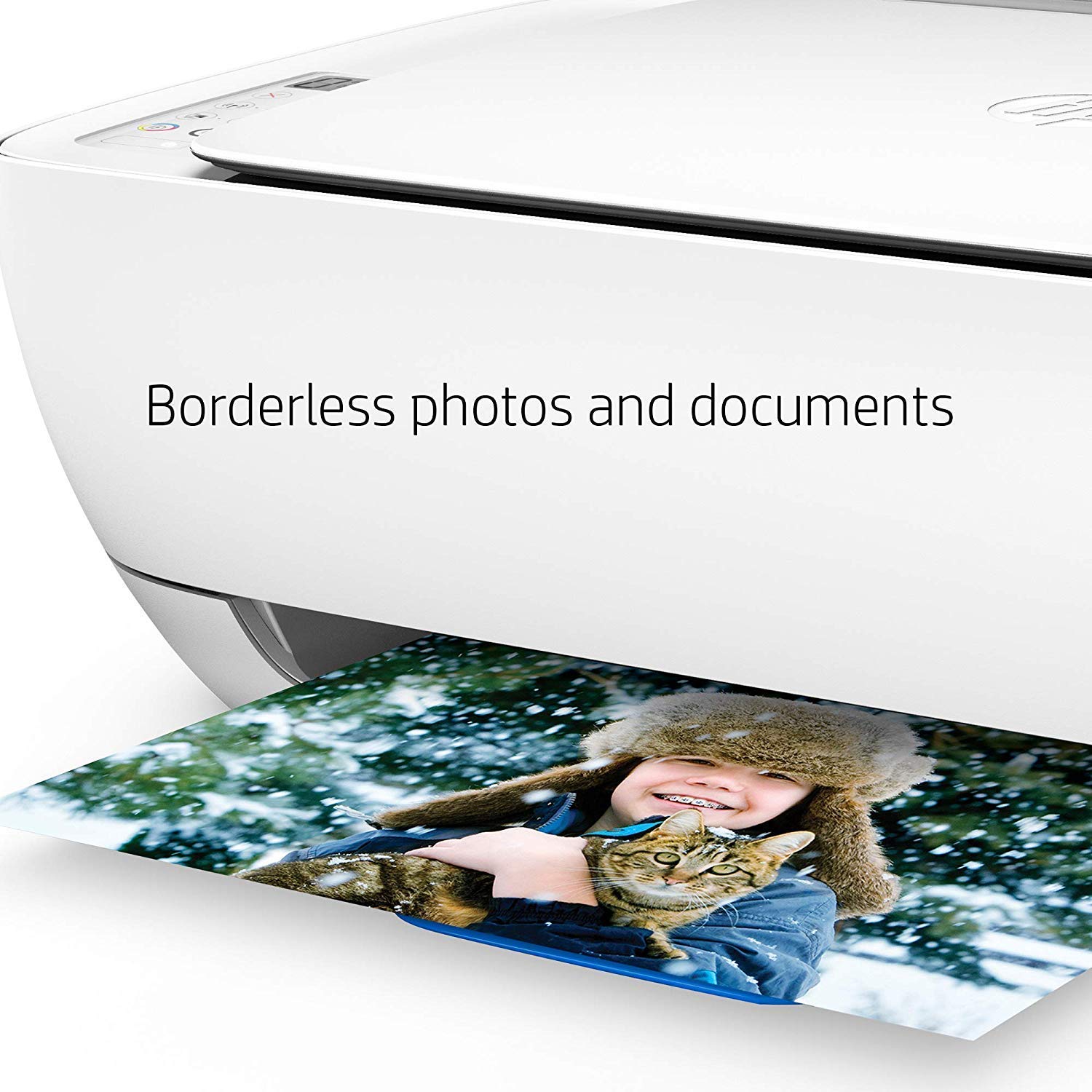
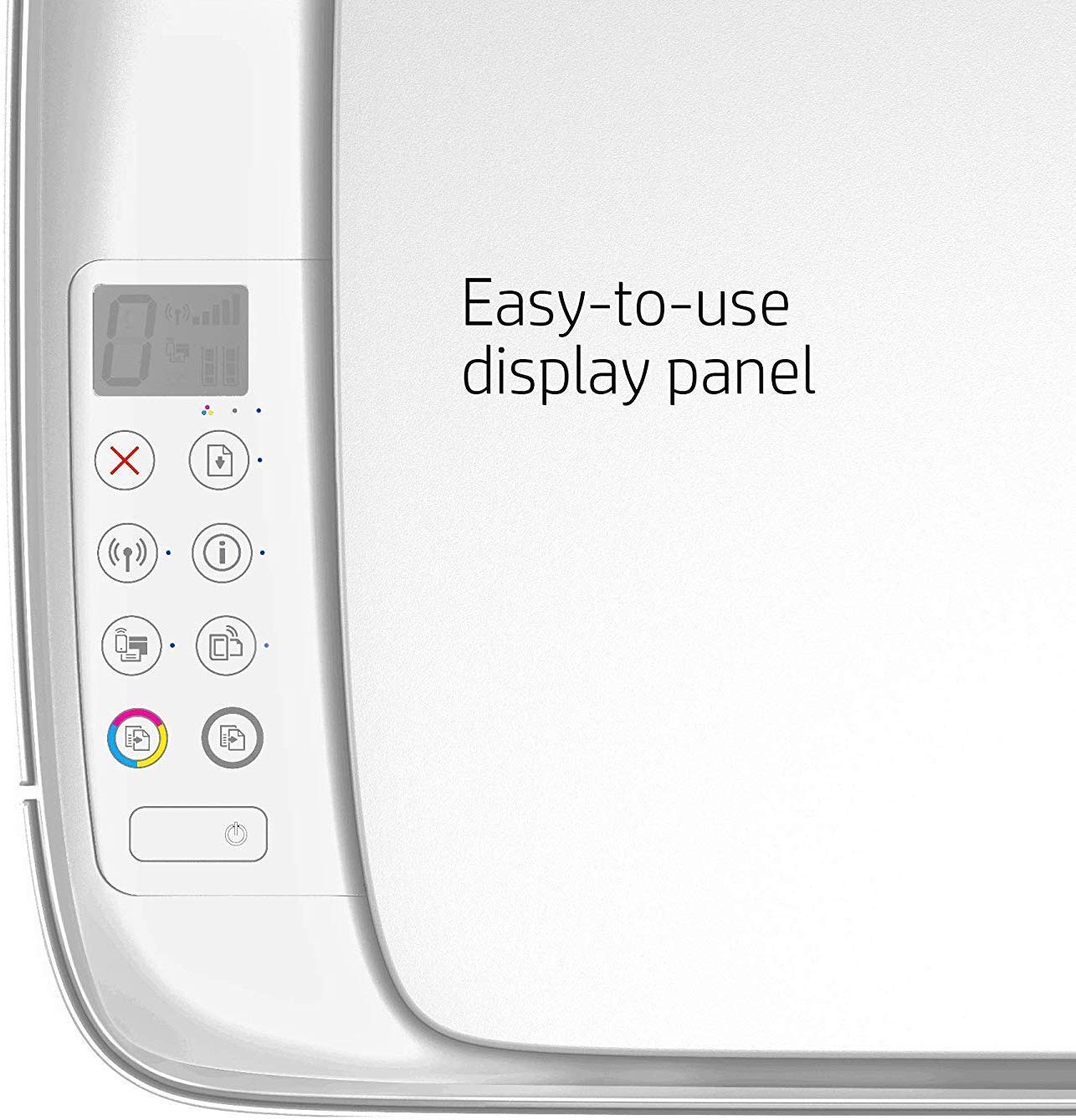
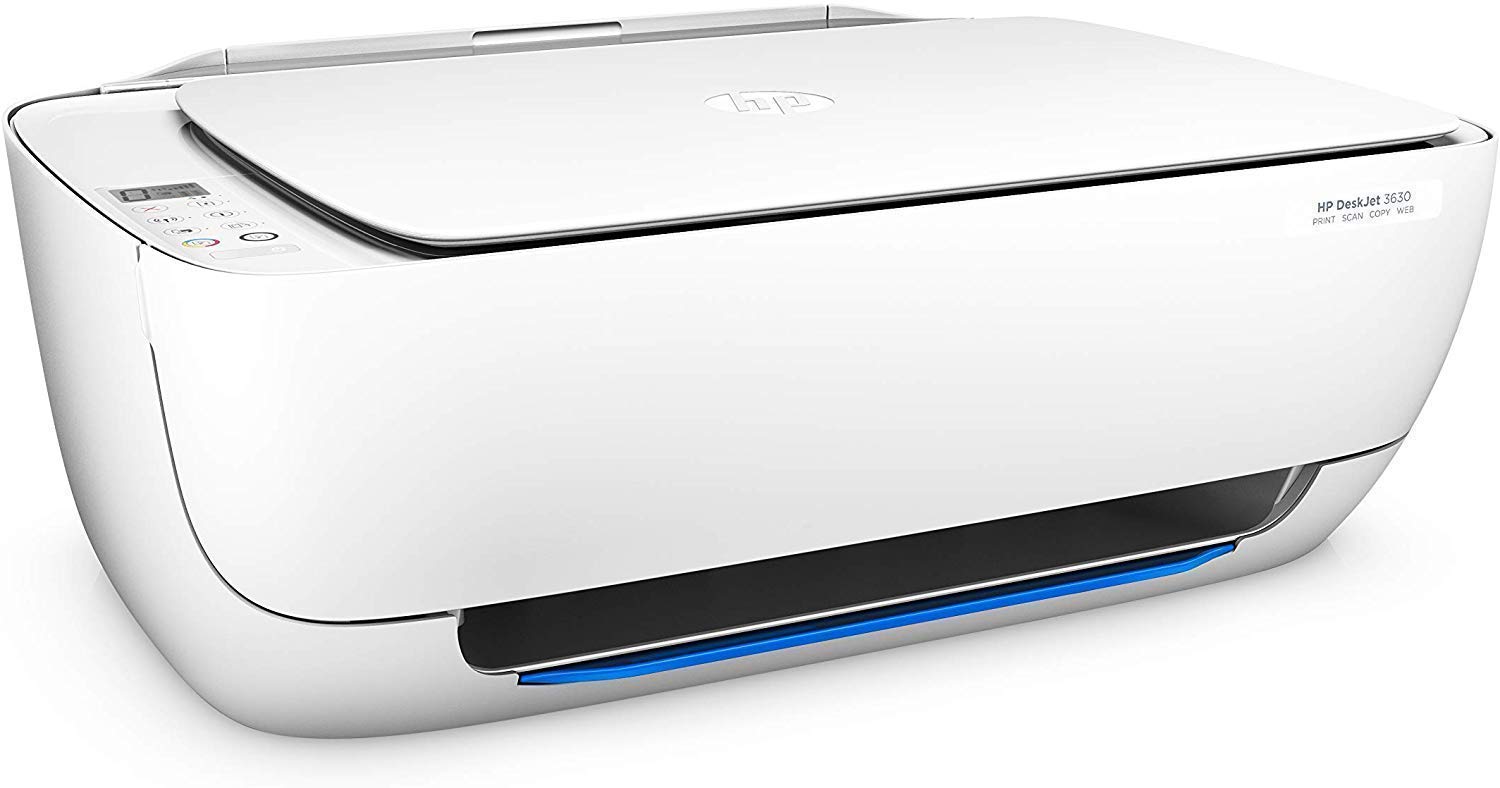
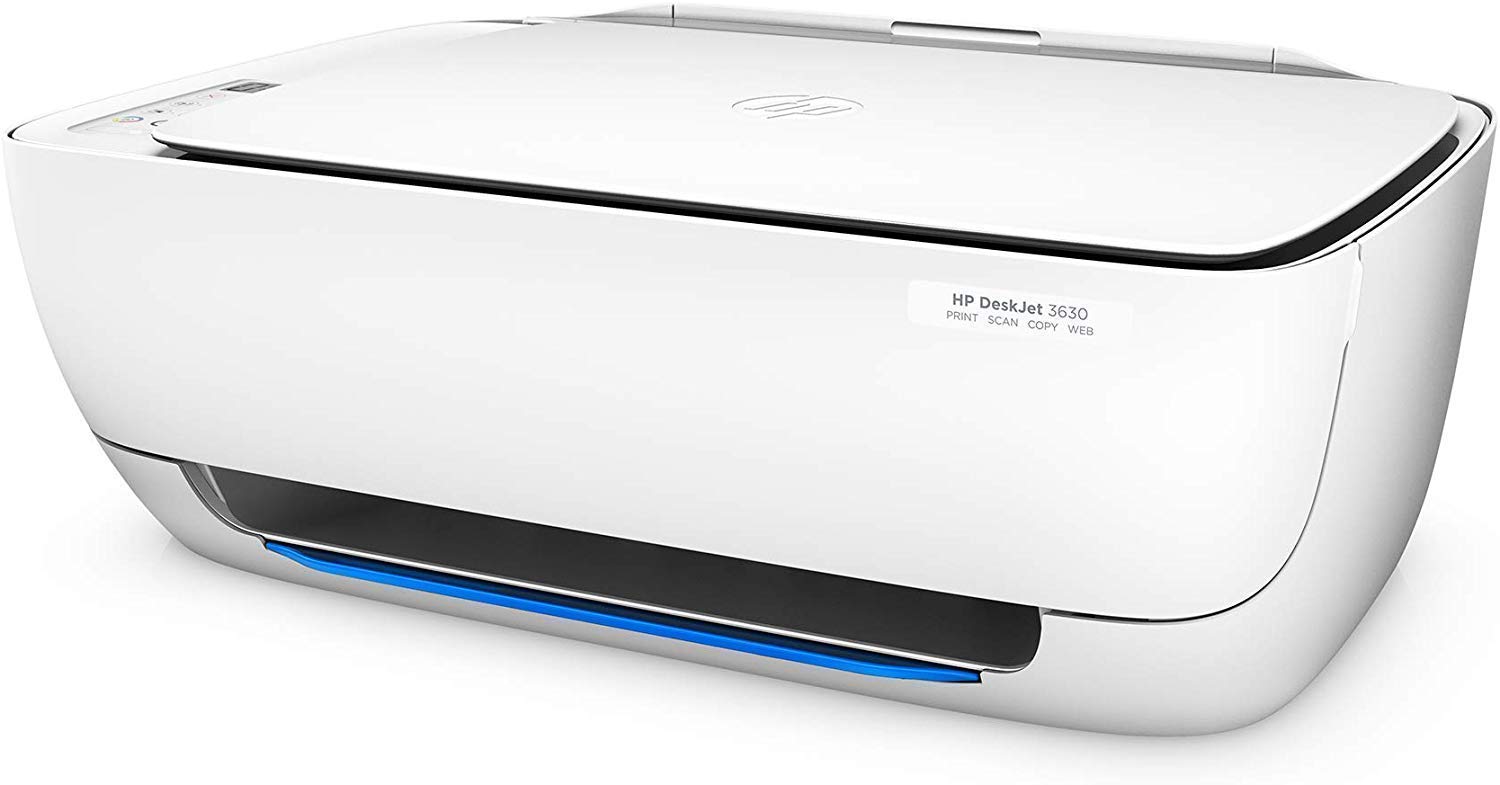
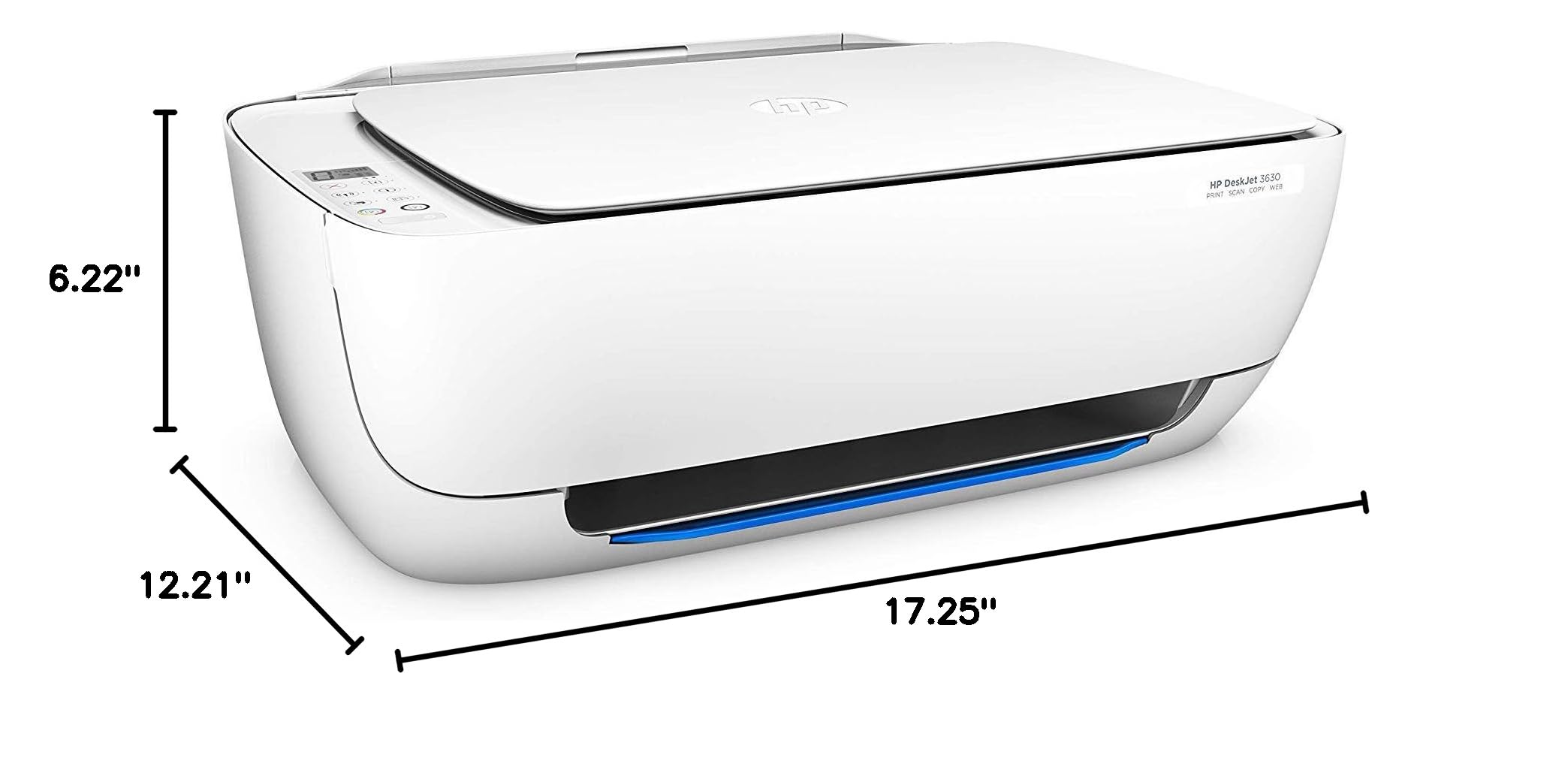
🖨️ Elevate your workspace with wireless power and vibrant prints—because your ideas deserve to be seen.
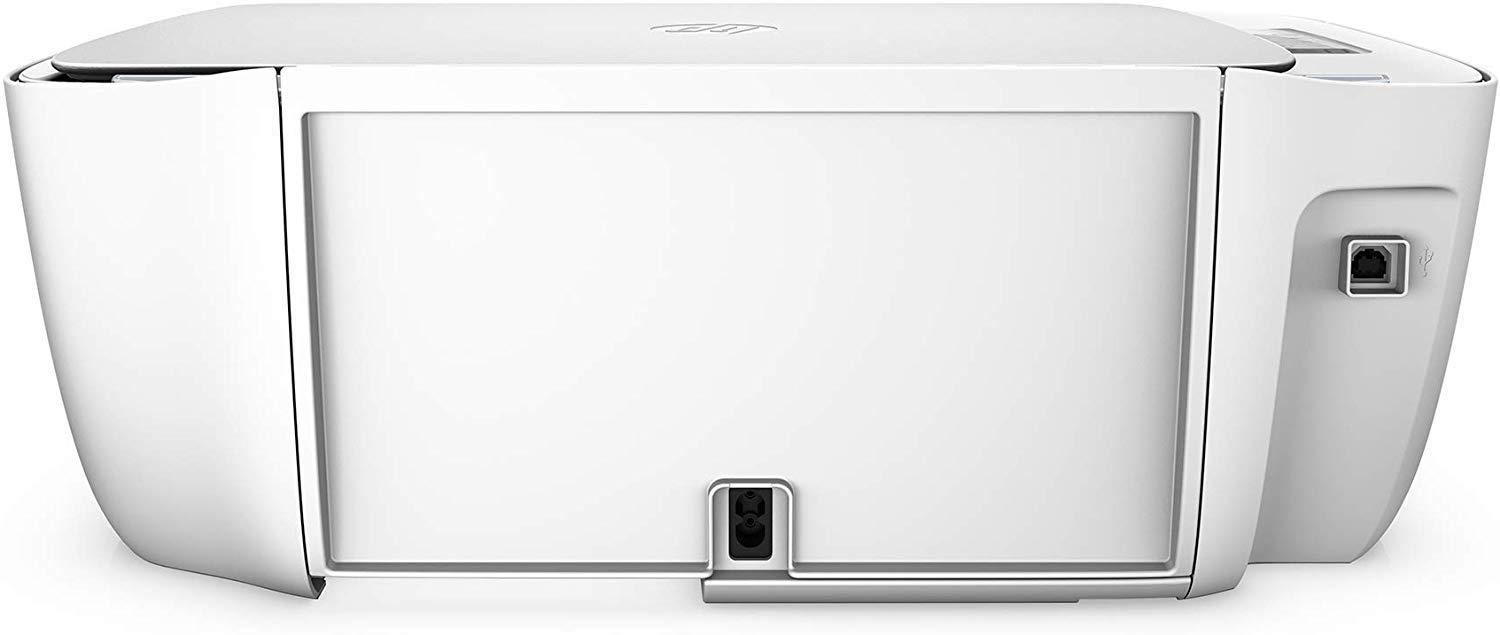
The HP DeskJet 3630 is a compact all-in-one wireless printer designed for professionals seeking seamless mobile printing, scanning, and copying. Featuring 16 ppm color print speed, 4800 x 1200 dpi resolution, and smart home compatibility with Alexa, it delivers high-quality output with versatile connectivity options including Wi-Fi and USB. Its space-saving design and shared ink cartridges make it an affordable, efficient choice for modern workspaces.


| ASIN | B0150OEH3Q |
| Additional Printer functions | All In One |
| Best Sellers Rank | #393,554 in Office Products ( See Top 100 in Office Products ) #587 in Laser Computer Printers |
| Compatible Devices | Smartphones |
| Control Method | Voice |
| Controller Type | Amazon Alexa, Vera |
| Customer Reviews | 3.9 3.9 out of 5 stars (388) |
| Date First Available | September 6, 2015 |
| Dual-sided printing | Yes |
| Duplex | Manual |
| Global Trade Identification Number | 00889296079422 |
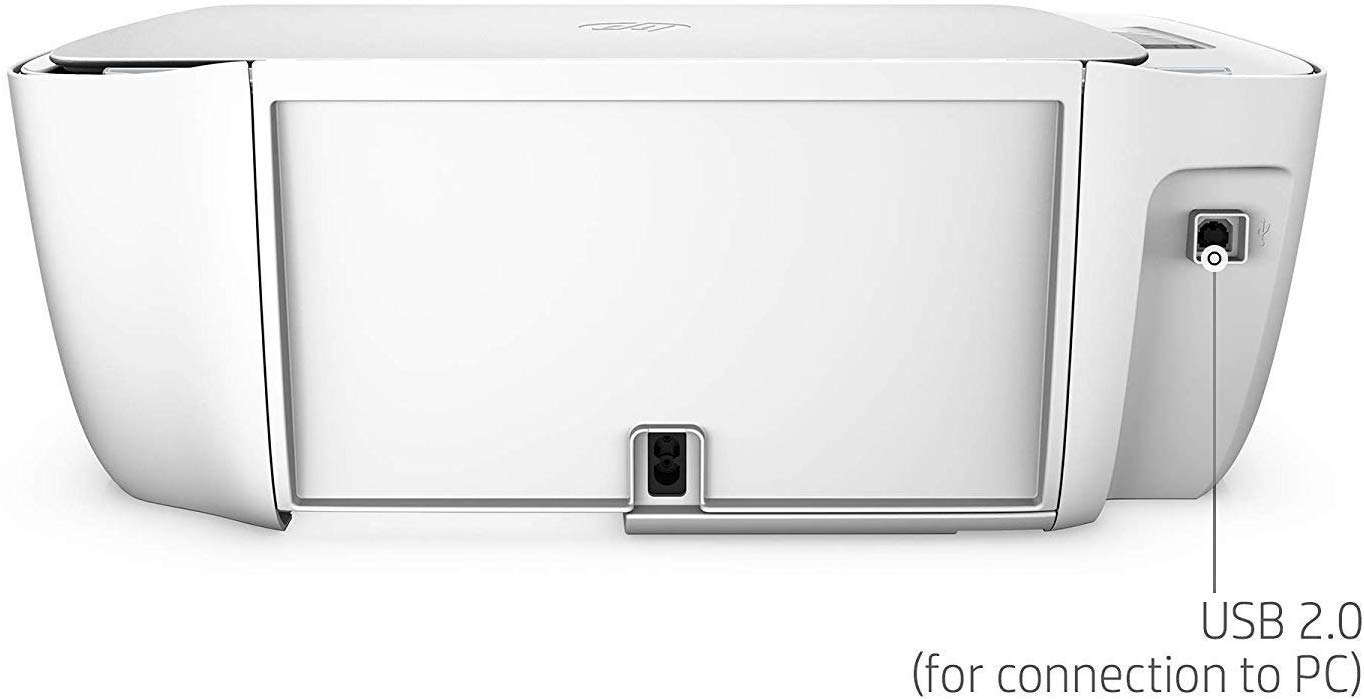
| Hardware Interface | USB 2.0 |
| Included Components | HP 63 Setup Black Ink Cartridge, HP 63 Setup Tri-color Ink Cartridge, HP DeskJet 3630 All-in-One Printer, Software CD |
| Ink Color | Black |
| Is Discontinued By Manufacturer | No |
| Item Weight | 9.19 pounds |
| Item model number | F5S57A |
| Manufacturer | HP |
| Manufacturer Part Number | 2N |
| Max Input Sheet Capacity | 100 |
| Max copy resolution black-white | 600 dpi |
| Max copy resolution color | 4800 x 1200 dpi |
| Maximum Black and White Print Resolution | 600 dpi |
| Maximum Color Print Resolution | 4800 x 1200 optimized dpi |
| Maximum Media Size | 8.5 x 14 inch |
| Memory Storage Capacity | 64 MB |
| Model Series | F5S57A |
| Number of Items | 1 |
| Number of Trays | 2 |
| Number of USB 2 Ports | 1 |
| Power Consumption | 10 Watts |
| Print media | Card stock, Envelopes, Glossy photo paper, High-resolution paper, Labels, Paper (plain) |
| Printer Ink Type | Black and Tri-color |
| Processor Count | 1 |
| Product Dimensions | 12.21"D x 17.25"W x 6.22"H |
| Scanner Type | Flatbed |
| Sheet Size | 3 x 5 to 8.5 x 14, Letter, Legal, Envelope |
| Size | Mid-Size |
| Smart Home Compatibility | Smart Home Compatible |
| Supported Media Sizes | 3 x 5 inches |
| Total USB Ports | 1 |
| UPC | 889296079422 |
| Warranty Type | limited warranty |
| Wattage | 10 watts |
C**R
Works as expected
Main reason I bought this item is it uses the same number cartridge as 3 other printers I use at the moment, and it had the disk in case on line installation failed. Makes life a whole lot easier when it comes to changing out spent ink cartridges. I did not install it as a wireless as I prefer a stand alone printer so there is no mistakes mistakes. It did take longer to install with the disk but I managed.
N**E
great price, glad I chose this HP
excellent price, works as expected, I continue to try to set up a "short cut" for the scan function (as I had with my Dell), probably my limited computer knowledge, with the Dell one click and I was at the scan set up screen...right now with the HP, I have several clicks just to get to the scan set up screen...I'm working on this...if I can eliminate steps in the scan function I'd say this "all in one" is excellent for its price...if the software does not allow a simpler scan function I'd have to mark this unit down for its cumbersome scan set up.
M**I
***UPDATE***
***UPDATE*** After dogging HP about this deskjet 3630, I discovered I was having a multiple issues. It occurred to me that the common denominator was the new Chrome OS drive I installed a week ago. Chrome OS and HP weren’t compatible. Chrome OS really isn’t compatible with Adobe Photoshop The cherry on top for me was when it would not permit me to play Amazon Music. I had the latest generation Chromebox. I hate Windows and with a Chromebox the rare updates were for upgrades not patches. That said, I have a Microsoft OS laptop. I hooked the Deskjet up to it, and it was successful the first time. I said all that to say…I apologize HP, it wasn’t you. It was my Chrome OS. Next logical buy for me…a Mac Mini. I’ll be keeping the HP Deskjet 3630. : ) It's bad enough that this printer only prints pages upon pages of HP Status Reports (wasting crazy amounts of paper with gibberish), but there is NO HP support of any value online. HP removed their customer service phone number from Google. What's that tell you? I've had this garbage for over 30 days, so a refund is unlikely, however, I'm going to need to buy a real printer ASAP! I'm hauling this trash to the Salvation Army, with an apology. I am livid! This is one of the single worst purchases I have ever made. Shame on HP!
R**N
Skip this printer
I bought this printer brand new and it has done nothing but print poor quality documents. The copy and scan work fine. But, we buy printers mostly to print things. I waited 1 week too long and can't return it but it is nothing but a pile of junk. HP has this Print and Scan Doctor which has never really worked on any HP printer I've owned. My memory ain't what it used to be or I would have passed on HP. In the world of technology, HP stands out as having incredibly inferior products. Technology hasn't really dealt us an economical, reliable, and easy-to-use printer in a world that's turning to artificial intelligence. It's like the combustible gas engine running along in a world where we should all be driving inexpensive alternative fuel vehicles.
S**R
Nice printer
Nice looking printer and just the right size for my desk. Scanner works great and printer is wifi.
C**E
ONLY WORKS ON 2.4 GHZ WIFI TECHNOLOGY!
Very important to note that this printer WILL NOT WORK ON 5 GHZ WIFI. This is not mentioned once within the Amazon listing, nor on the printer box itself. The only way you find out about this is during the printer setup when the driver software tries to connect your printer to your wifi and gives you that error message. You basically have two options to attempt if you are on a 5 GHZ wifi, as most modern technology is: 1. Downgrade to a 2.4 GHZ wireless router. This means spending more money, to DOWNGRADE, if you buy your own router. Or if you get your wireless router through your internet service provider, it means having to spend tie and possibly money to contact them and have them supply you with a 2.4 GHZ wireless router...if they even provide them anymore. 2. Hope that you have a dual band router that offers both 2.4 GHZ and 5 GHZ. If you are fortunate enough to be in that situation, you will have to figure out how to switch your router to operate on 2.4 GHZ. If you get your router from your internet service provider, this means spending lots of time on the phone with them, especially if they have no idea what you are talking about on the customer service side, in order for them to step you through the process. Even if you can get your router switched to 2.4 GHZ, this means the device you are printing from must also be connecting to the 2.4 GHZ spectrum when you want to print. This means you will be receiving half the wireless speed. Now you could manually switch your printing device to the 2.4 GHZ spectrum every time you want to print, then switch back to 5 GHZ afterwards, but that's just ridiculous to keep doing, especially if you print often. If none of those options work for you, there could be some fancy techy trick that provides a workaround, but most likely you will have just spent a lot of money on a printer that only allows you to print with USB cable attached, as if its still the 1900's. This is very deceitful of HP and of the seller, if the seller is even aware of this. UPDATE I increased the star rating on this from 1 to 3 stars, because the lack of info within the listing regarding the printer not working on 5GHz apparently can't be controlled by the seller. Seller was very responsive to my return request, and provided prepaid shipping label to return the product. I will be returning the product in a couple of days. If for some reason my refund is not credited or the prepaid label doesn't work, I'll repost, but if you don't hear from me again, everything went smoothly and this seller can be considered a trustworthy seller with great customer service.
D**E
Wish we had bought this printer when it first came out!!
We bought this used and ready to print straight out of the box and it is a dream for only $60! been limping along with our old HP printer for years before it finally gave up & died. This is a very fast efficient printer that uses very little ink & we really love it!
S**.
Perfect Printer
Great printer for my home office. Light weight and so very easy to install. Does not take up a lot of room Perfect!
R**N
I HAVE USED HP DESKJETS FOR YEARS. THIS ONE IS AS GOOD AS ITS PREDECESSORS. IT WAS EASY TO INSTALL, WORKS AS A PRINTER, COPIER, AND SCANNER. I CANNOT FAX DUE TO THE CABLE. IT IS VOSP. I WILL CONTINUE TO USE HP PRINTERS AS LONG AS THEY ARE GOOD AS ALL THE OTHERS I'VE HAD.
A**R
Delivered on time, works great but I think it’s a budget printer so don’t expect glossy quality...printouts can be a bit dull but it’s great for what I need it for right now which is university student printing
C**I
Une belle machine multifonctions, d’utilisation pratique . Encres trop cheres
L**H
Item is as described
L**L
Printer came right on time and it looks just fine BUT the drivers are Canada. I can not use it in the USA. Not sure what to do and HP is not helpful in the less.
Trustpilot
4 days ago
3 days ago