Desert Online General Trading LLC
Dubai, United Arab Emirates
Desert Online General Trading LLC
Dubai, United Arab Emirates


🎮 Game On-the-Go with Style!
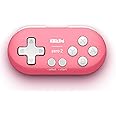
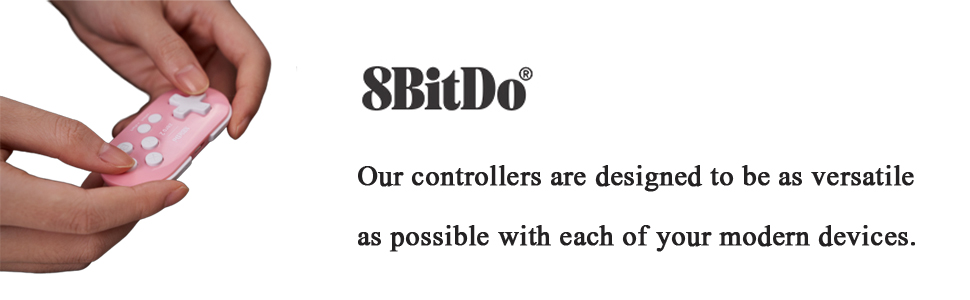
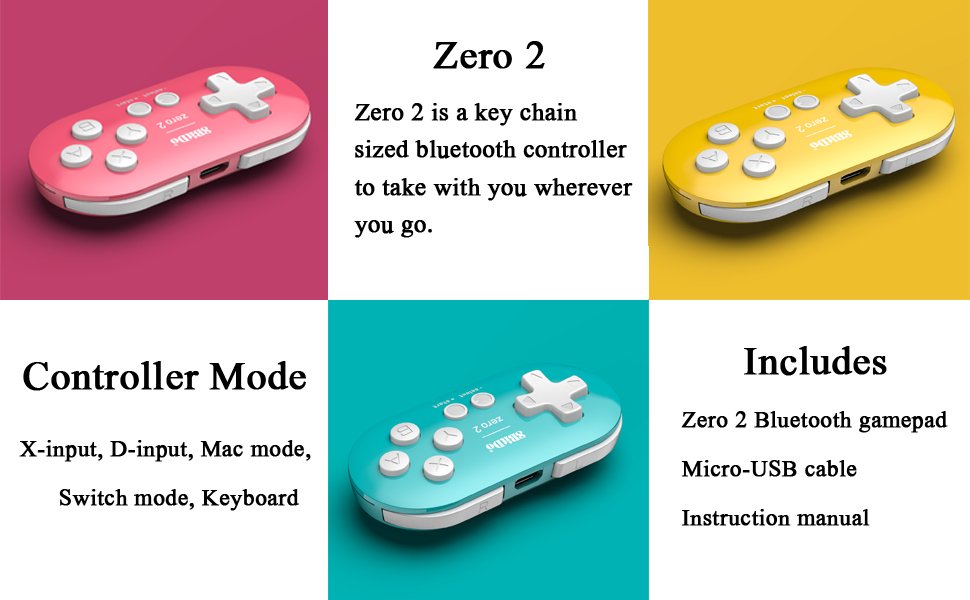
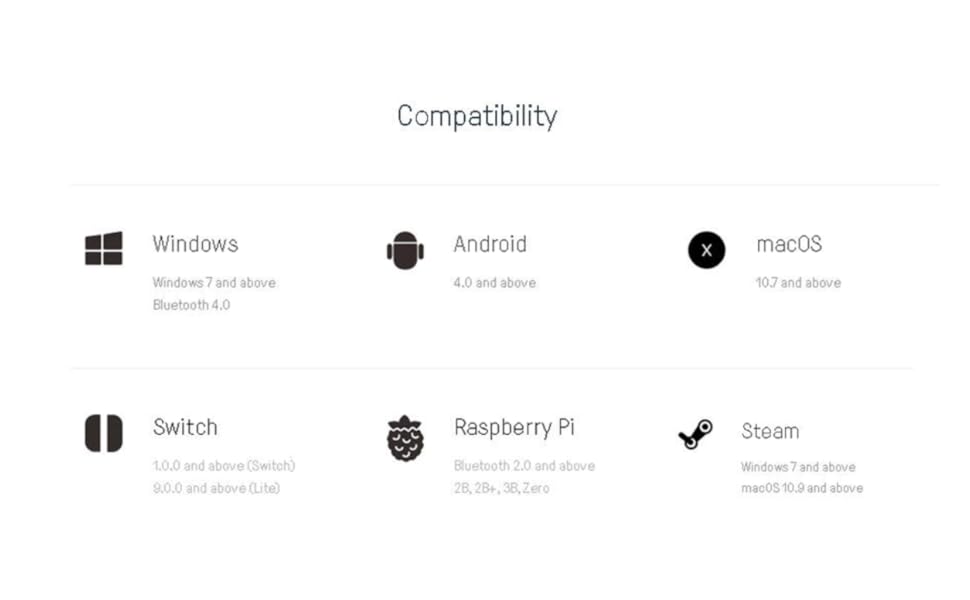
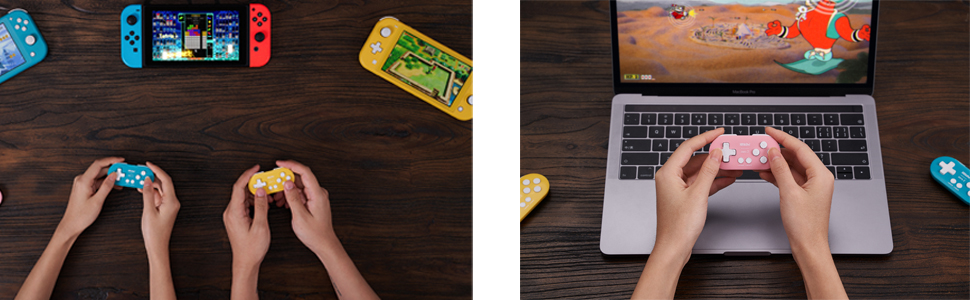
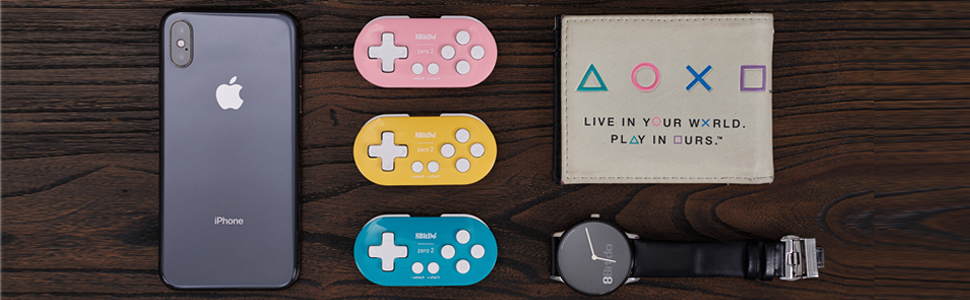
The 8Bitdo Zero 2 is a compact Bluetooth mini controller designed for 2D gaming across multiple platforms, including Nintendo Switch, Windows, Android, and macOS. Weighing only 0.74oz and measuring 2.9" x 1.5" x 0.6", it’s the perfect travel companion for gamers. With a built-in 180mAh rechargeable battery, enjoy up to 8 hours of gameplay after just 1-2 hours of charging. Its ergonomic design allows for comfortable one-handed use, and the firmware is upgradeable to support five different controller modes.
M**M
Perfect alternative for expensive ipad companion devices
perfect size that can be taken anywhere, you can program it to fit the drawing app of your choice, works like a charm and only 20$ for 200-300$ alternatives
H**H
Perfect for anki
Purchased this for studying with Anki. Make sure to pair in keyboard mode, and use an application like Karabiner Elements to bind the keys to do what you’d like, there are many tutorials online. Took me only a few minutes to set up, and it’s very nice and convenient for studying! Haven’t tried it for gaming yet.
M**H
Much better than “Anki Remote”
Great product. Full disclosure: I’m not tech savvy at all. I’m terrible with computers and I absolutely dread downloading programs and figuring things out.That being said, I initially bought “Anki Remote” and had an absolute nightmare trying to figure it out and I FAILED. I couldn’t get it to work. It was glitchy and I couldn’t get to use all the buttons. Their support was helpful but I had already moved on and I decided to buy this 8BitDo product and I got it to work right away. There’s lots of helpful instructions on youtube for help. I watched a 3min video by Apoorva Sinha and visited a website by jessefsimon and that was enough for even a computer-illiterate person like me to figure it out. I LOVE this product.
J**
Tiny but mighty!
Perfect for retro games but be warned it’s very small if you’re like me it may be a bit uncomfortable during long gaming sessions. Battery life is great. Charges fast as well. Excellent build should last many years
E**E
Perfect small controller!!
Omg so perfect! No lag, easily connected to my android and worked exactly as needes! Also, so tiny and it came charged. :)
N**K
Yes! Do it! Get it!
Absolutely in love with this cute mini. I love it most because I can play my Apple Arcade games with one hand while also being able to make use of my other hand, e.g., using my phone, tv remote, fork/spoon, etc. It even has a little strap to wrap around your wrist for easier control. Very convenient and extremely cute. I just got another as a Christmas for my friend. She saw me using it and thought it was just as cute as I did.The onlyyyyy downside is that pairing the controller can be quite a challenge. You really need to keep the instructions nearby as there are different instructions for different device brands. And switching between devices, e.g., from tv to iPad, is very difficult. I got tired of the hassle so I just set up everything so that I only use it with my iPad and don’t have to worry about switching devices.Overall, highly recommend this controller.
T**R
Efficiency at Your Fingertips: Mastering Anki with the 8Bitdo
As a medical student navigating the vast world of Anki, the 8Bitdo has become my secret weapon for efficiency and focus. Once programmed to seamlessly integrate with Anki, this remote has transformed my study sessions into streamlined experiences. Here's why this innovative tool has become an indispensable part of my study routine:The 8Bitdo boasts a sleek design and intuitive controls that make navigating through Anki decks a breeze. With a simple click, I can flip through flashcards, mark them for review, or move on to the next without breaking my concentration. This seamless interaction significantly reduces study time, allowing me to cover more material efficiently.Programming the remote to work with Anki was straightforward, thanks to clear instructions and compatibility across different devices. Whether I'm studying on my laptop or tablet, the 8Bitdo ensures consistent performance and responsiveness, enhancing my study experience with its ergonomic design and tactile feedback.Since incorporating the 8Bitdo into my study routine, I've noticed a marked improvement in my retention and overall study productivity. It has enabled me to focus more on understanding concepts rather than navigating through software interfaces, which is crucial in my demanding academic schedule.In conclusion, the 8Bitdo has surpassed my expectations as a study tool for Anki, offering unparalleled convenience and enhancing my learning process as a medical student. If you're looking to optimize your study sessions and streamline your Anki workflow, I highly recommend investing in this game-changing remote.
A**R
Connection issues
EDITED REVIEW: 3 stars: I will add a star because since switching to Mac, I’ve had a MUCH better experience. Mapping keys is way easier and the remote connects every time. However unless you market your product specifically for Mac, it should be just as effective in both windows and Mac devices so that’s why I still won’t give 5 stars. It’s really only a good product for a specific subset of people and it should be good for all users. But yeahhh definitely wayyyyy better and actually useful on a Mac. Also, not many people make mention of this but if you want to use as a keyboard, there’s a specific way to power the remote on so it connects as a keyboard. If you don’t do it that way, it’ll connect as a controller and you’ll have issues with it being recognized as a keyboard. So take note. Those specific instructions are included in the manual.ORIGINAL REVIEW: 2 stars: The reason I give this 2 stars is because it doesn’t really matter how comfortable it is to hold or how good the battery life is if half the time it doesn’t connect. This remote gives me nothing but trouble. Setting it up initially was a hassle. I had to try at least 10 times and then I thought I was in the clear only to find out it doesn’t reconnect to my device after turning my computer off or to sleep. So I have to go through the pairing process again and this only works about 1/4 of the time. My computer will say the device is connected then some unknown error will happen and there’s no communication between the remote and computer. If I want to reconnect it, I have to restart my computer and hope it works after that. Sometimes it does, sometimes it doesn’t. I’m so mad I kept this past the return window. I kept trying to look up solutions and each time thought it was fixed but I should’ve just returned it. Not worth it at all.
Trustpilot
3 weeks ago
5 days ago