
DOWNLOAD THE APP


Customer Services
Copyright © 2025 Desertcart Holdings Limited
DOWNLOAD THE APP


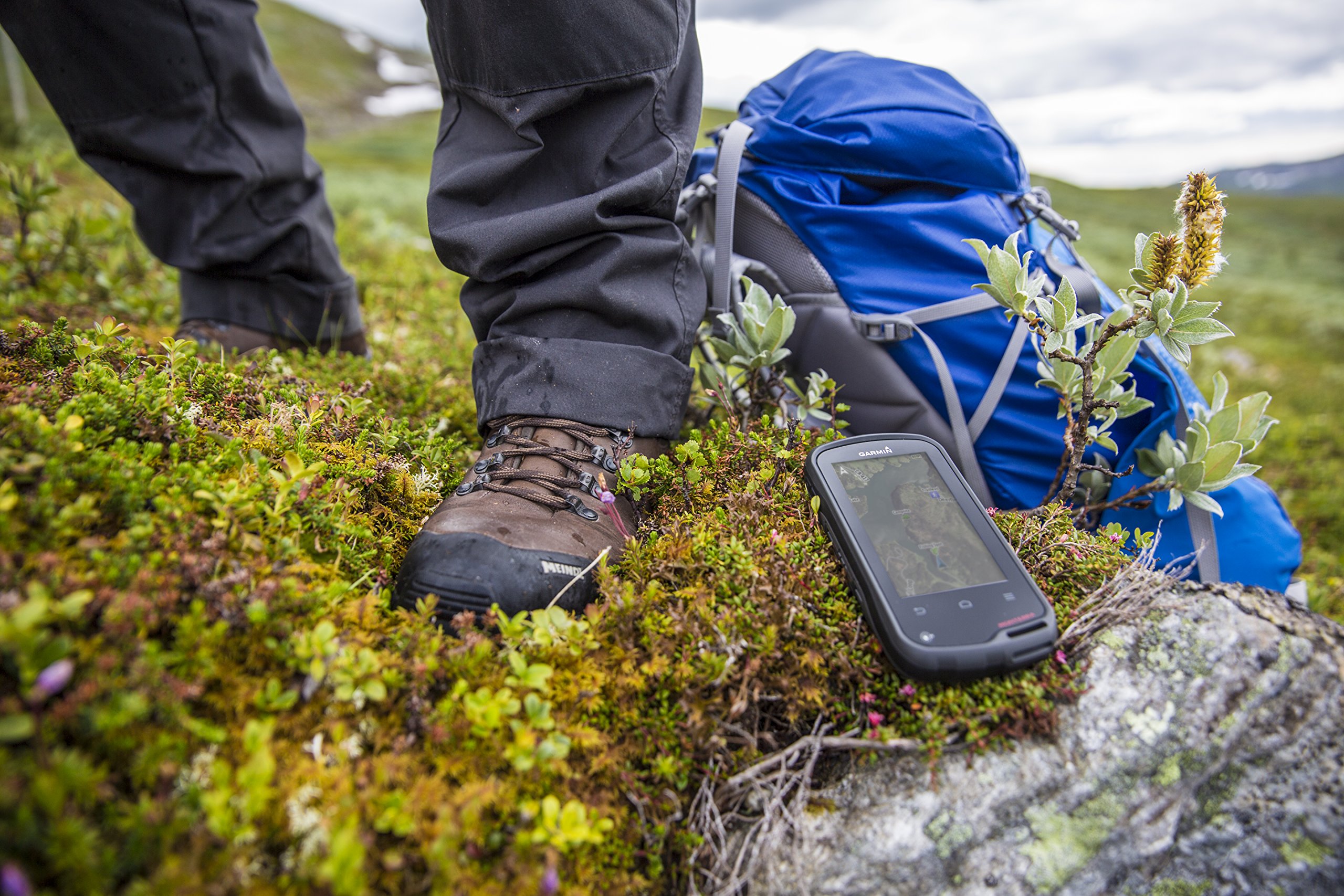
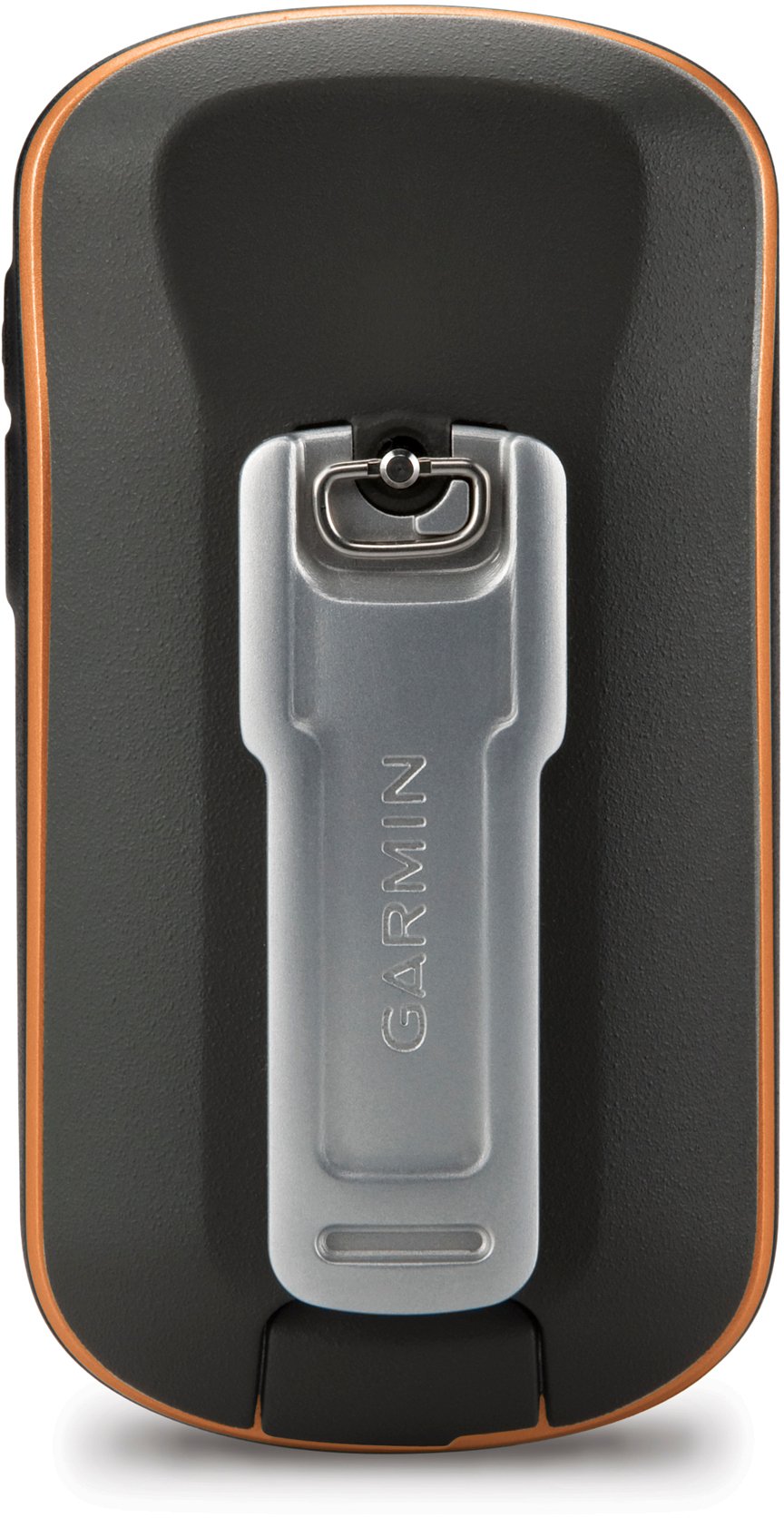
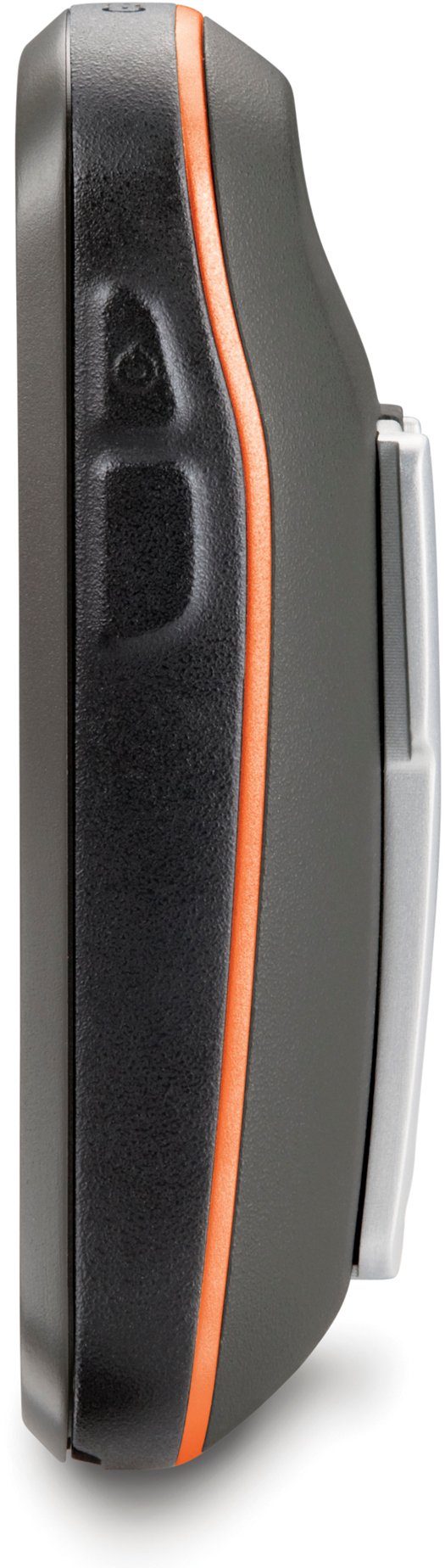

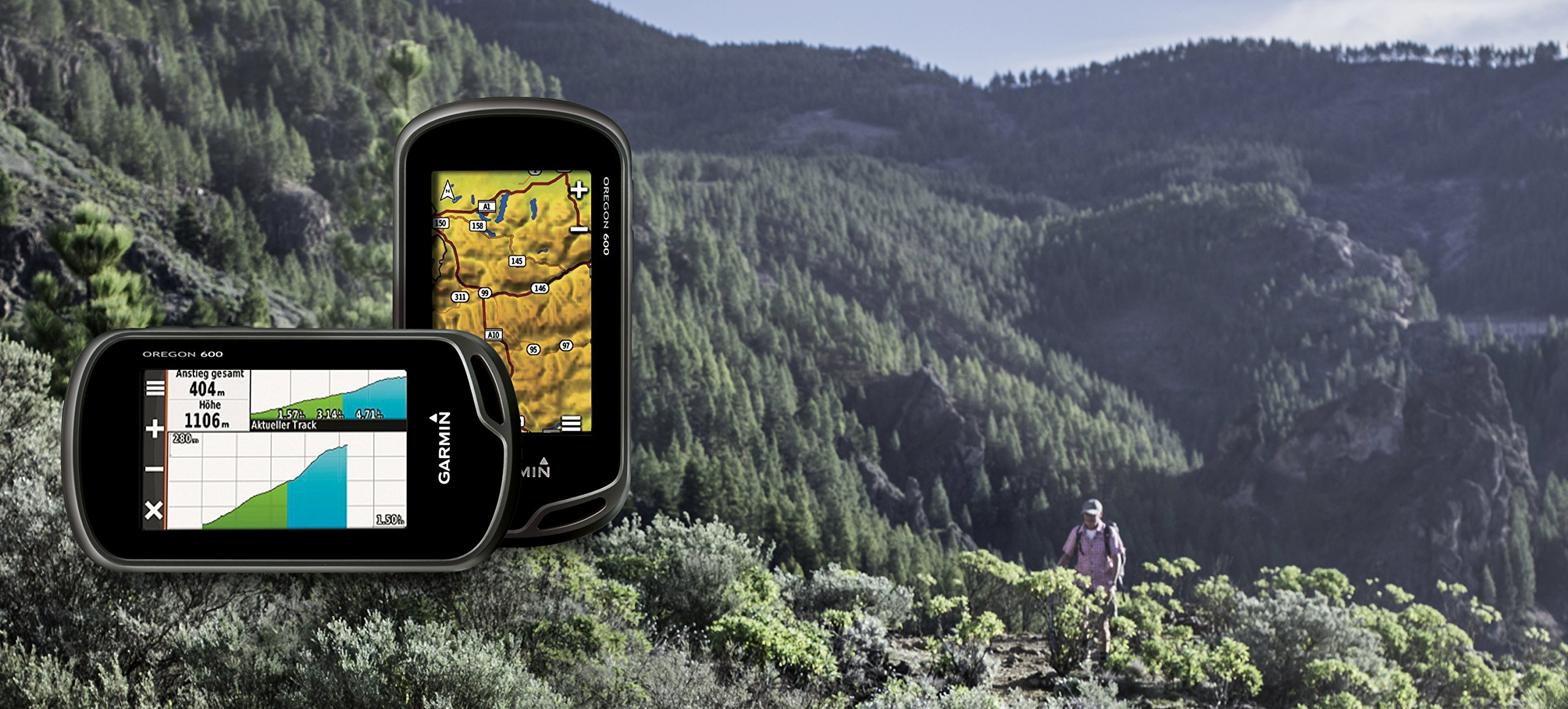




🌍 Your Adventure Awaits: Navigate the World with Garmin Oregon 600!
The Garmin Oregon 600 is a cutting-edge handheld GPS device featuring a 3-inch sunlight-readable touchscreen, dual-band GPS/GLONASS satellite positioning, and advanced sensors for outdoor navigation. With wireless sharing capabilities and a dual battery system, it's designed for adventurers who demand reliability and performance.
| Operating System | Android |
| Memory Storage Capacity | 1.5 GB |
| Touch Screen Type | Capacitive |
| Display Type | sunlight readable touch screen |
| Human-Interface Input | Touchscreen, Buttons |
| Control Method | Touch |
| Are Batteries Included | No |
| Connectivity Protocol | ANT+ |
| Battery Average Life | 16 Hours |
| Mount Type | Wrist Mount, found in image |
| Resolution | 240 x 400 |
| Screen Size | 3 Inches |
| Additional Features | Touchscreen |
| Connectivity Technology | USB |
| Map Types | North America;Topographical;City Tour |
| Item Weight | 7.4 Ounces |
P**D
After software update everything is running great. Excellent product.
*** Update on July 27, 2013The issues with BaseCamp seem to have been fixed in the latest release (late July). I am no longer experiencing the performance issues I originally reported and it is running fine on my Mac. Increasing my rating to 5 stars. I've used the Oregon 600 several times now and think it is very sophisticated, well-made product.*** Original reviewJust purchased the new Oregon 600 but can't actually use it because the Garmin map download hangs on my Mac (OS X 10.8.3). I have plenty of room available on the MicroSD card (4X what is actually needed). I purchased City Navigator NT from the Garmin website, but when I attempt to download the City Navigator NT maps to the Oregon unit (connected by USB) it just hangs and the progress indicator does not update.Restarting Safari (which has the latest version of the Garmin Communicator add-in installed), restarting the Mac, restarting the Oregon unit, and restarting my local network router does not solve the problem. I've retried several times over a couple of hours and it makes no difference. At the point where it hangs I only see a "Estimated time remaining: calculating..."Not sure whether it is a bug in the Oregon 600 software, the Garmin Communicator add-in, or a problem with the Garmin servers.If I can resolve this I will post an update and, hopefully, a review of the actual unit itself. If I can't resolve it I'll be returning the unit to Amazon.There is also an error in the Amazon "Technical Details" listing, which reports that AA batteries are included. They are NOT included.*** Update on June 2, 2013Created a track using the Oregon 600 near my house. The Oregon unit itself is pretty nice -- very nice user interface. But many of the most important features are accessible via the Garmin software for your PC/Mac, and there is where I encountered more problems.As a test I installed the Garmin BaseCamp software on my Mac. I connected the Oregon 600 via USB and the BaseCamp application found the track and downloaded it to my Mac. The problem is that the BaseCamp software temporarily freezes up at almost any action taken, giving me the "spinning circle" icon for as long as a minute until it finally clears. (I have a newer Intel-based Mac so CPU should not be a problem.). If I try something else (zoom the map view, select an item from the icon bar, etc.), I get the spinning circle again. If I restart the application the problem returns. Basically the BaseCamp software is virtually unusable. This is disappointing and suggests to me the Garmin Mac software needs significant work.My initial reaction is that this is very nice hardware but the software is pretty poor. I'm staying with one star for now but would reconsider if Garmin tech support can solve the problem(s).*** Update on June 3, 2013Called Garmin tech support and got a very helpful woman. For the download problem she suggested I try another browser -- either Firefox or Chrome. When I got home from work I tried again to download the City Navigator NT maps using Safari (with the Garmin Communicator add-in) and it worked perfectly. I didn't need to try Firefox or Chrome. My guess is the Garmin servers were "wedged" or something over the weekend and somebody fixed the problem on Monday morning.Regarding the other problem with BaseCamp being very slow, she acknowledged the problem and said they experience this as well. It sounds like Garmin is working on an update that will hopefully improve the performance of BaseCamp. It is too bad that it doesn't work well now, since it has some really nice features. At least the woman in tech support was very honest in acknowledging the performance issues, which left me with a good impression.I've raised my rating to 4 stars based on the fact that the software download issues were apparently a temporary glitch. BaseCamp, however, looks like it is going to be a problem at least until an update is released.As I test out the Oregon 600 in the coming days (now that my map download problems are resolved) I'll post another update.Here are my first impressions of the hardware:> The Oregon 600 is the perfect size. Fits in a standard neoprene camera case. (I didn't buy the Montana because it looked huge.) The Oregon hangs from my belt and the weight was not really noticeable> The touch screen is really nice. Good resolution and very readable. A bit smaller than an iPhone screen, but a bigger screen would have meant a bigger unit. I think the screen size is optimal for hiking> User interface is extremely easy to use. I like it much better than my old eTREX Vista, which was kind of confusing> The Oregon 600 acquired the satellites extremely quickly -- inside my house> Solid construction. Feels like it is really good quality
L**N
The unit is easy to use
Bought this unit for an Oregon antelope hunt in a new area I've never hunted before. With the Oregon map micro SD card installed, the second guessing about where you are at, was over. It helped me tremendously to learn a new area, and navigate thru unmarked two track roads. The unit is easy to use, acquires satellites quickly on start up, and the screen is very readable in the blazing high desert sunshine. The unit did seem to crash on me once when i was playing with it at home, but has not happened again. The battery life seems a lot better than my older rhino, so leaving it on while hiking is not an issue, it also has several reminders when the battery is getting low, so you can conserve battery if needed. The unit is nice and small, fits in the palm of your hand comfortably, so lugging it around was not an issue. I clipped it on to my binocular pouch strap on my chest, and it didn't feel like a boat anchor around my neck. The long walks back to the quad were also shortened by being able to navigate directly to your starting point. Saved time, energy and guessing where you parked after a long hot day on the prairie. Basically, I highly recommend this unit, and amazon seemed to have the best price on it from the research that i did on other sites. Better get one, it will save your bacon in the bush! Oh and yes, i killed my first antelope, a wide 15 inch, with great hooks and splayed out cutters.
B**O
Dear Garmin -- Read This
Not without a few serious problems. But first, the good things:- Sunlight readable display is fabulous. I wish all laptops and nav screens in cars looked like this. Also, adjusting the backlight is super easy which you want to do regularly in actual field use.- User interface is mostly good and intuitive (* see below). Considering how many features are in the product, pretty good design.- Packaging is excellent. Unlike phones, this unit is actually rugged. Buttons are in the right place, Battery door and belt strap work well, etc.OK, now for the bad news:(1) It crashes. I read other reviews but figured that had to be fixed by June 2016. Nope. The trip computer will simply cease functioning, except for its clock. No amount clearing this and that and unlocking fields fixes this problem. It's batteries out, wait, and also factory reset. Then, you lose your settings. Garmin makes avionics products. I can say I would never put a Garmin unit in my plane, if I had one. In a high-end product like this there is no excuse for it to crash.(2) Setting preferences for the trip computer is essentially impossible without reading the manual and practicing. Unlike most else, this is 100% non-intuitive. The + button doesn't add fields; the - button doesn't remove fields. One wrong guess and you have just deleted everything. You really need to have instructions available, on the unit, with a ?? key to get to them. That, or redo the interface for trip computer completely.(3) Elevation does not work. Really. Typical (not average) error is more than 30 feet. Worse, total ascent and total descent are so far off that dead reckoning is more accurate. On a short loop hike it had 620 feet up and 850 feet down. Repeating the same loop was even worse.I did calibration twice, and it ignores that almost immediately. And, this is with 7 satellites in view! Come on guy, there has to be a fix this. You can't even get the elevation the same for the same spot.(4) It remembers only one trip computer results. If that. This is nuts. A real hiker wants to compare morning to afternoon and day-to day. You store 10,000 waypoints (For whom, Lewis & Clarke?) but not even a single trip. You could have little trip selection screen, like you do for waypoints.Other:* I got 6-8 hours from one set of alkaline batteries. CARRY EXTRA BATTERIES. Rechargeable batteries are probably a bad idea if you want to get one full day of hiking. Keep the display light OFF.* Turn on lock-display always. The touch screen is sensitive and the unit will wander off into the most bizarre menus if you don't. No matter where you put it, the screen will think there are touches.* Take some time to learn the unit. You can customize just about any display.* The computer and download map interface is very funky. Just so you know.Update:* Crashes regularly. The trip computer is effectively worthless because it crashes before, during or after each trip. How am I sure that the unit has "crashed?" Well--full batteries, bright display, nothing works, cannot even turn off.
Trustpilot
1 week ago
2 months ago